StudyStack
StudyStack.com is an amazing website that lets you create digital flash cards and many other interactive study games as well as awesome printables.
StudyStack.com is an amazing website that lets you create digital flash cards and many other interactive study games as well as awesome printables.

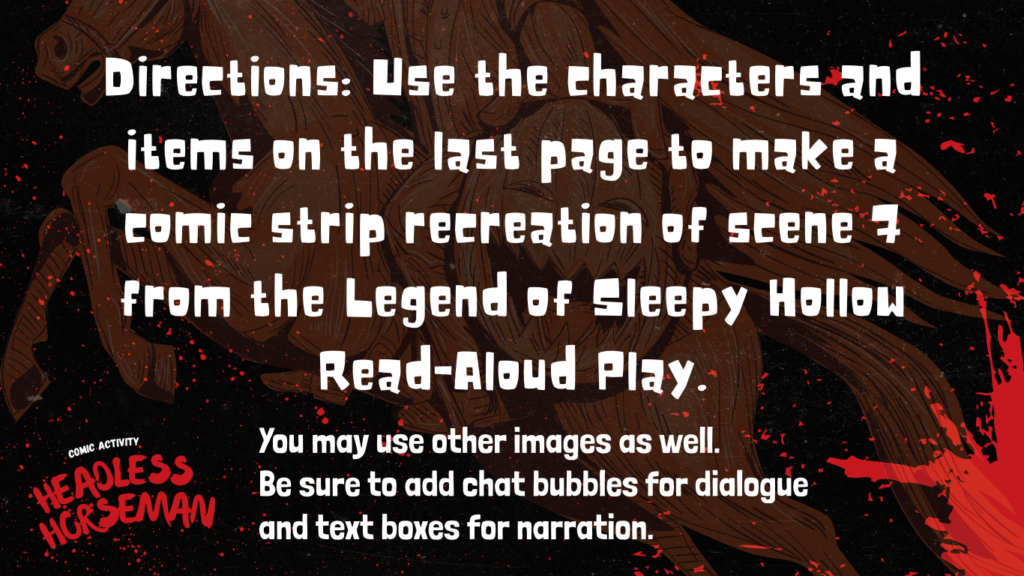
Here is a headless horseman comic activity for you. It is in Google Slides and can be assigned in Google Classroom. There are preloaded backgrounds and comic strip characters for students to use. The assignment is for them to recreate scene 7 (from The Legend of Sleepy Hollow Read-Aloud Play by Storyworks) as a comic strip.



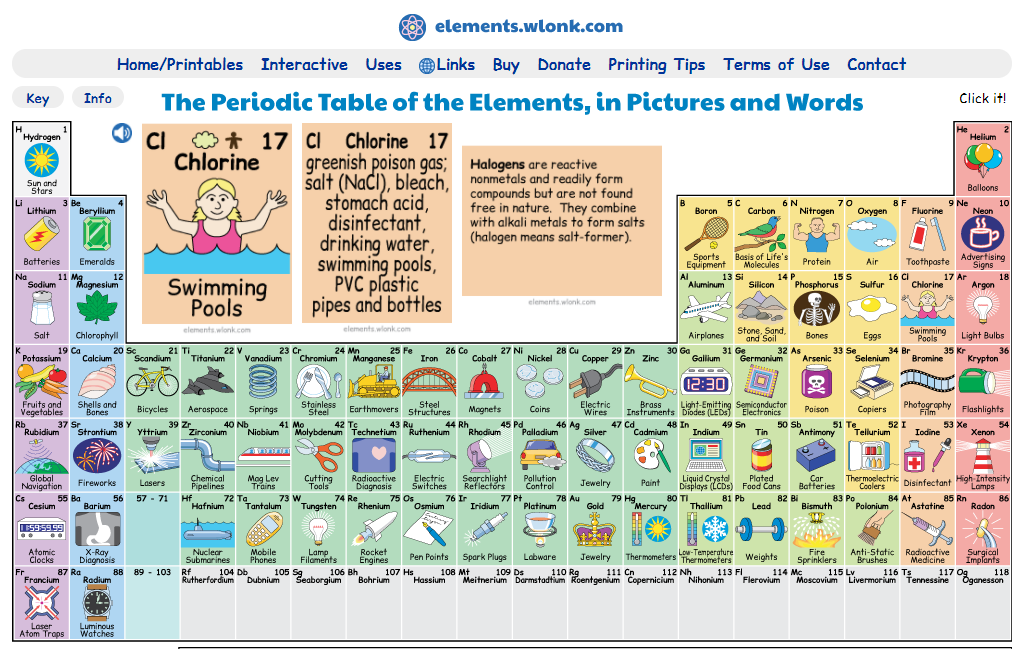
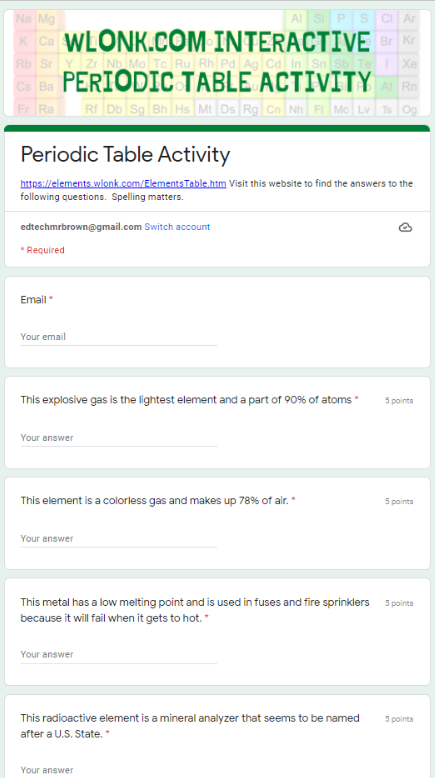
Here is a cool digital Periodic Table with some interactive elements to it. I have created a 20 question activity to accompany this resource. The activity is a Google Form. The questions are all short answer and self grading. The button below will download your own copy of the activity that you can assign to your students to get their results.
Here is a quick guide on how to pin a website to the shelf on your Chromebook. It’s a little faster and definitely cooler than just saving something to your favorites. This will open a browser directly to the resource you want your students to access. This is a very cool idea. Thanks to Mrs. Nelson and her math team who are creating a Google Site of resources for their students to pin to the shelf of their Chromebooks. This is basically the same thing as pinning a program to the task bar or desktop on your windows PC.
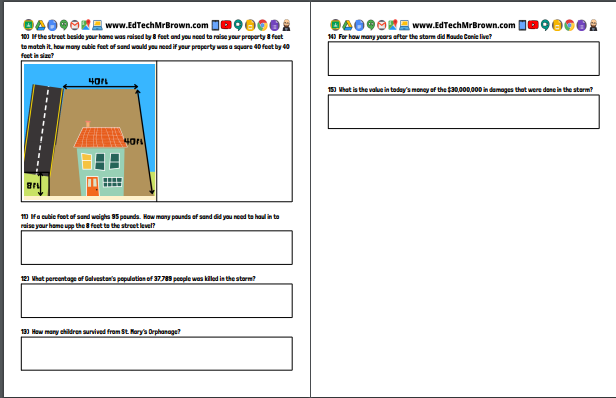
I am very excited to present to you this activity that I think is UhMazing, but I am biased. This activity was created in Google Docs and intended to be assigned digitally in Google Classroom. There are preformatted answer boxes following each question for students to put their answers in. Of Course it could be printed and handed out as well.
This activity is amazing because it covers so many content areas. It is an ultimate cross curricular activity. ELAR, plenty of exciting and engaging reading. Science, weather and hurricanes of course. Social Studies, history, as well as maps and charts, primary source pictures. Best of all Math, all of the questions that follow the article are math based questions asking students to use counting, subtraction, multiplication, area, volume, and more.
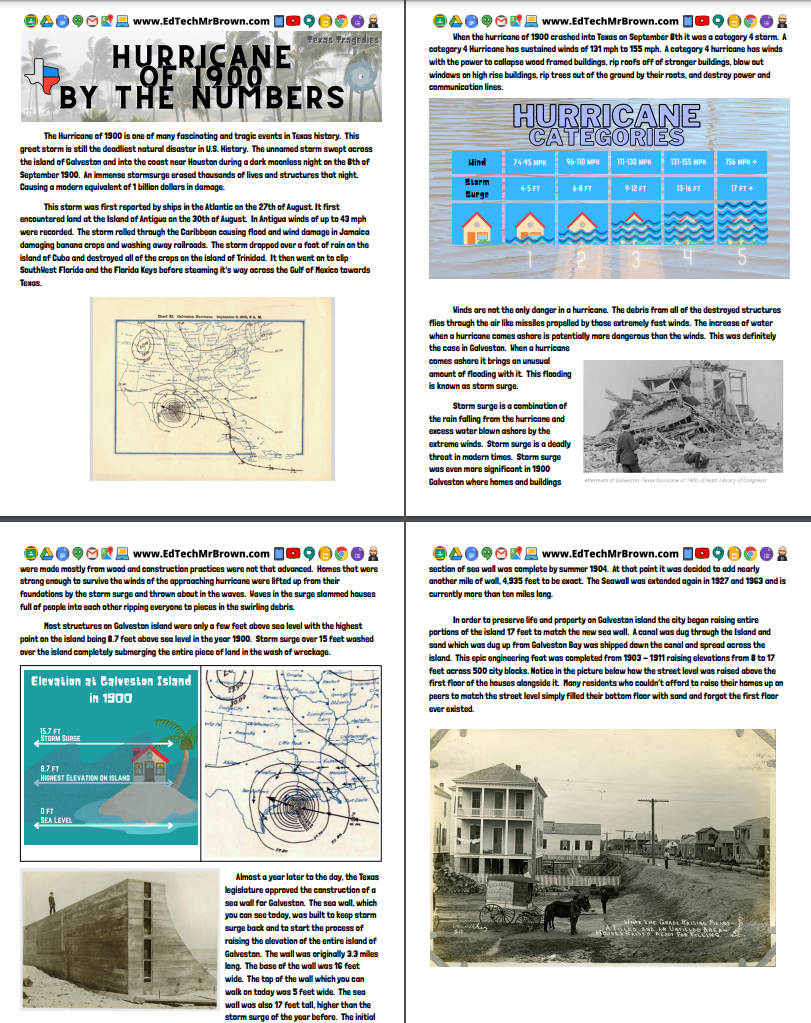
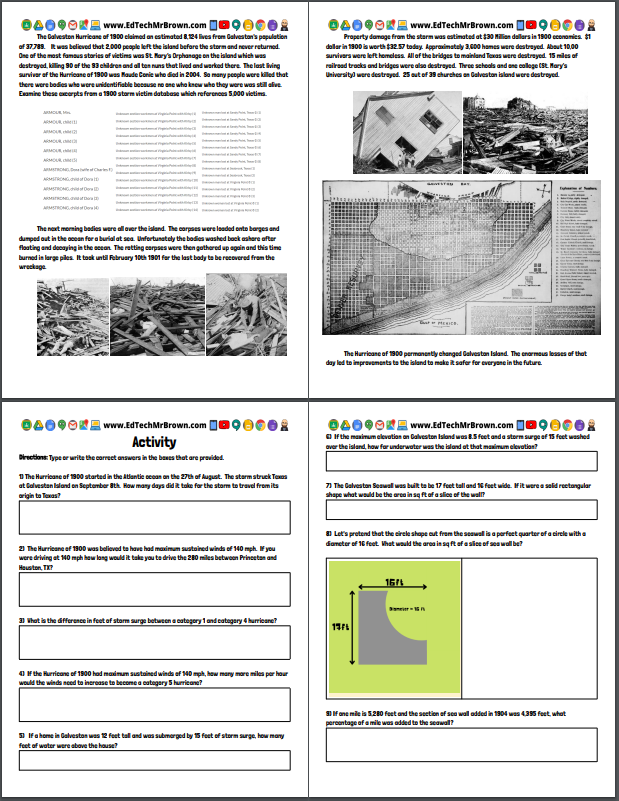
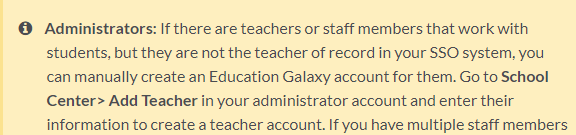
Principals. You may need to add Special Populations teachers with out a homeroom class to Education Galaxy. If you do this is that super fast and easy process.
https://help.educationgalaxy.com/article/j6rfmpa26l-how-to-activate-lift-off
Above is a link to Education Galaxies directions on how to change your students between Education Galaxy and the Lift off program. Education Galaxy is the main system that you ideally need your students working and improving in. Lift Off is to help struggling students catch up to grade level. Once a student has caught up to grade level in Lift Off they need to be switched back to the Education Galaxy Platform.

Here is a quick guide on how the Diagnostic Pretest works in Education Galaxy and Lift off.
If you are a special populations teacher you may need to create classes in order to view your students’ Education Galaxy Progress. Here is a quick guide on how to do that.
Here is an article from the Washington Post about the current volcanic eruption on the island of La Palma. There are some check for understanding questions that go with the article which include a little cross curricular math action. This activity is made in Google Docs and designed to be easily assigned in Google Classroom. There are answer boxes on the assignment for students to type their answers.

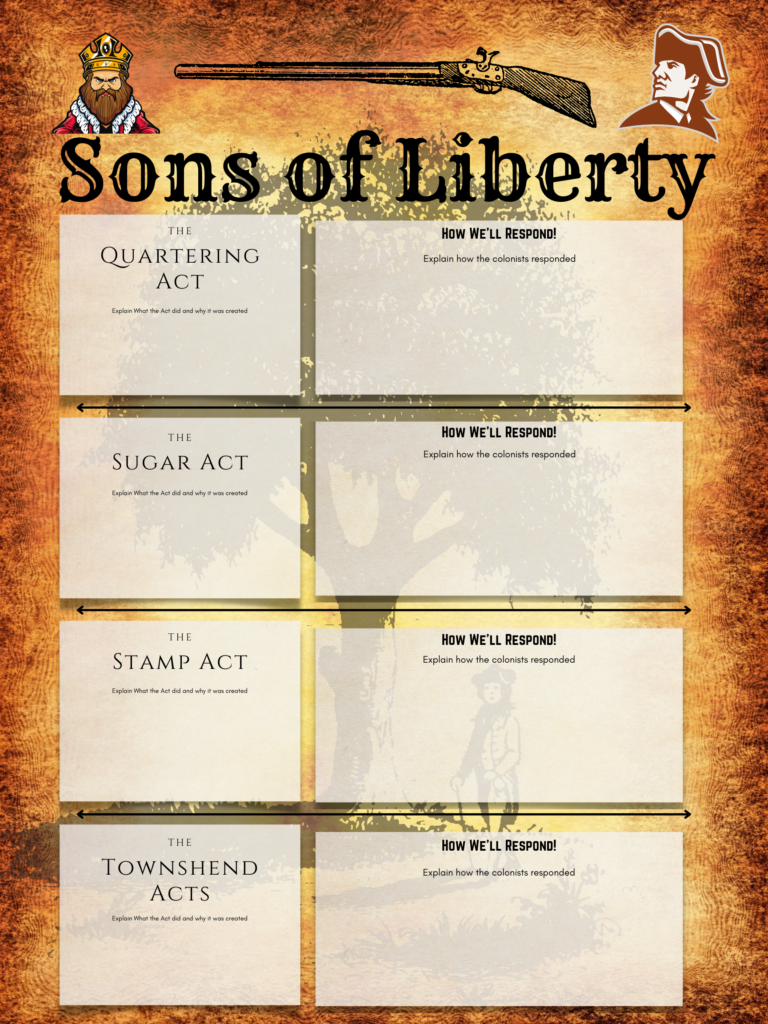
Canva.com Sons of Liberty Propaganda Poster
Here is the template for this activity. Have your students edit the template to explain each of the British Parliamentary Acts making sure to detail why they were passed and what they did. Students also need to explain how the colonists reacted to each of the Acts.

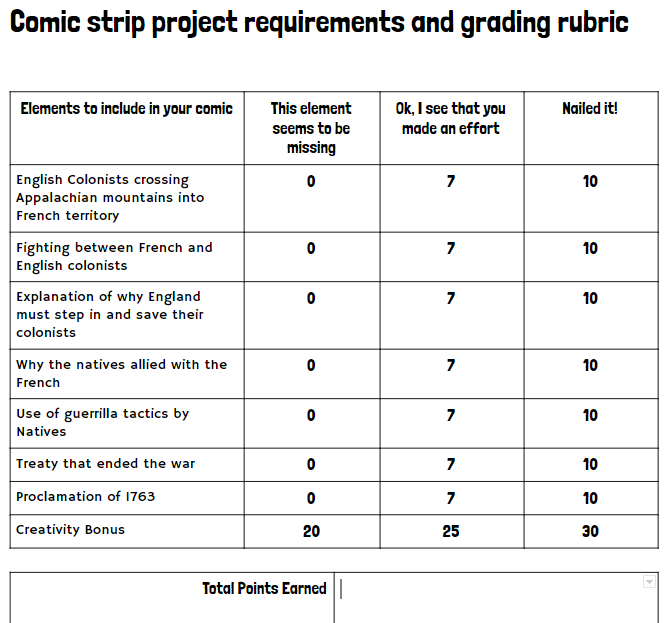
In this lesson students will create a comic strip that explains the events of the French and Indian War.
Sign up for an account at www.storyboardthat.com You will get a 14 day free trial so don’t sign up until you are ready to assign this project. Pixton is another option to use that is worth checking out as well.
Here is a super lame example I made a decade ago in Microsoft Paint so your students comics should dominate mine.
Web Paint is a Chrome extension that lets you annotate on live web pages and save your annotations as a screen shot. This could be a very good tool for exploring and analyzing digital primary sources.

Khan Academy is an enormous resource for you and your students. I will let Khan Academy explain themselves to you below.
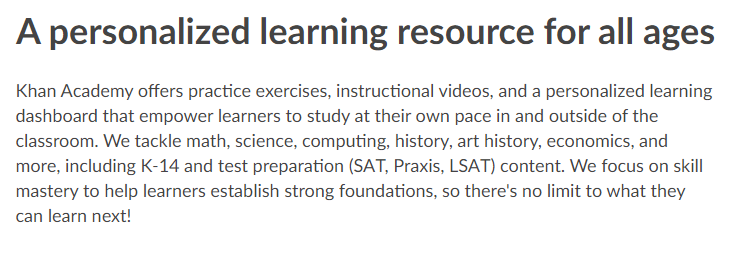
Now at Khan Academy on top of all of their immensely valuable resources is a new set of courses designed to help students close learning gaps on many math topics from 3rd grade through HS Calculus. This might be a great activity to assign to your students during down time on test day after completing a unit test.
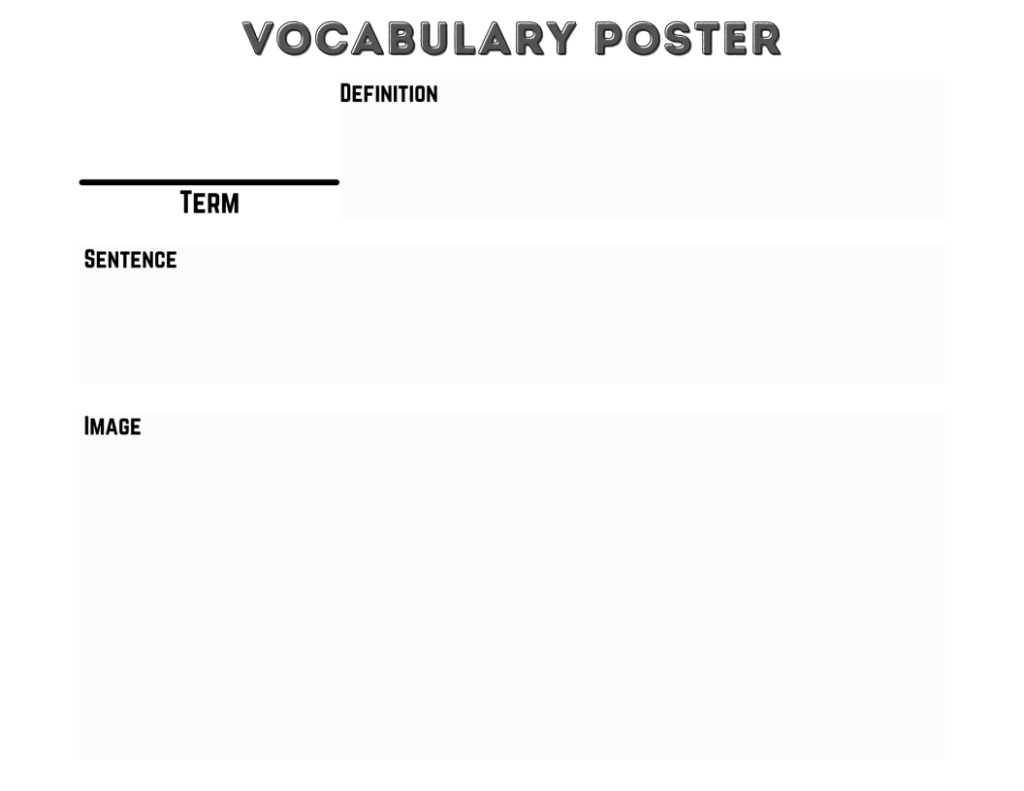
Vocabulary posters are a fantastic activity for pre-teaching vocabulary at the front of a new unit. Pre-teaching vocabulary is a big benefit for all your students not just your special populations. You can provide the definition or have students create/find their own definition. Have students use the word accurately in a sentence. Also have students demonstrate their comprehension of the word by representing it visually through a drawing or finding a an image.
Here is a Google Slides Template for vocabulary posters. You can assign this in Google Classroom or even just print it out and go old school with it. Be clear with your expectations for your students. Do you want them to copy your definition or create their own? Do you want the students to find an image or draw their own? I left the directions off so that you can customize that to your needs.
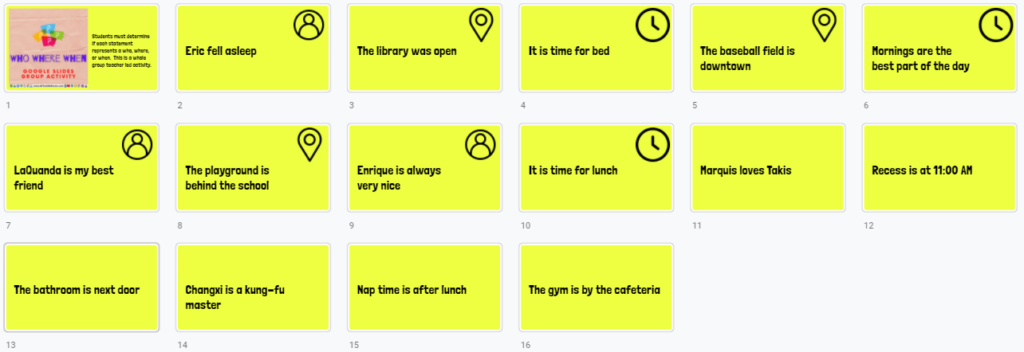
Students must determine if each statement represents a who, where, or when. This is a whole group teacher led activity.
Super quick and easy, How to convert a PowerPoint to a Google Slides Presentation. Do heed that warning you get about some features not transferring over. That will definitely happen. Also remember that this Google Slide will be a totally new and separate file.
Here are a few different resources on how to make animated gifs. Gifs are like short video clips with no sound. Gifs can be very powerful teaching tools. Gifs are more exciting and more informative than an image. You or your students might make gifs to explain a concept, demonstrate a vocabulary terms meaning, explain mood or tone in a passage, predict or even show their own scientific experiments results, reenact historical events, showing steps to a math problem, etc.. Perhaps you have searched for a gif before but couldn’t find exactly what you needed. Now you can make your own. Jump in and get your students making gifs, they will enjoy it as it is a relevant and engaging activity for them. Please send me your gifs and the cool ideas you had for getting students busy making gifs.
Here is a simple young student friendly gif maker from abcya.com
https://www.abcya.com/games/animate
Gifcap captures your screen to create a gif
Unscreen.com let’s you remove the background from a video and turn it into a gif.
Capture to a Gif is a chrome browser extension that can pull a gif right from your screen in a screen clipping fashion capturing only the are you want. I can see this being an incredibly valuable tool.
https://chrome.google.com/webstore/detail/capture-to-a-gif/eapecadlmfblmnfnojebefkbginhggeh?hl=en
Expert Groups
Divide all of your students up equally into Expert Groups.
Assign a different topic from the unit to each expert group.
Expert Groups must collaborate online to create one digital graphic organizer that thoroughly and accurately explains their topic.
You might want to include specific requirements to lead your experts in the right direction.
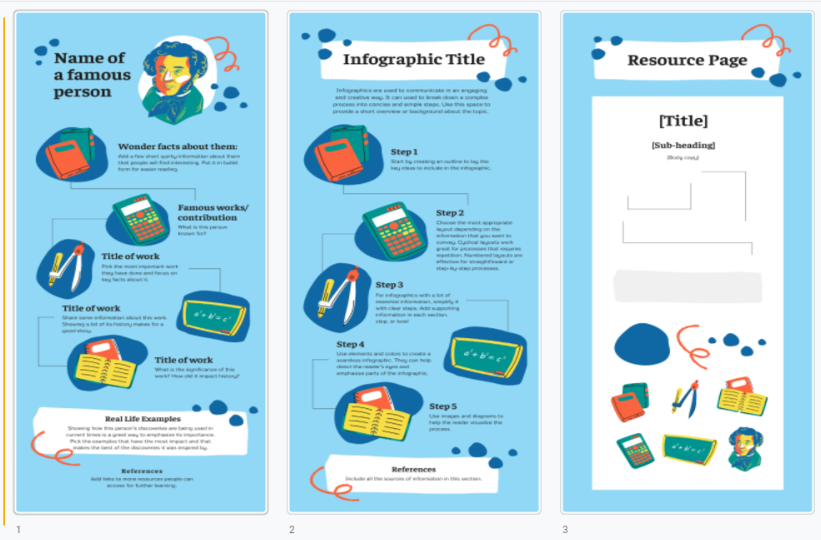
Expert Groups need to choose an infographic template from the list here at Canva.com
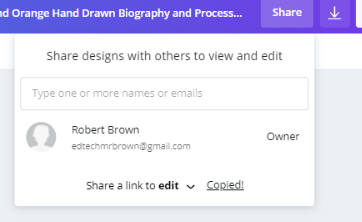
They can share and collaborate on the same infographic by clicking share and then share a link to edit.
Teaching Teams
Teaching teams should be made up of evenly distributed students, one from each expert group.
Each teaching team needs to create a copy of this collaborative Google Slides Presentation and share it with everyone in their teaching team. Each expert needs to upload their infographic to the Google Slides Presentation.
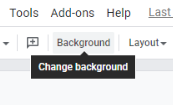
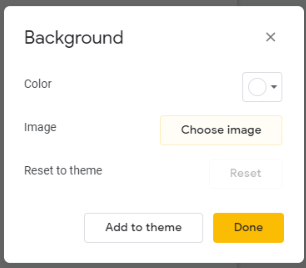
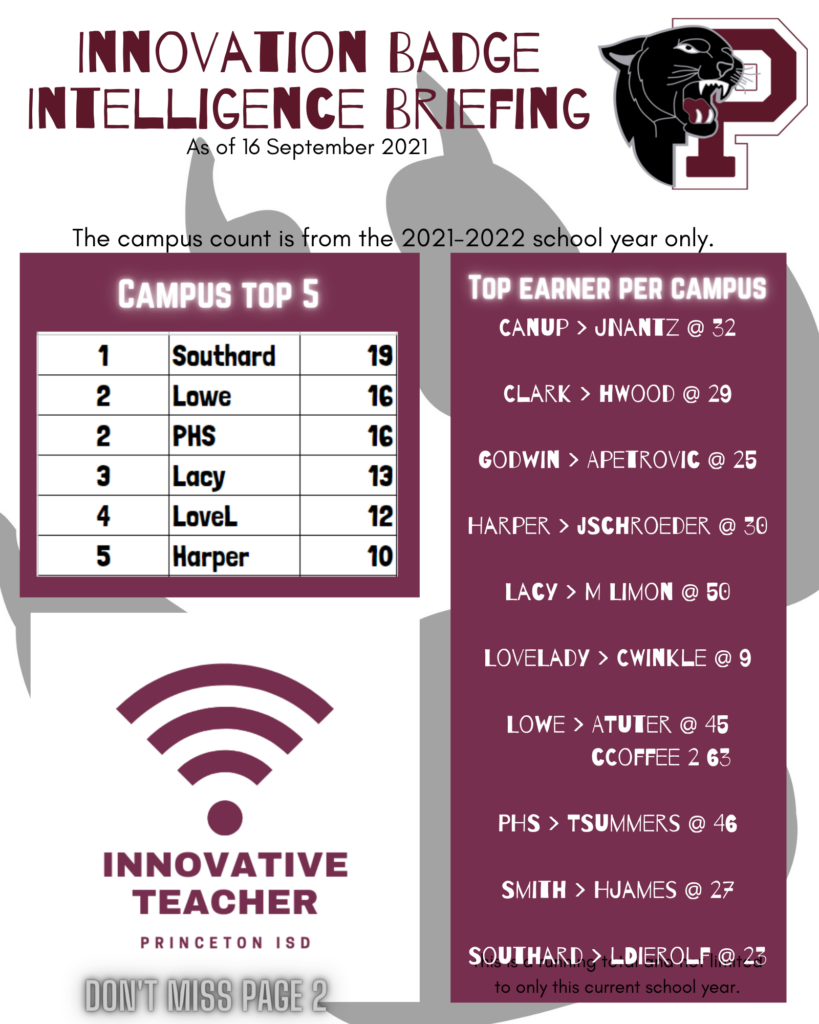
Experts should download their groups infographic as a PNG image file. They then need to upload that image file to the background image of their slide in the collaborative Google Slides Presentation (directions follow below).
Teaching Teams should then take turns teaching each topic to their team using the infographic as a guide to their teaching.