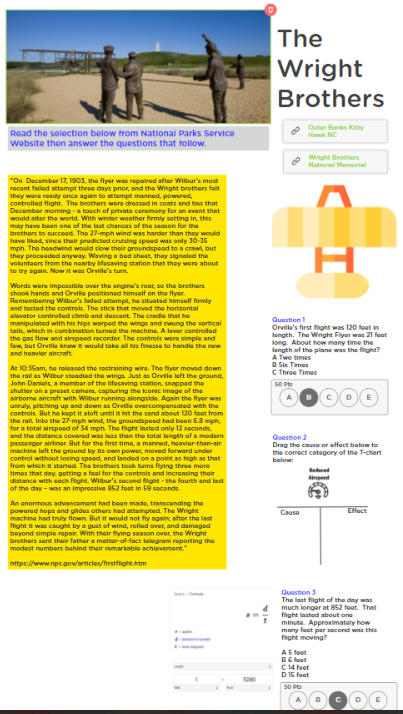
Here is a cross curricular activity ClassKick to accompany your lesson on the Wright Brothers. This activity involves reading a selection on the history of the Wright brothers first flight. There is a Cause and Effect question to accompany the reading. There are also 2 calculation questions based on the data of the flights that day.
Using text boxes, inserting shapes, inserting lines, changing colors of shapes and lines, changing order of shapes, completing EdPuzzles, drag and drop, justification, analysis, Geography, evaluating sources, reading, researching, personal relevance, written composition,
This activity covers topics including:
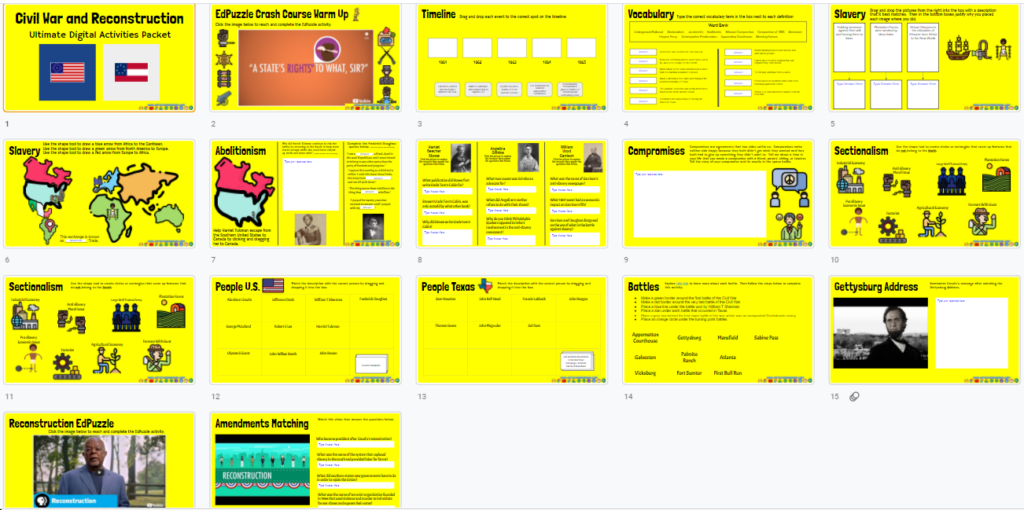
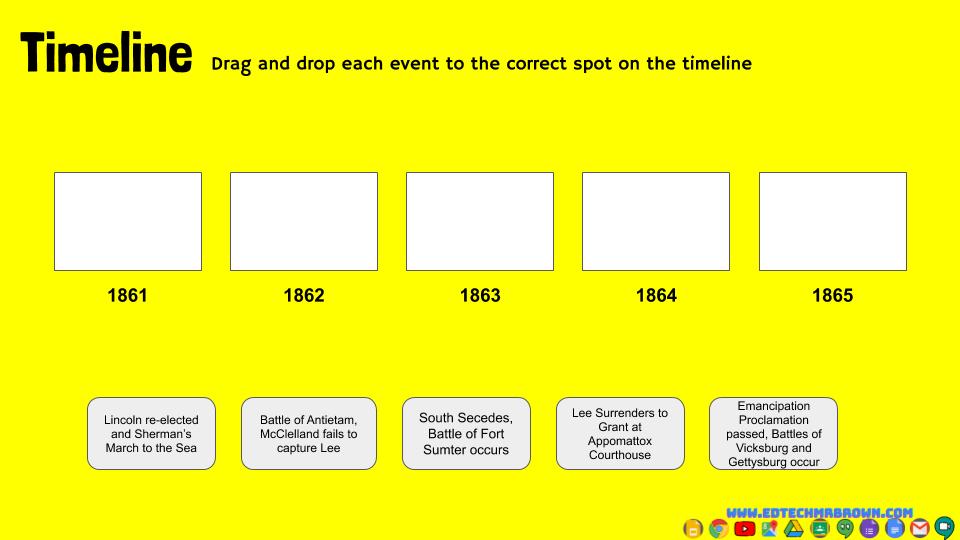
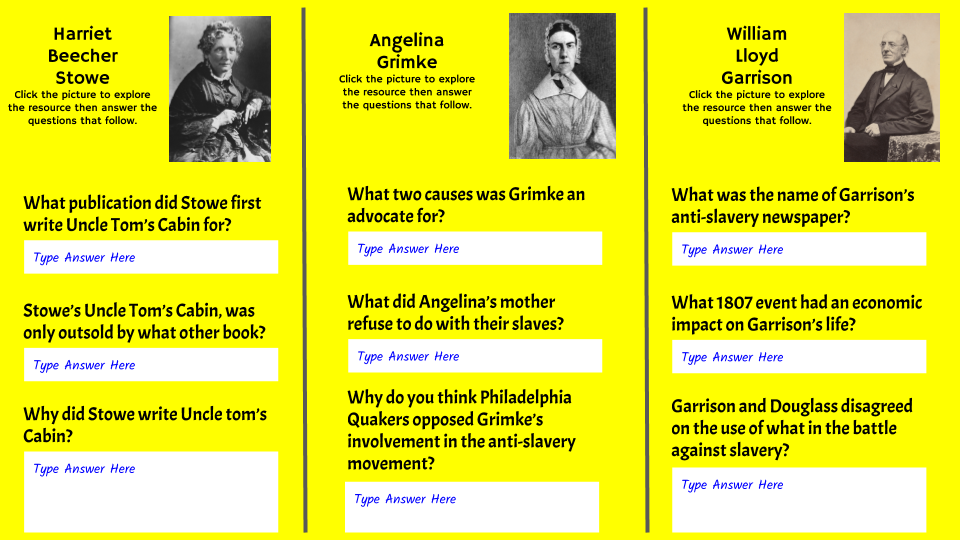
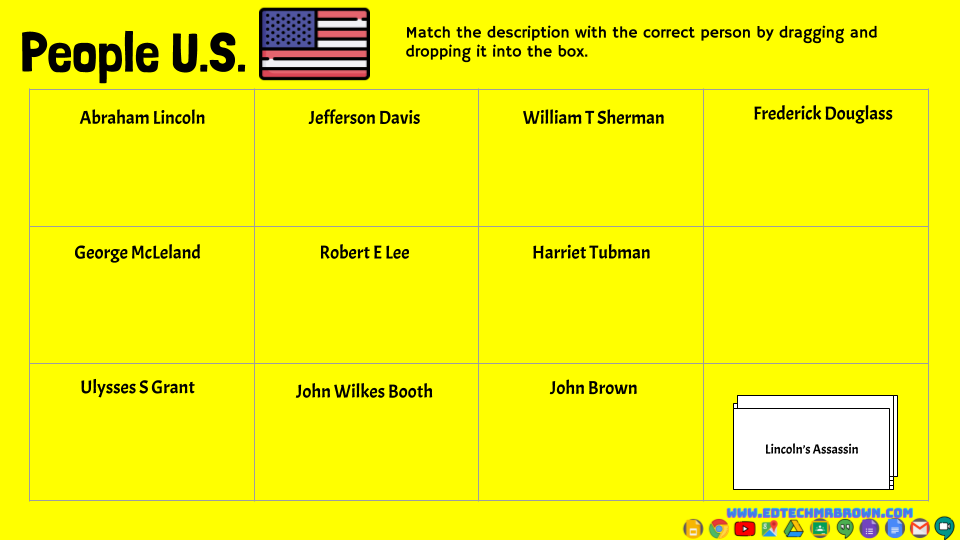
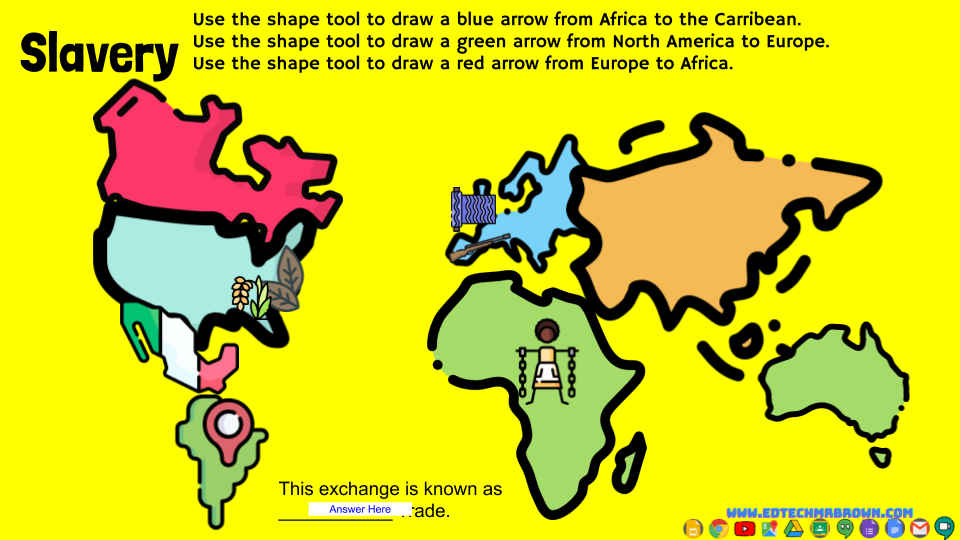
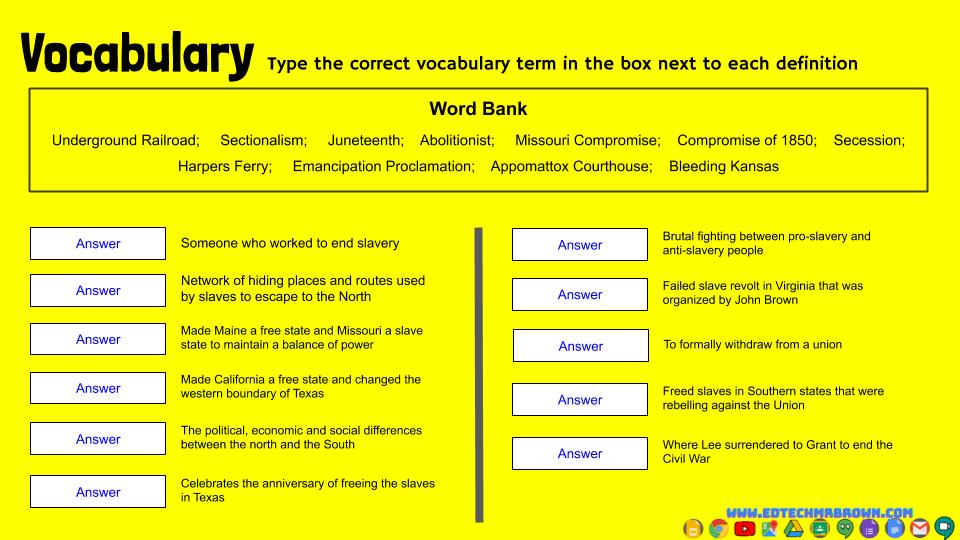
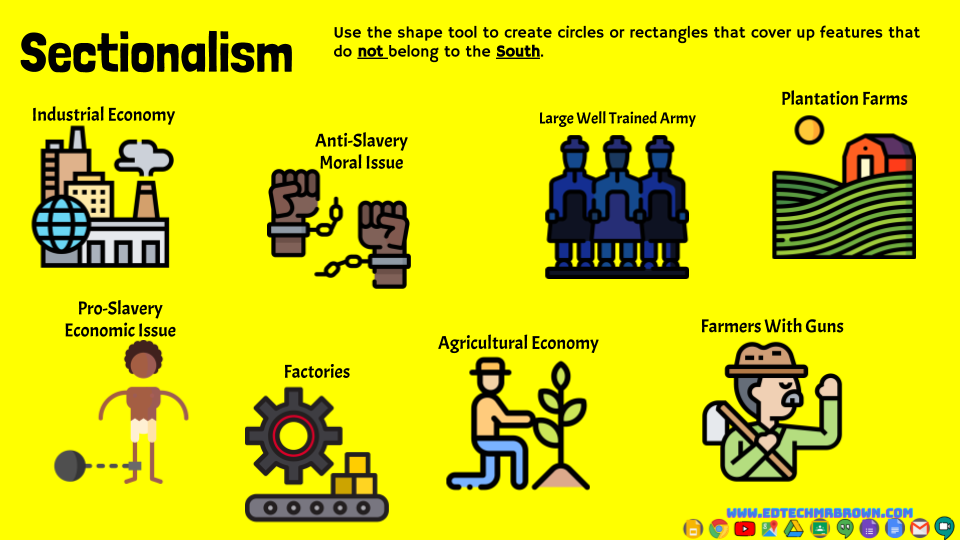
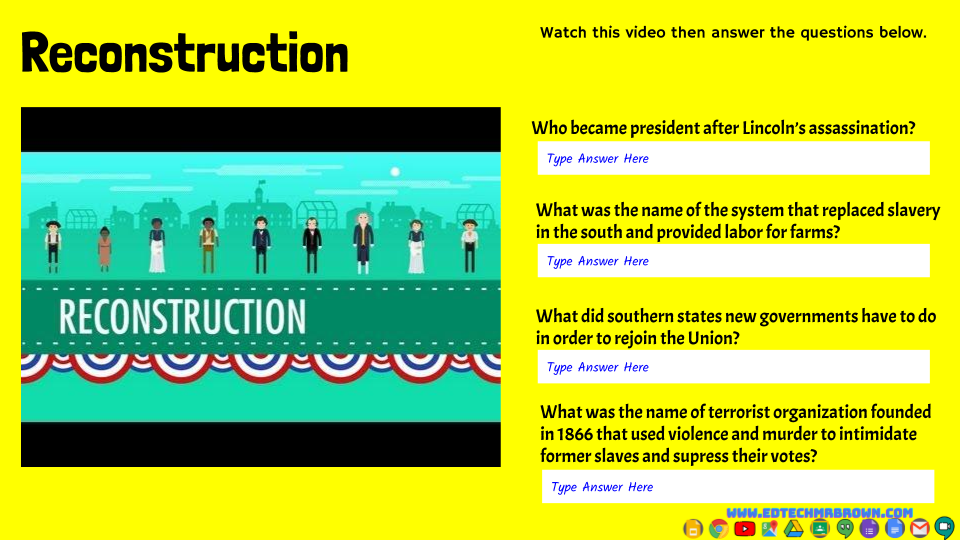
The U.S. Civil War, Union, North, Confederacy, Rebels, South, State’s Rights, Slavery, Fugitive Slave laws, Railroads, Abolitionists, Abolitionism, Abolitionist movement, Election of 1860, Abraham Lincoln, Lincoln Douglass Debates, 1861, 1862, 1863, 1864, 1865, Underground Railroad, Sectionalism, Juneteenth, Missouri Compromise, Compromise of 1850, Concept of Compromise, Secession, Harpers Ferry, Emancipation Proclamation, Appomattox Courthouse, Bleeding Kansas, Kansas Nebraska Act, Plantation Farms, Slave labor, African Diaspora, Slave Trade, Triangular Trade, Middle Passage, Harriet Tubman, Frederick Douglass, Harriet Beecher Stowe, Uncle Tom’s Cabin, Angelina Grimke, William Lloyd Garrison, The liberator, The North Star, Advantages and disadvantages, Jefferson Davis, William t Sherman, George McClelland, Robert E Lee, Ulysses S Grant, John Wilkes Booth, John Brown, Lincoln’s Assassination, Texas, Sam Houston, John Bell Hood, Francis Lubbock, John Reagan, Thomas Green, John Magruder, Sul Ross, Battles of Gettysburg, Appomattox, Mansfield, Sabine Pass, Galveston, Palmito Ranch, Atlanta, Vicksburg, Fort Sumter, First Bull Run, Sherman’s March to the Sea, Gettysburg address, Reconstruction, Amendments 13, 14, and 15, sharecropping, Andrew Johnson, KKK, Voter Suppression, Violence, Intimidation
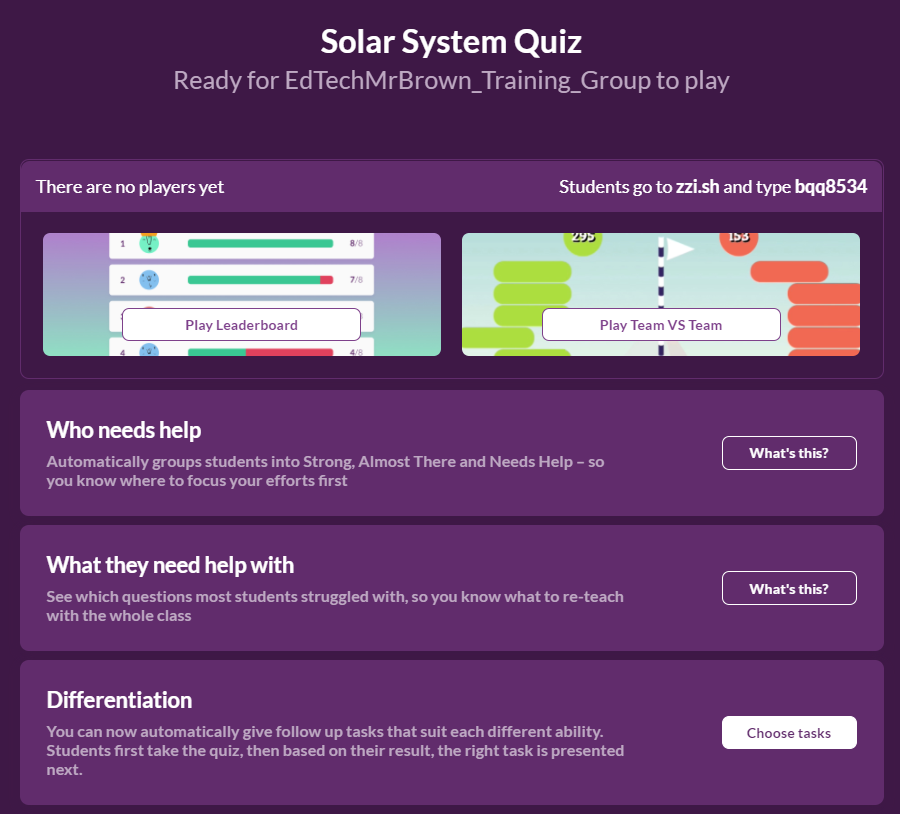
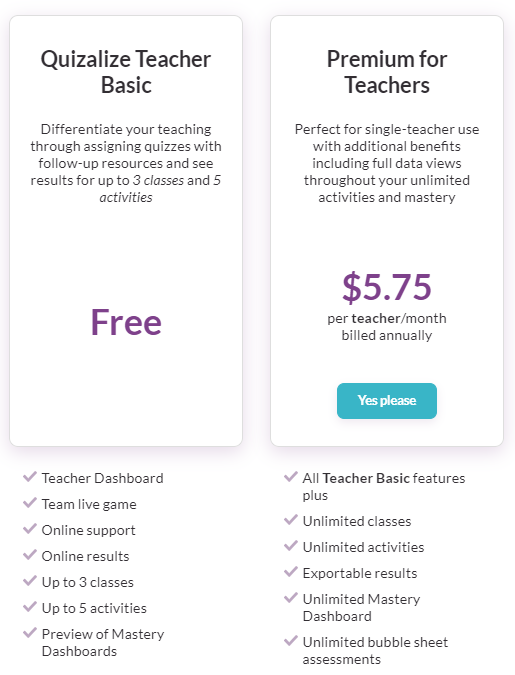
Create or find TEKS based quizzes for your students. Get usable data based on their results.
It looks like on a free account you can only see data for the most recent 5 activities.
Syncs with Google Classroom and posts activities directly to it.
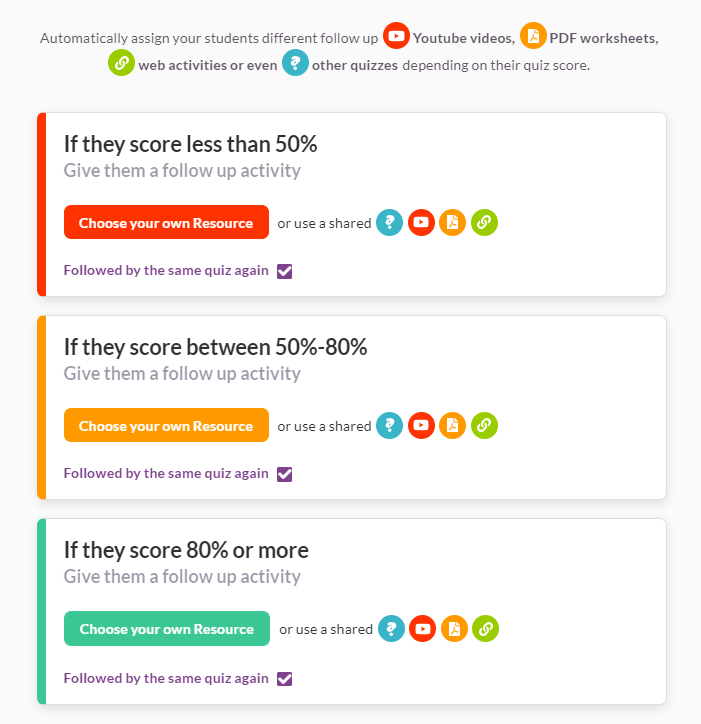
Oh… My… Differentiation…. Send follow up activities to students based on their results
You can use images in the questions and answer choices. You can upload images or link to them by URL.
Math Mode helps you create math quizzes with all those symbols and
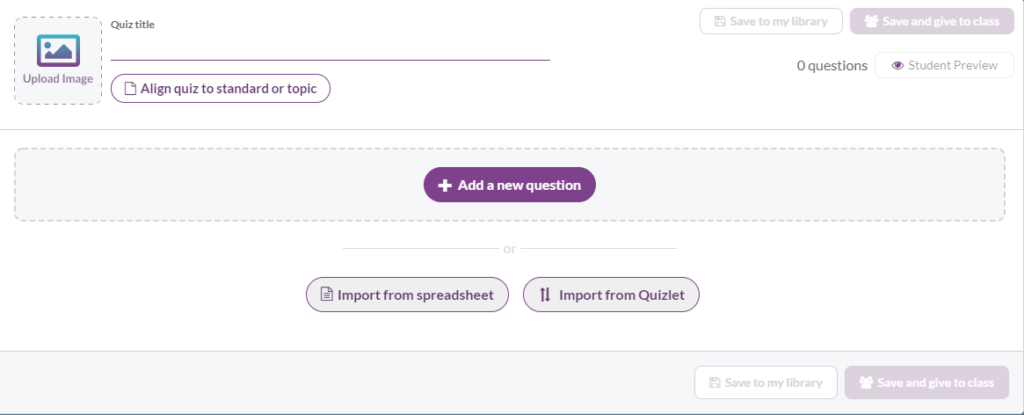
You can import questions from a spreadsheet or a Quizlet set.
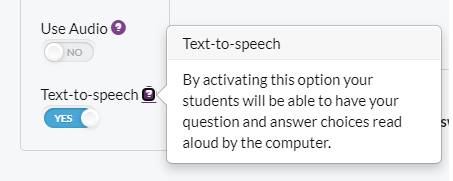
Quizalize can read your activity aloud with text-to-speech.
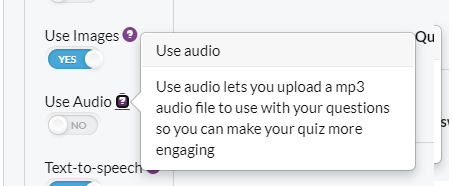
You can include audio recordings with your questions.
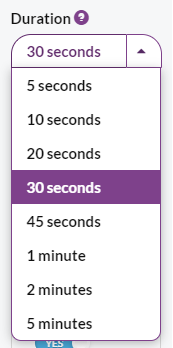
You can set a time limit for each question which will in turn create a time limit for the entire quiz/test/activity. You can also assign these Quizalize activities as a Test.
So that means you can use this tool to assign a time limited Test.
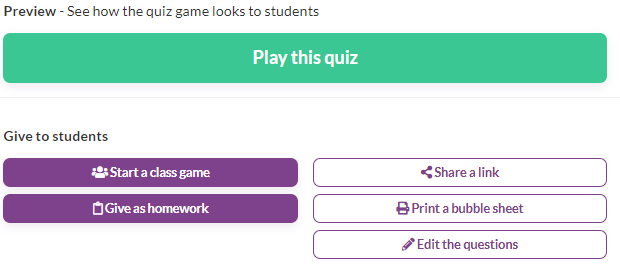
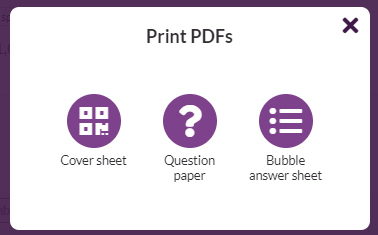
You can assign these quizzes as homework (Count it as a quiz or test) or play a live game in class. You can also print the quiz and even answer documents if you have both in person and virtual students and a lack of technology.
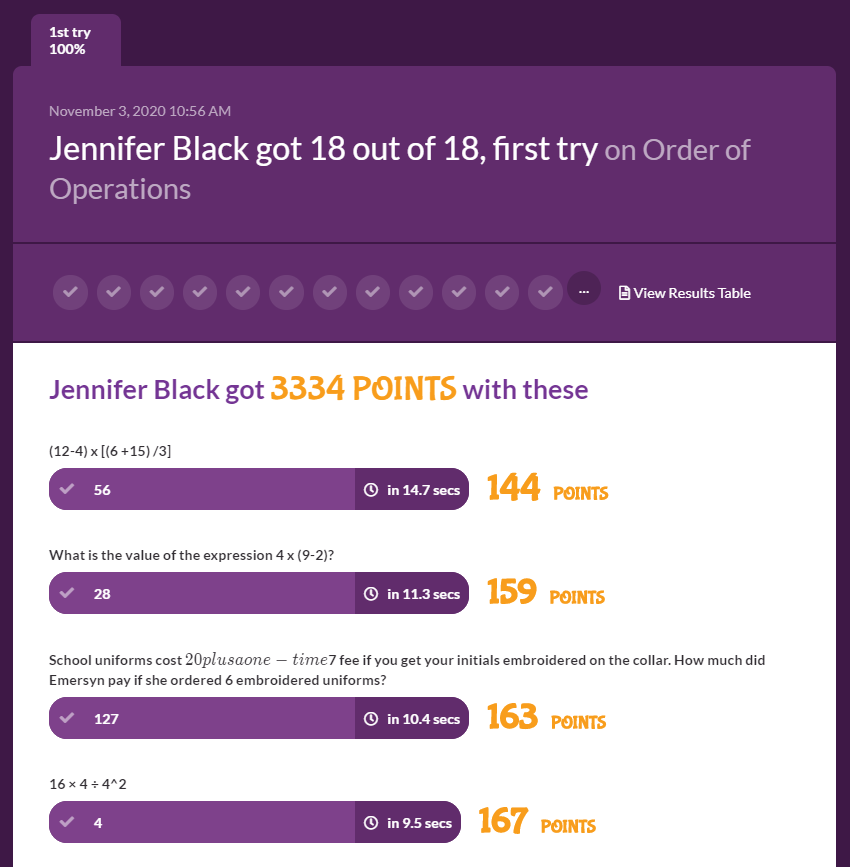
And the results are in….. You can see data on each question, what the student answered, and even how long it took them to answer.
Sketchpad.app is a very powerful and easy to use little tool. It is a web based drawing app like Paint only far superior in terms of features. Let’s take sketchpad.app for a spin.
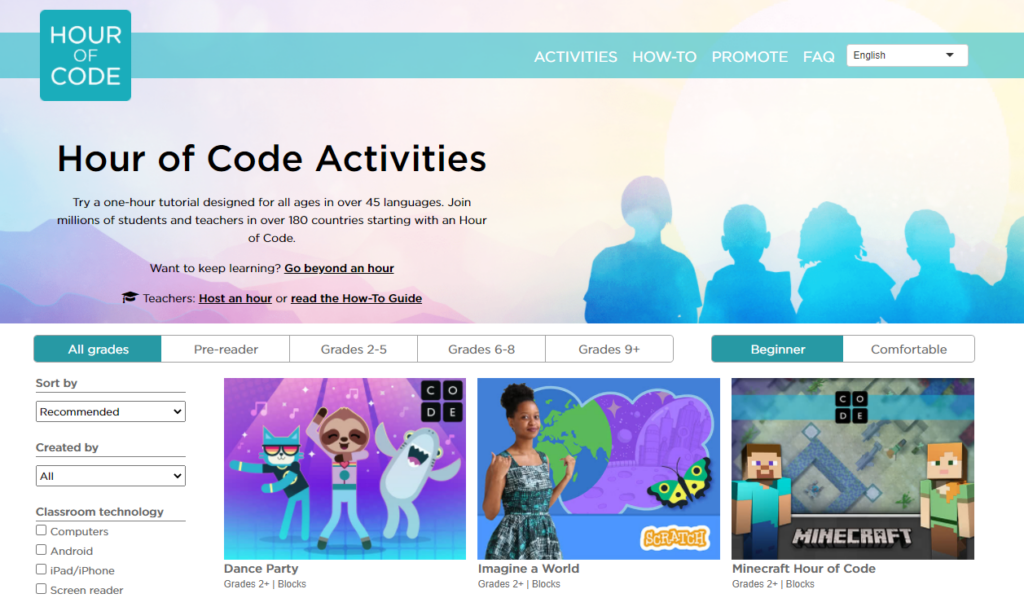
Hour of code is approaching! December 7-13 is Hour of Code Week. Time to start planning a way to fit coding programs into a lesson that second week of December. Here is information on how to plan your Hour of Code activities.
You don’t need to have computers to explore coding. I have a set of programmable coding robot mice that students can use to learn basics of coding. Contact me to reserve one of those for your Hour of Code activities. You can also find or create coding card games.
If you have held Hour of Code activities before but your colleagues have not, maybe invite them to join your students for the first time with their entire class or during their conference period.
Jump out of your comfort zone and into Hour of Code. I promise you won’t regret it. You and your students will have a great time.
There are online coding practice games for all levels of student and skill level. I recommend you dig into any of these coding games you plan to have your students work on so you can know what to expect.
Words with friends is not only a popular and fun mobile game it is also an excellent way to practice spelling and reading skills for students with dyslexia.
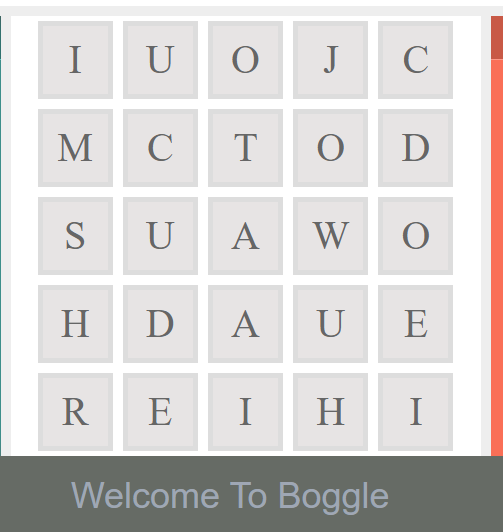
Another fun and popular game also provides an excellent way to practice spelling and reading skills for students with dyslexia is Boggle. Here is an online version that is currently not blocked at school.
Scrabble also helps students with dyslexia to develop their skills.
You NEED TO KNOW that assignments that are not returned will not show up on the gradebook report.
From the gradebook go into any assignment. Click the settings wheel on the right. Then click download all grades. A CSV file will be generated in your Downloads folder.
The EdTech Update Episode 004 In this podcast we will Look at how you can turn a .pdf test into an online self grading ClassKick test with oral testing accommodations. We will have the Fast 4 Friday presented by some awesome teachers. We’ll learn about the arrival of 1000 new Chromebooks for the district. Mrs. Gerber will join me to talk about technology tools to help you effectively teach class from anywhere in your room. I have a prize to give away, a very cool presentation remote that one of you will win. https://www.amazon.com/DinoFire-Prese…
Digital Citizenship is all about teaching children to have the knowledge and skills to be safe and make good choices online. We want to make sure students are kind and respectful to their peers, We also want to ensure they are aware of the threats online and conscious of their privacy.
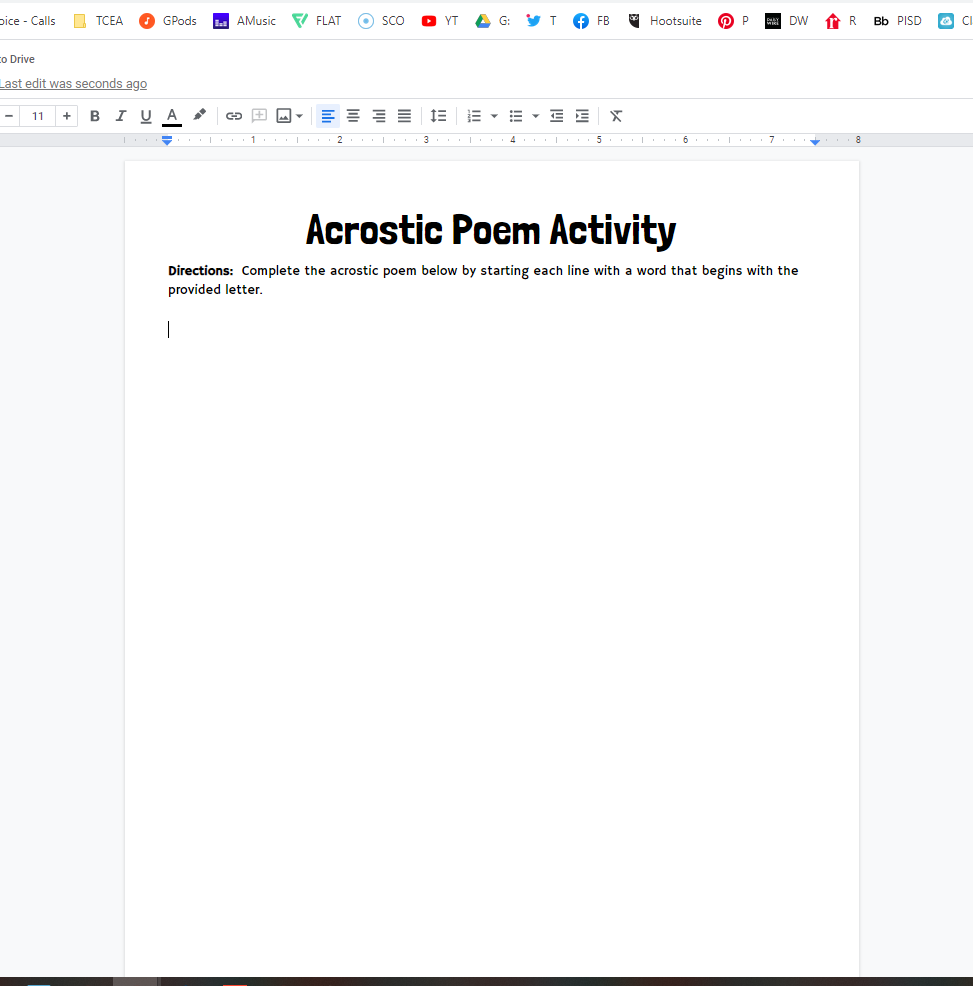
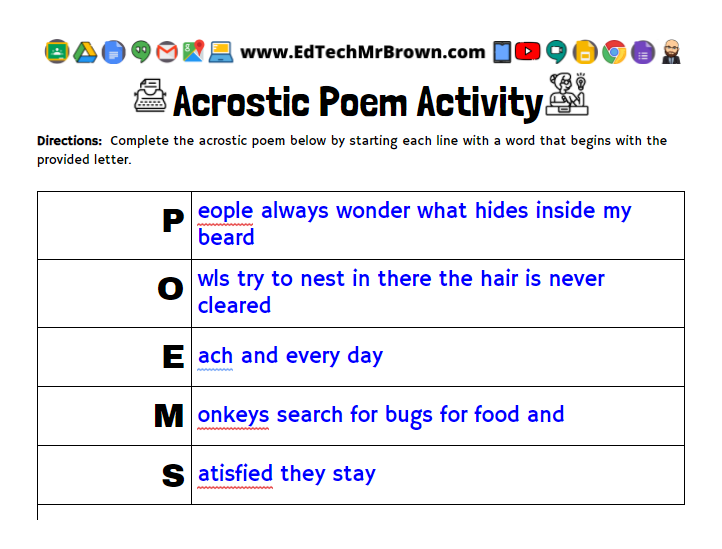
Let’s learn how to create an incredibly simple Google Docs activity for an Acrostic Poem.
The fastest way to start this will be to type Docs.new in the address bar of your Google Chrome browser. BTW I recently learned that Google calls that the “Omnibox” (bonus learning for free).
Set up your title and directions as you normally do. I love to use a consistent format on my assignments with the same fonts, sizes, and style.
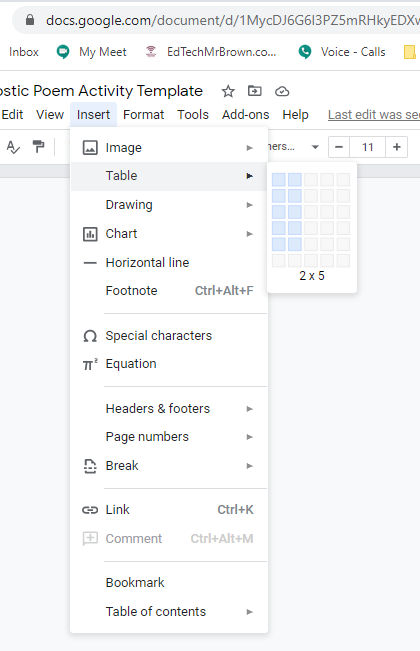
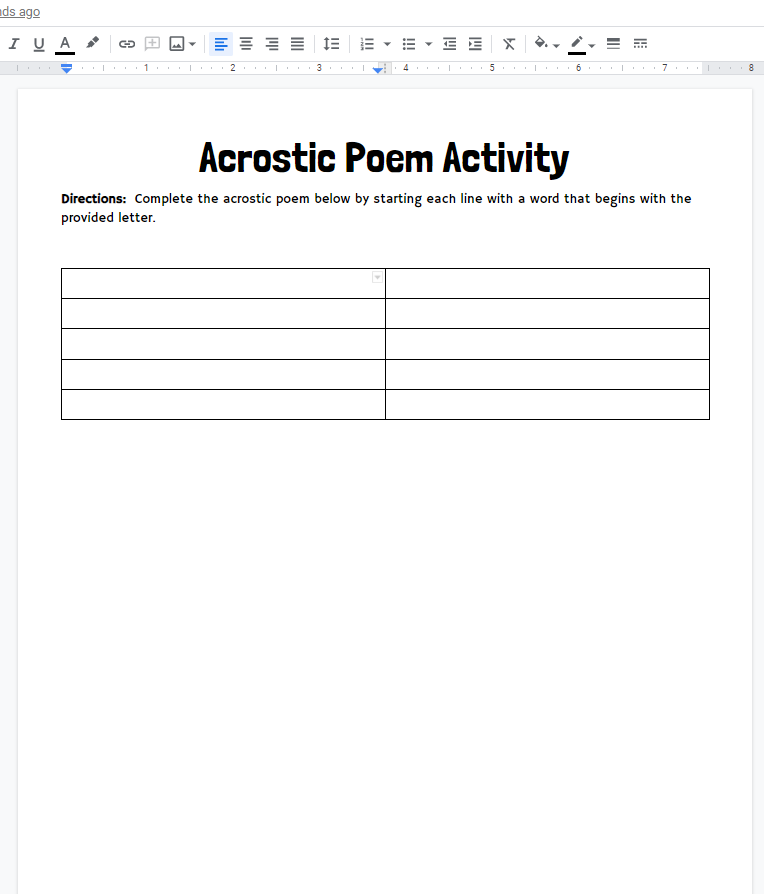
Next we will go to the menu bar and click insert, table, go out to two columns then down to five rows.
Click on that middle column line and drag it to the left to about 1/4 of the page.
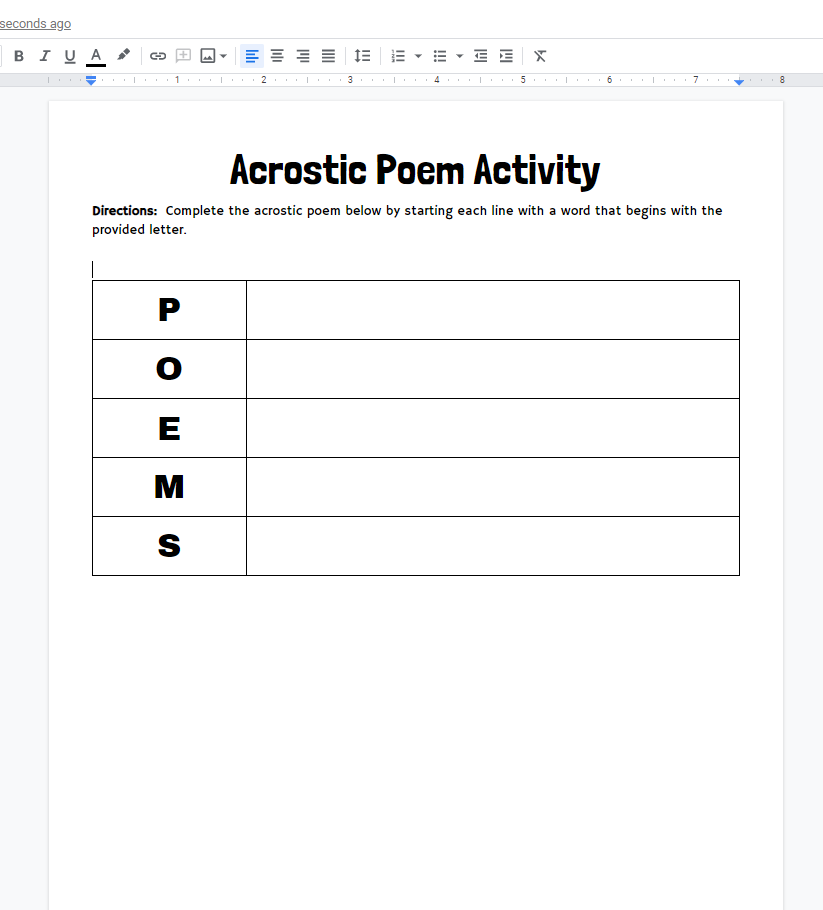
Let’s add POEMS in the first column of each row one letter at a time.
Save this as your template. Now when you want to make an acrostic poem activity you can simply: ?Make a copy of the template. ?Rename it. ?Add or delete rows as needed to your table. ?Then change the acrostic letters.
You can assign this in Google Classroom and make a copy for each student. Kids will complete the poem online and return it to you. If you are face to face and don’t have tech you can of course always print your poem templates.
In episode 3 of the EdTech Update, we are going to explore some new features that are now available in Google Meets.
We will get some advice from Virtual Teachers who are out there on the front lines in the “New Normal”.
We will of course have our Fast4Friday ideas.
Also we will take a look behind the magic with Mrs. Clark as we disable all of those Google Classroom notifications in Gmail and Google Calendar.
Oh and at the end I will tell you about a contest we are having and how you can win a prize basket of goodies. The challenge is to identify what in the background set is new in this video. I’ll give you a hint. It’s on the board.
November 1, 2019|EdTech, ELAR, ELL, Review, SPED, Tools
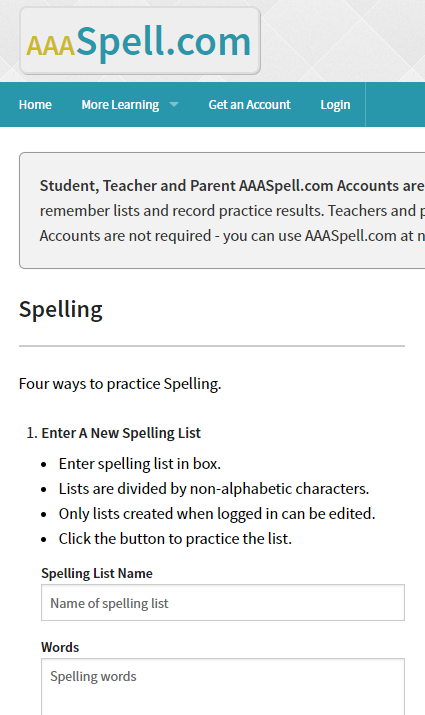
Fret no more dear teachers… In less than one minute you can create 10 different practice exercises for your list of spelling words.
AAASpelling is quick and easy. You simply give your list a name. Type in the words separated by a comma. Then click “Create Spelling List”.
It will generate a code (“practice list number”) for you to give your students. When your students enter the code on the website they will be presented with 10 practice activities they can go through to gain experience and familiarity with the spelling words.
(No login is required for you or students but if you do make a free login for yourself it helps you to keep track of the lists you make. Without a log in you need to write down the code.)
Below you can find some I already made for you, Grades 1-4, spelling lists for Nov 4-8. Special Thanks to Mrs. Hoar at Southard for this resource recommendation.
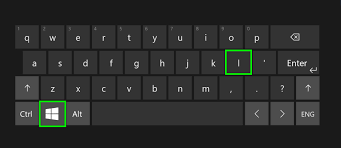
That is a huge topic to cover, but the most important computer security related issue I need to pass on to you guys is as simple as locking your pc when you walk away from it.
You have access to lots of sensitive data, and it is important to keep that data secure and FERPA friendly. Please get in the habit of pressing Windows+L when you walk away from your pc.