Texas Military Heroes Day 2 February
Follow the link above to view the interactive presentation that these screen shots are from. You may share the link with your students in Google Classroom or explore it together as a class.

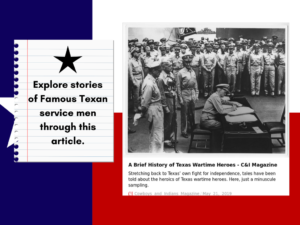
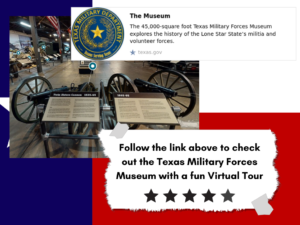
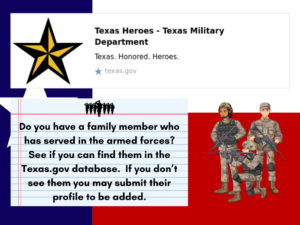
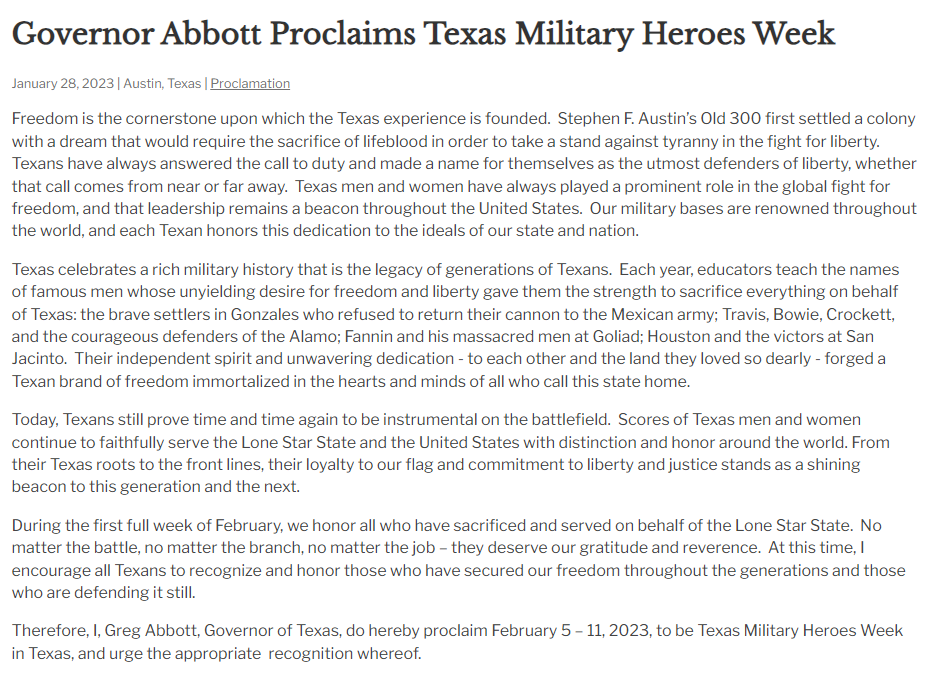
Follow the link above to view the interactive presentation that these screen shots are from. You may share the link with your students in Google Classroom or explore it together as a class.
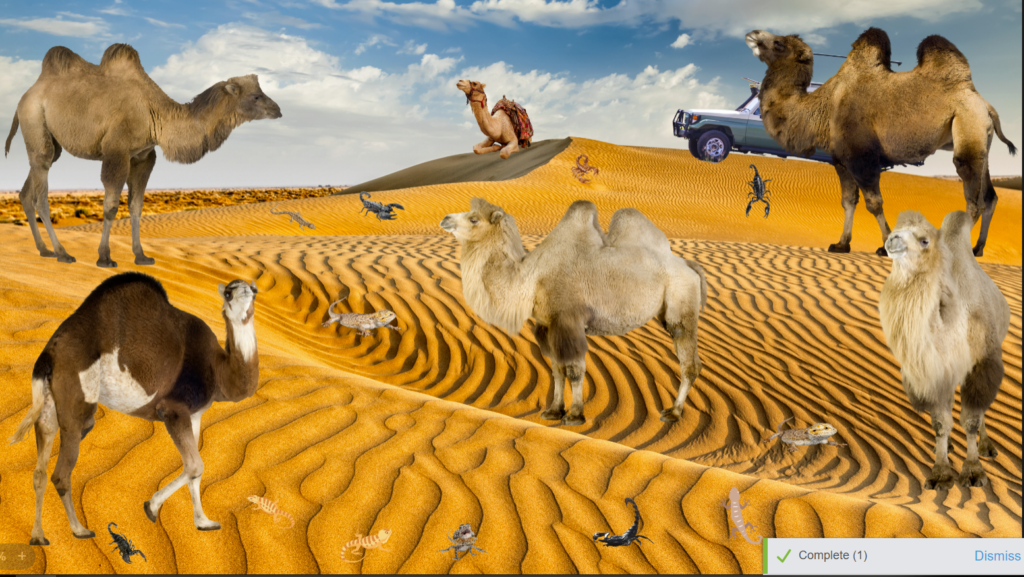
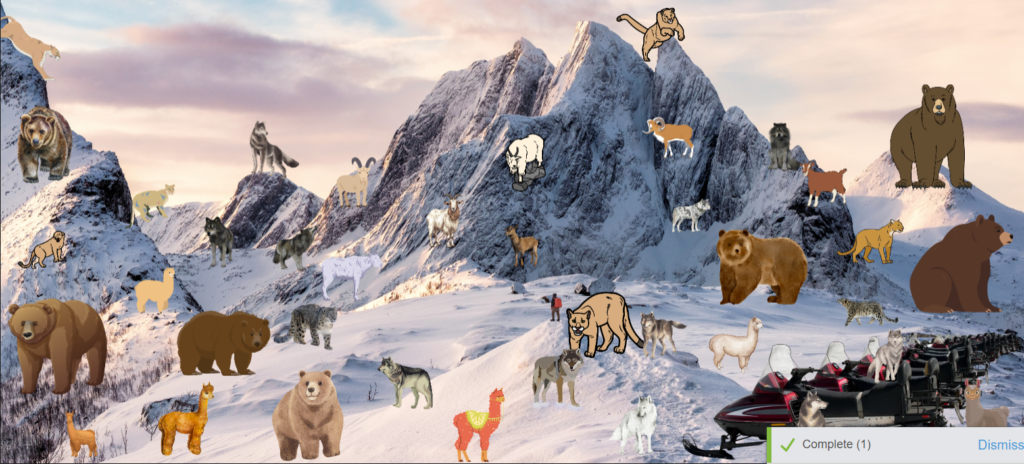
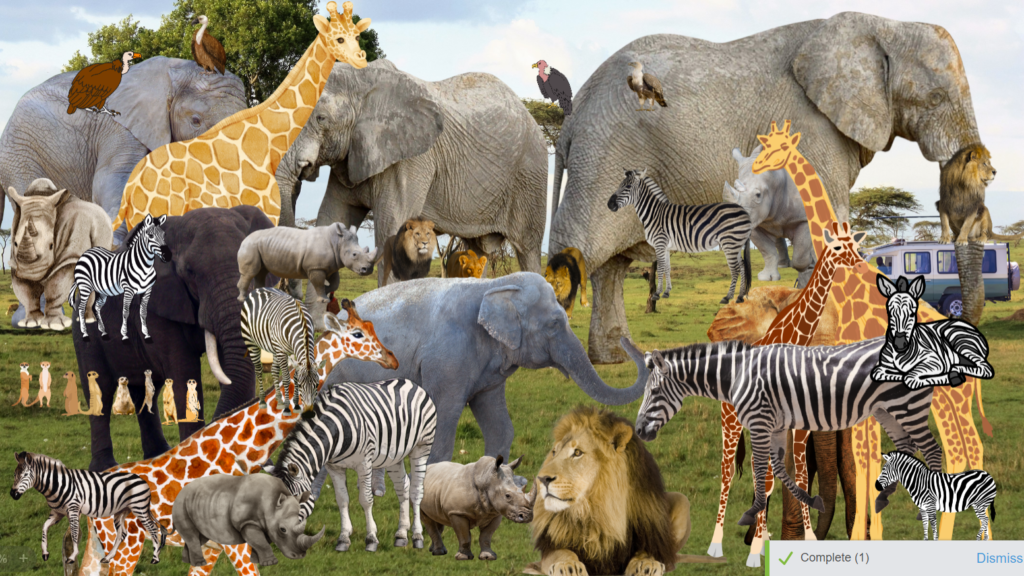
Let’s go on a counting Safari! I have safari hats and a tour ready to go. Amy I come to your PK class and take your kids on a virtual counting safari? We will visit different environments and count the different species of animals in each. I even have an adventure log for students to record their findings in. Below is everything you need to go on this adventure. As a bonus this would be extra special interactive on s SMART board but it is not at all required.


7.6I: Determine experimental and theoretical probabilities related to simple and compound events using data and sample spaces.
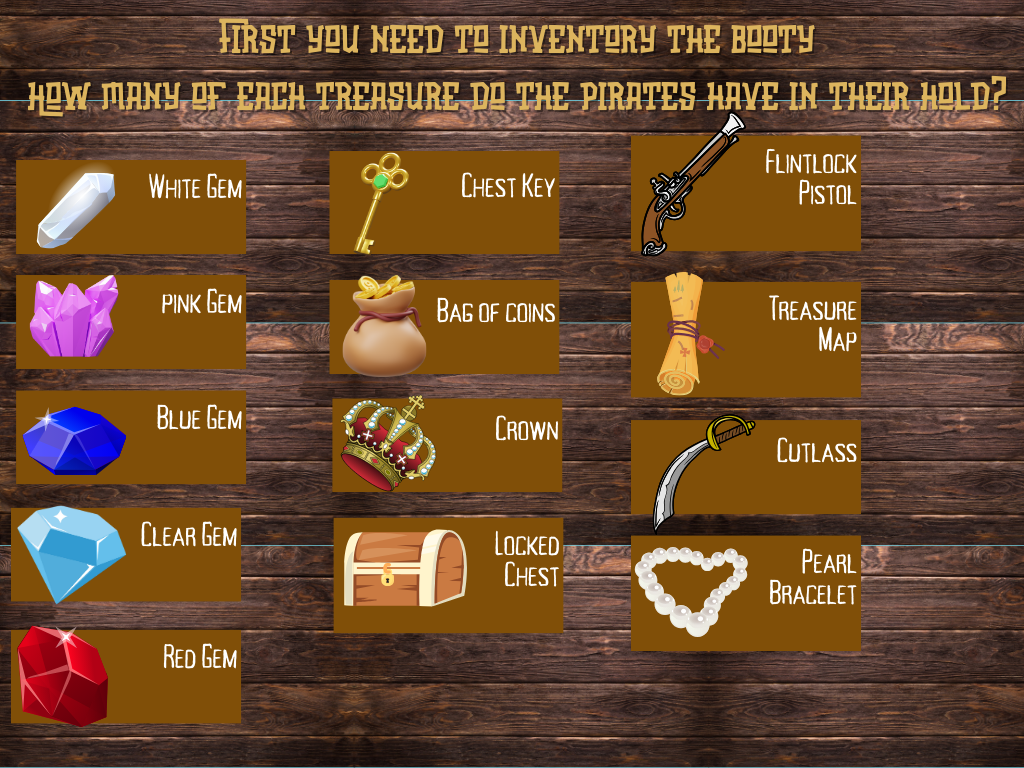
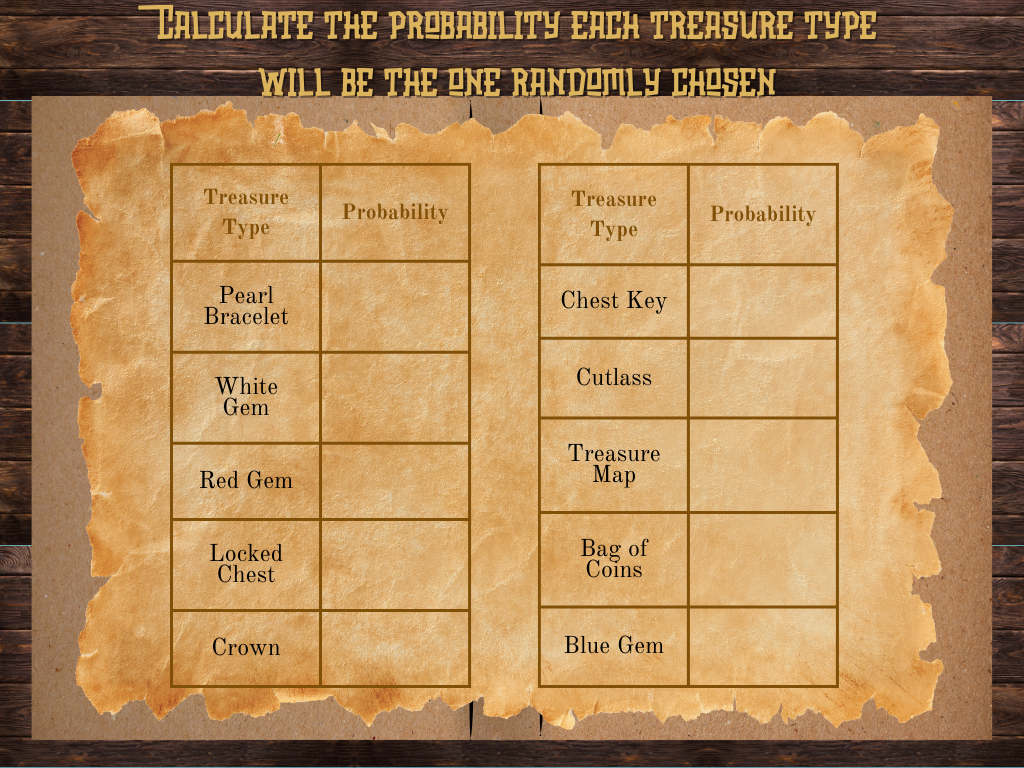
Welcome to another Pirate adventure! This time Petyr the Portuguese Pirate will have your students count inventory and calculate probability for his crew. These pirates like to hold a pakapoo raffle to sell off the booty they gather in their travels. Students will calculate the probability that each treasure type would be chosen at random from the total amount of treasures.
7.3b Solve mathematical problems using multi-step order of operations with rational numbers including grouping symbols, whole-number exponents and absolute value.
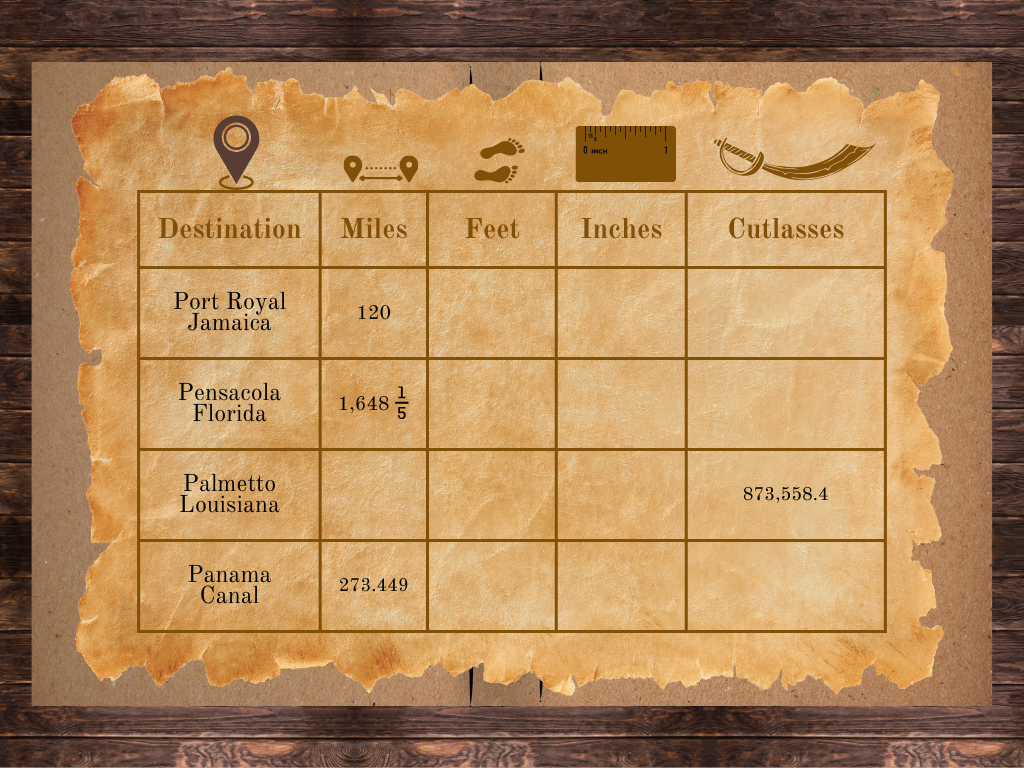
Peripatetic Pirate Petyr from Portugal needs your students to prepare his ship’s port logs for the preparation of plundering. Students will need to perform multi step calculations to convert the distances the ship will travel into different scales of measurement. This activity is available as a Teachermade digital activity or in a printable pdf format.

https://sites.google.com/view/roamingandreading/home
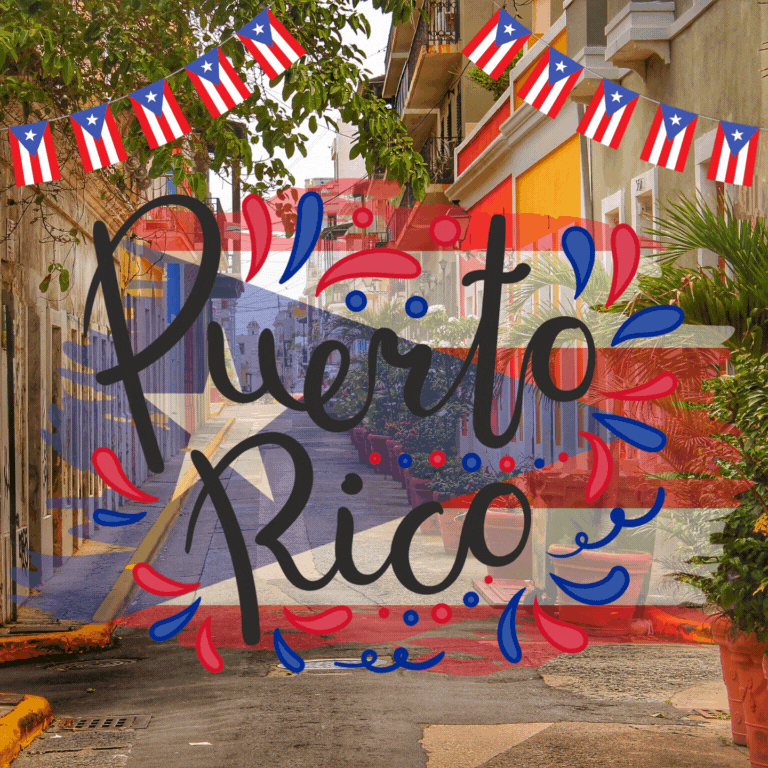
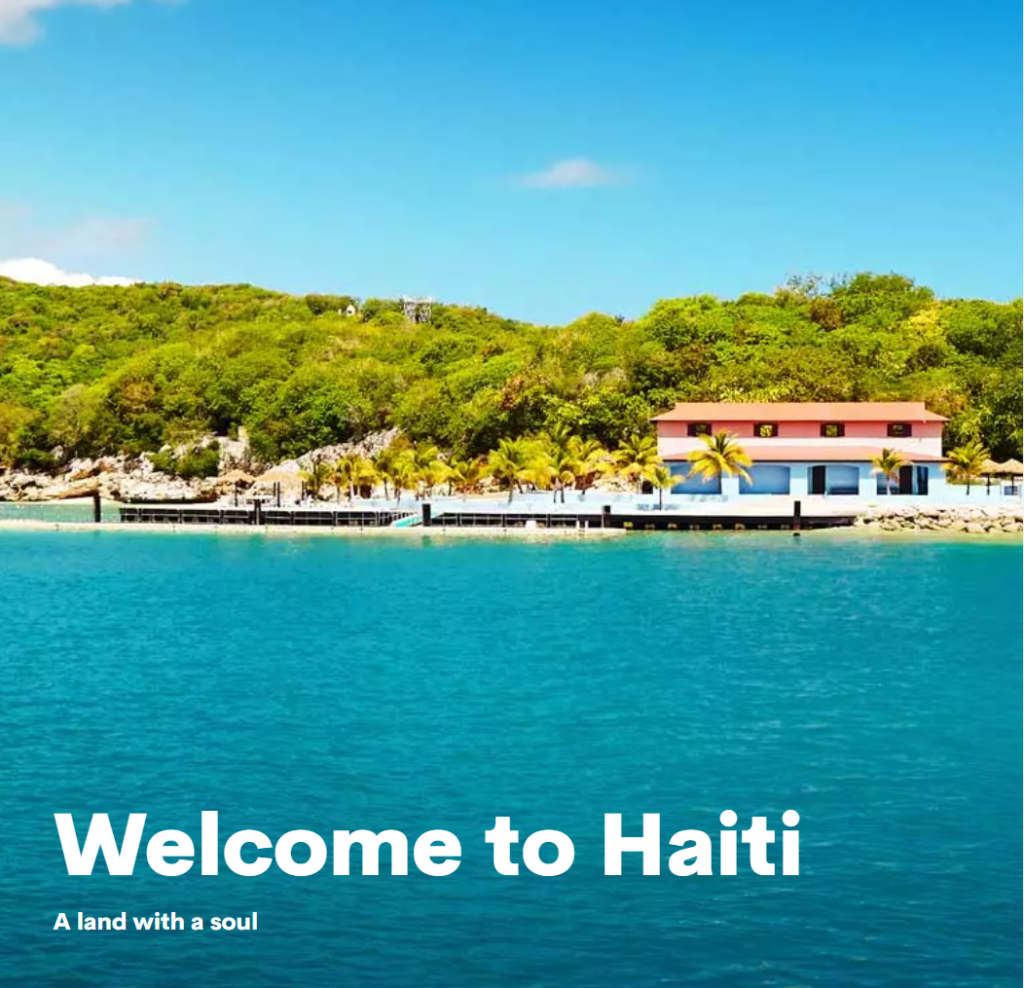
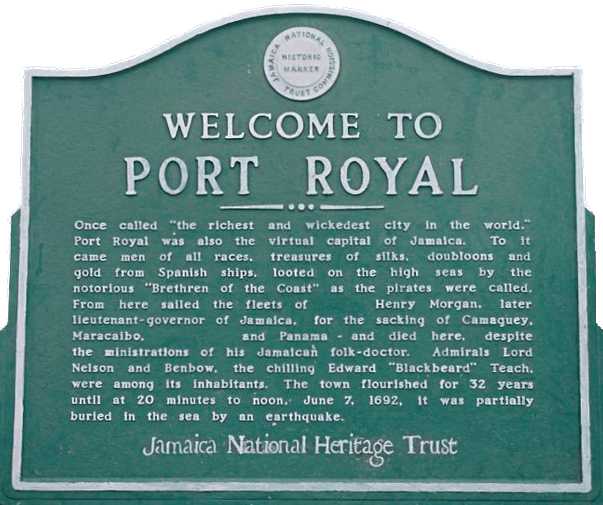
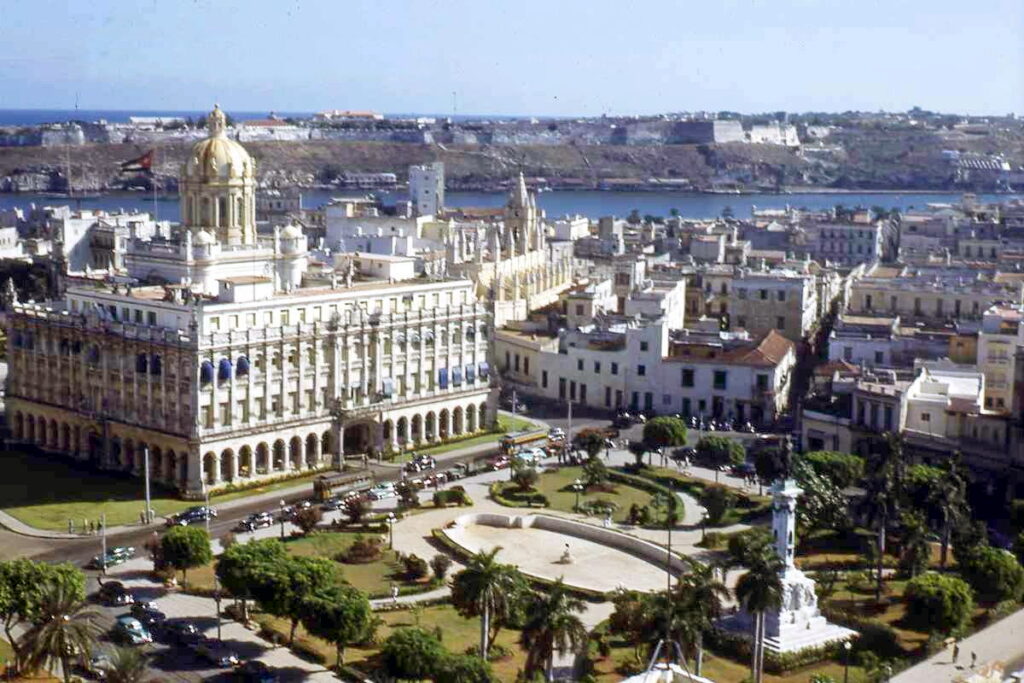
I am back again with another virtual voyage for your students. This time we are focused on the TEKS listed in the chart below. Students will explore 6 stops in the Caribbean sea where they will demonstrate their mastery of one TEK below at each stop. This activity is accompanied by a Google Form answer document that you will post in your Google Classroom for you students to access. The Roaming and Reading home page has a button that you can click to download your own copy of the Google Form.
| R/S | TEK | TEK description |
| S | 8.2A | use print or digital resources to determine the meaning, syllabication, pronunciation, word origin, and part of speech |
| R | 8.5F | make inferences and use evidence tosupport understanding |
| R | 8.5G | evaluate details read to determine key ideas |
| S | 8.9D | describe how the author’s use of figurative language such as extended metaphor achieve specific purpose |
| S | 8.9F | analyze how theauthor’s use of language contributes to mood, voice,and tone |
| R | 8.10Dvii | correct spelling, including commonly confused terms such as its/it’s, affect/effect, there/their/they’re, and to/two/too |



https://sites.google.com/view/roamingandreading/home
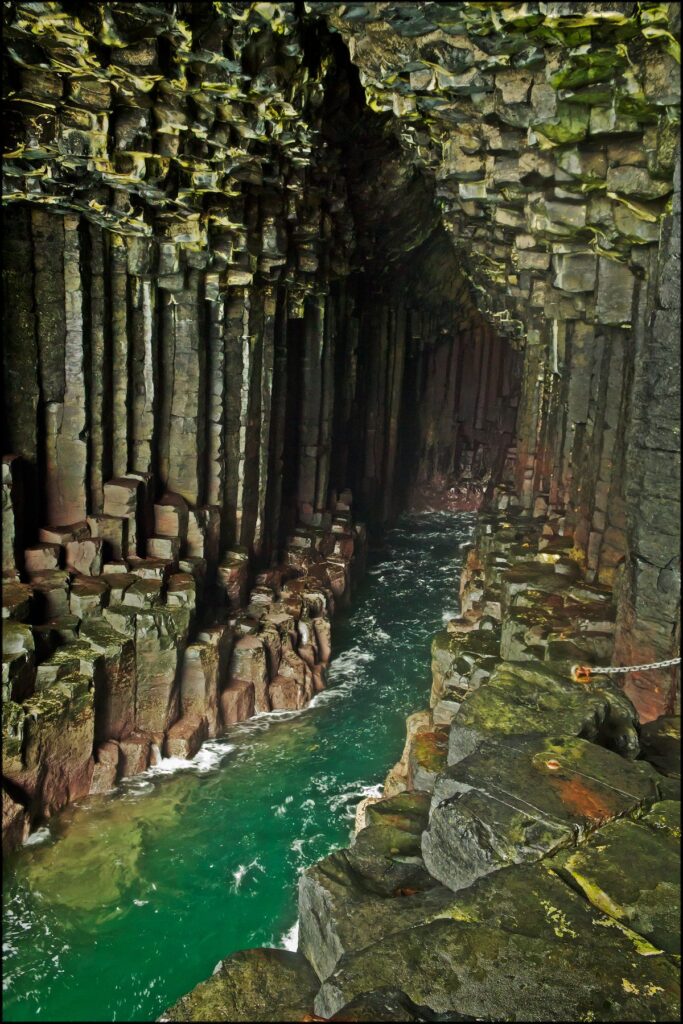
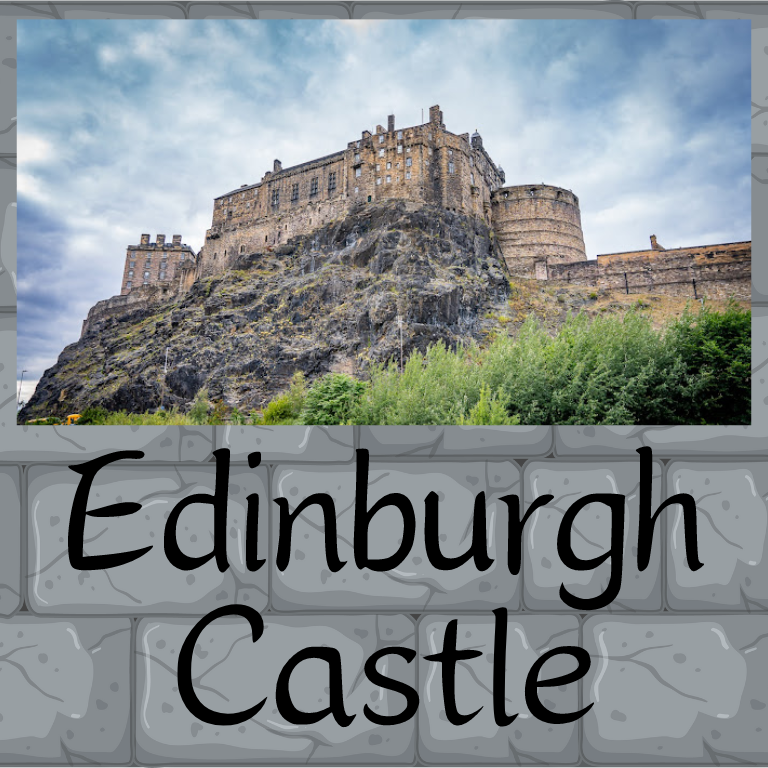
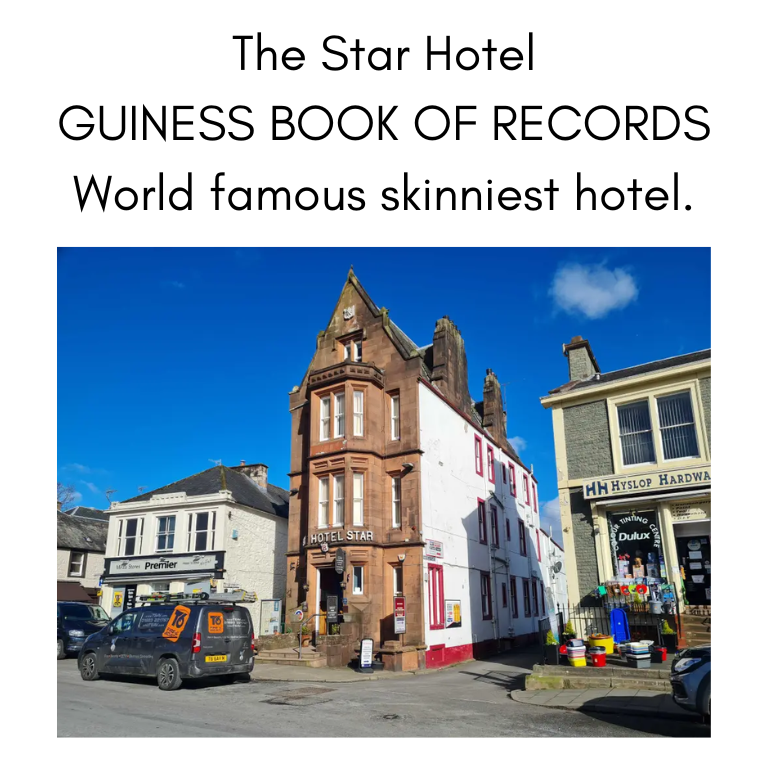
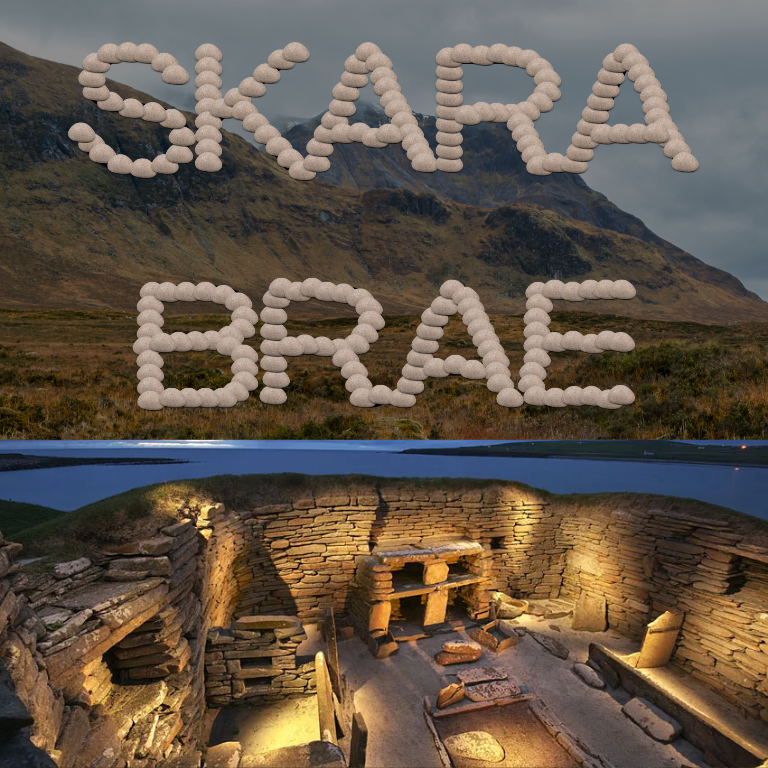
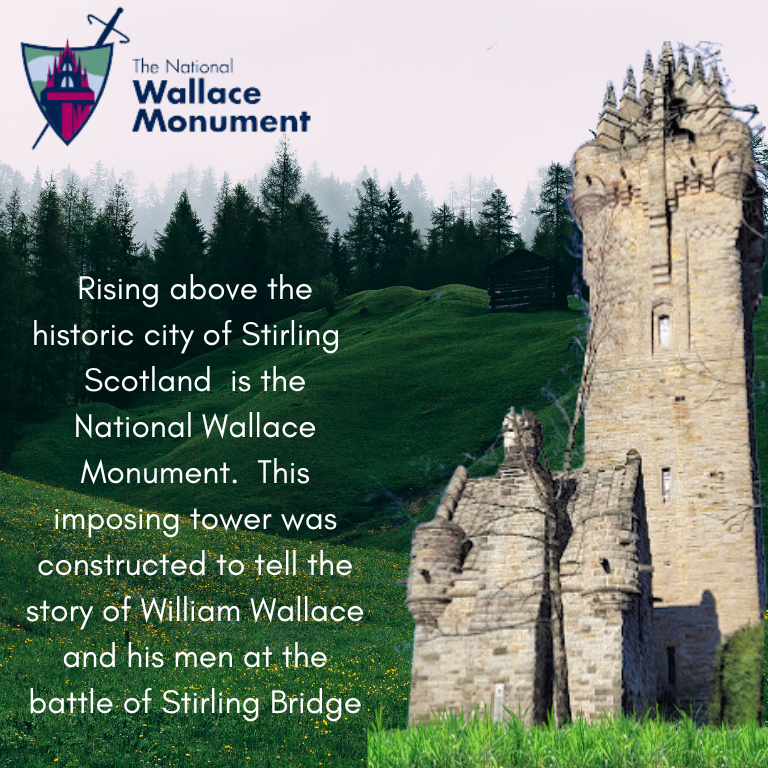
Now introducing something wonderful! Follow the link above to reach a new resource for ELAR review activities. This new Roaming and Reading website will feature virtual filed trips around the world visiting fascinating destinations. Each stop along your students tour will entertain them with short videos, inform them with facts about the cultures and geography, and more importantly require them to demonstrate mastery of the ELAR skills they have been learning in your class. This first journey to Scotland is prepared and ready to launch for 7th grade students needing to review TEKS for the 3rd quarter.

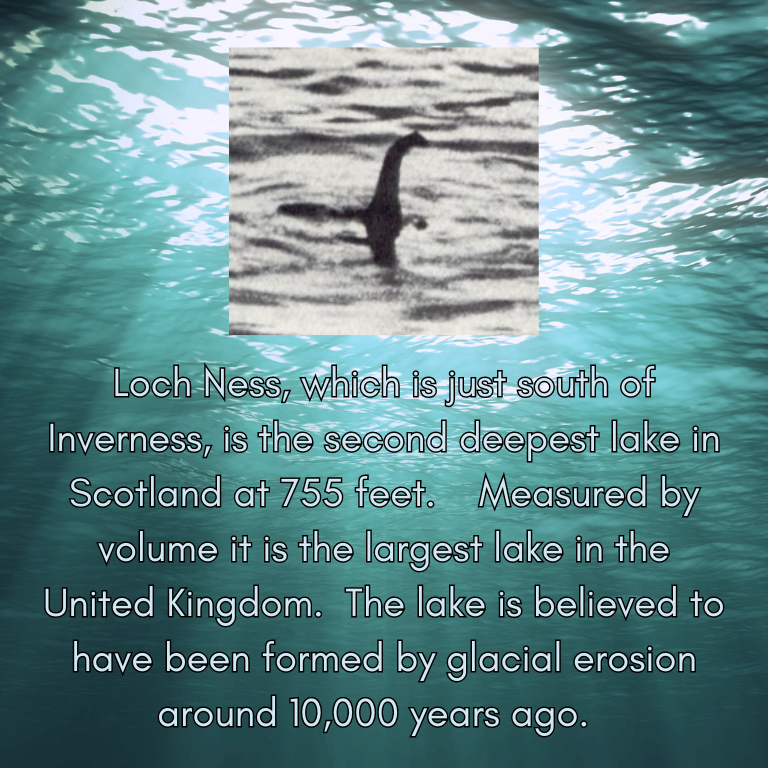

Can your students survive the 13 days of the Cuban Missile Crisis without starting WWIII and annihilating the earth?
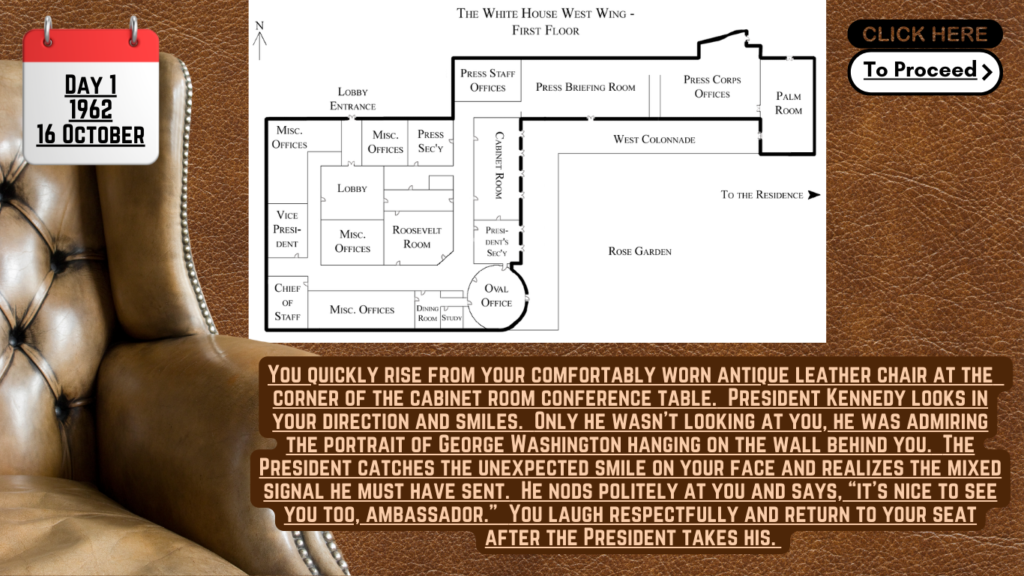
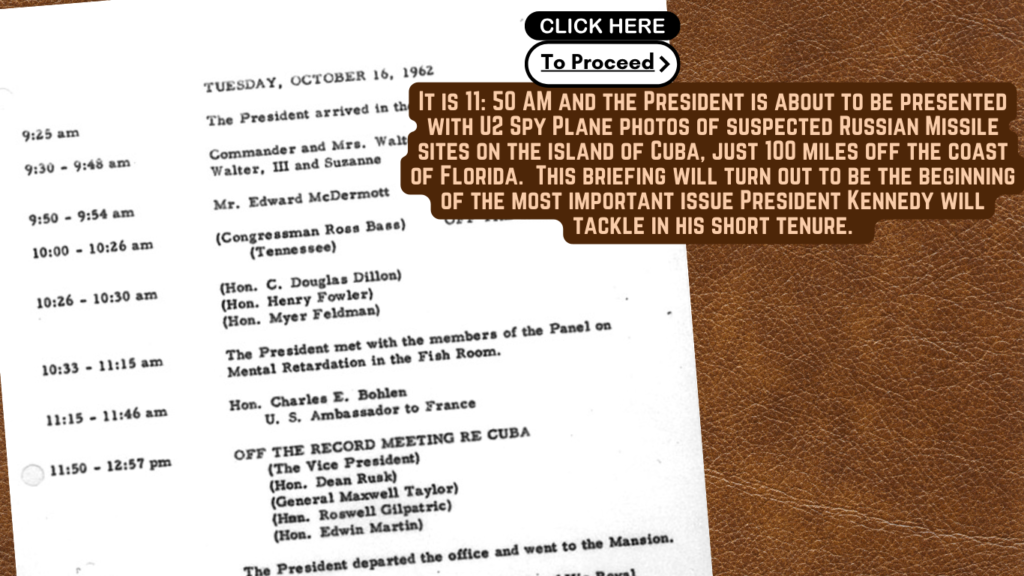
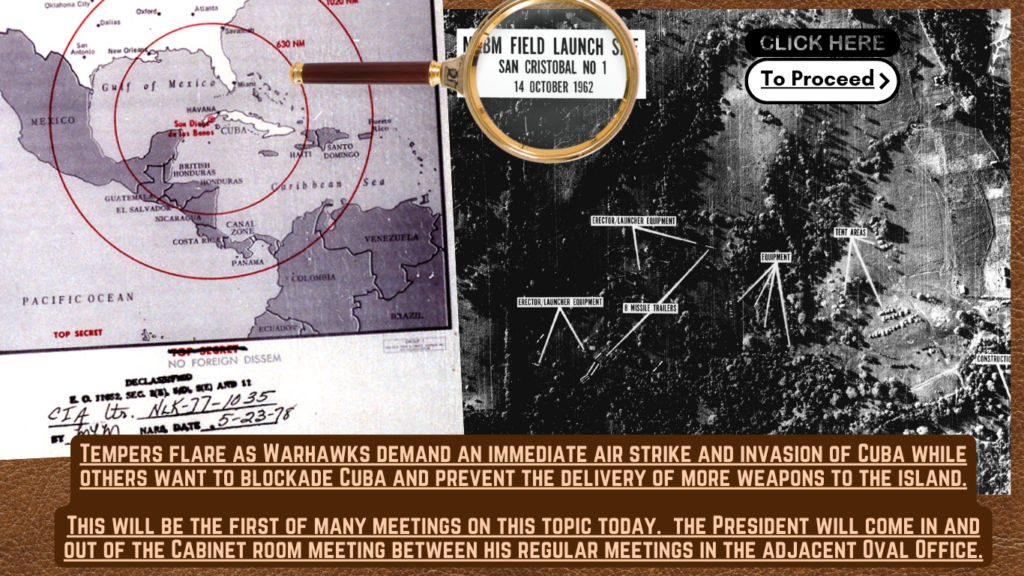
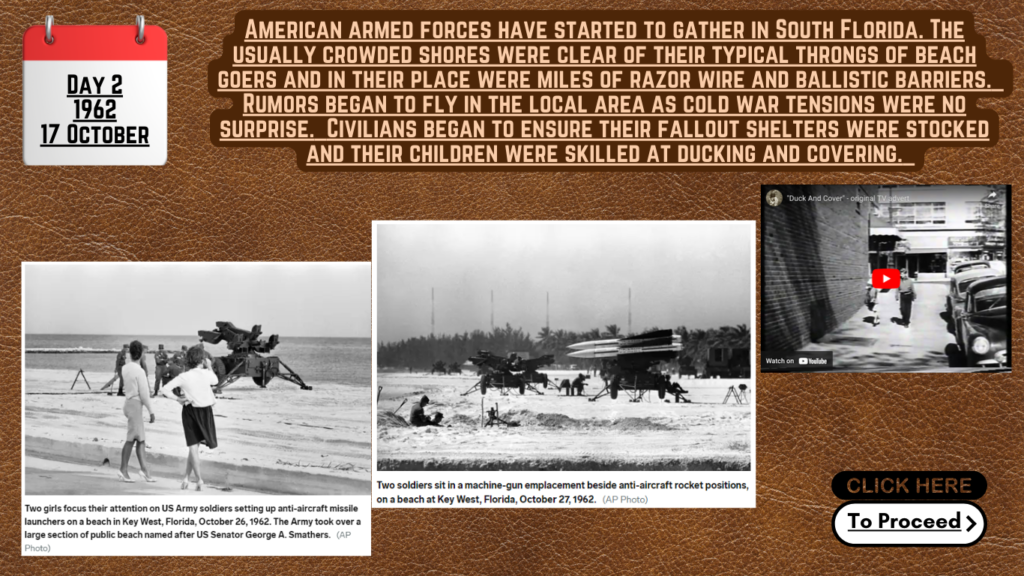
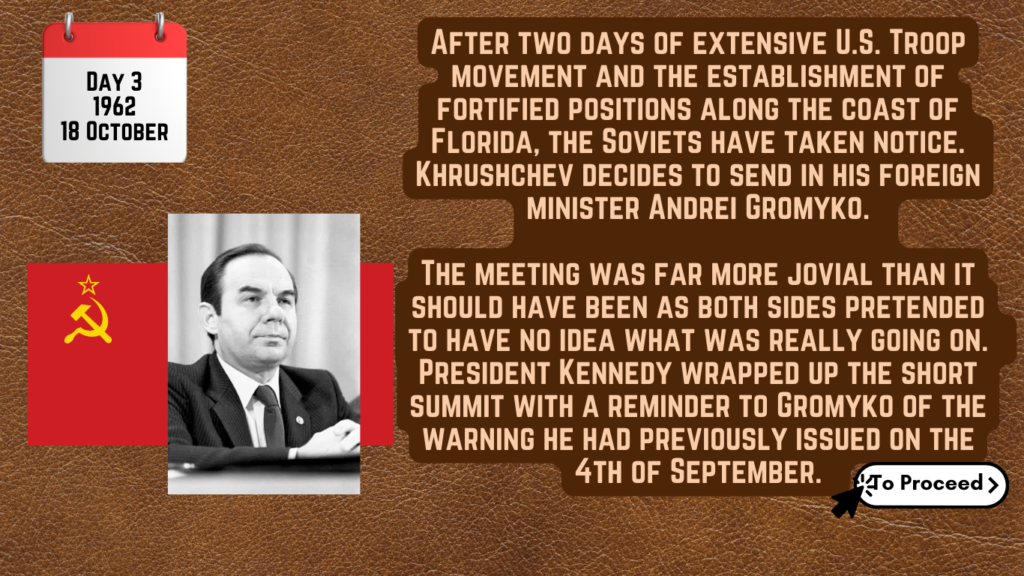
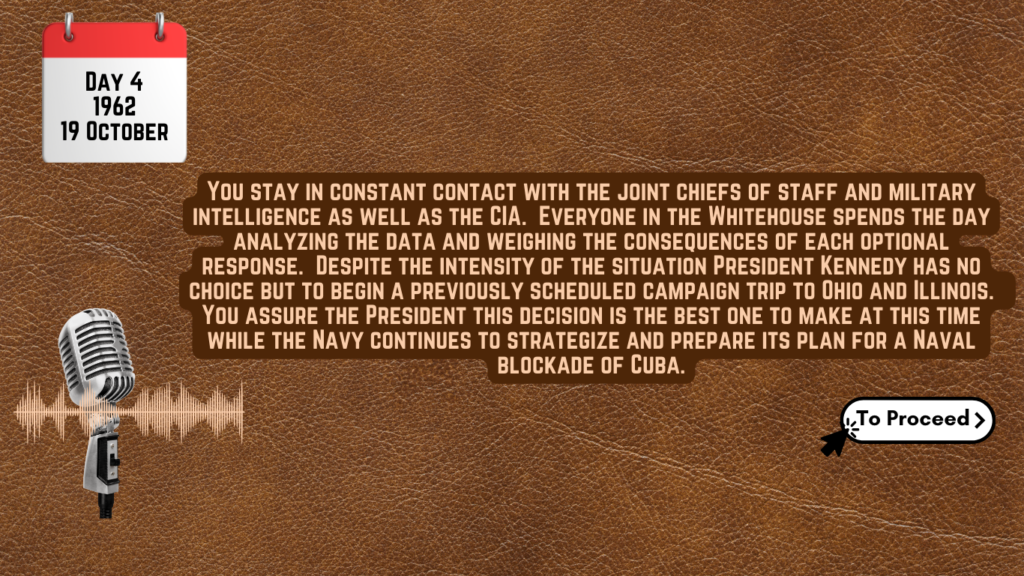
https://www.canva.com/design/DAF1v9tHS9I/cP_twWpAomQiWp5ZHSPOTw/view
Follow the link above, click share, present, then present again and the activity will launch in a self paced click as you go format. Copy and paste that link to share this interactive activity with your students, after you enjoy it yourself of course.

OMG Have you heard the latest gossip about Taylor Swift!?!? Well, 6th Grade ELAR teachers here it is for your students! This is a 3rd quarter review activity to engage your students skills and imaginations on a topic they are sure to love. This mega activity includes a pdf of 26 pages with custom made fake news/satirical articles, daily journals, and short stories about Taylor Swift and her whirlwind vacation around the globe with her new adopted velociraptor babies. The activity also has a Google Form which is broken down into sections by TEKS. This activity includes a plethora of fascinating AI generated images of Tswift and her raptors in exotic locations around the globe. I even crafted a culturally accurate click batey hash tagged social media video as a hook for the lesson. All of the resources are below for you to explore and download for yourself.
6.2A – use print or digital resources to determine the meaning, syllabication, pronunciation, word origin, and part of speech
6.5E – make connections to personal experiences, ideas in other texts, and society (R)
6.6D – paraphrase and summarize text in ways that maintain meaning and logical order
6.7A – infer multiple themes within and across texts using text evidence
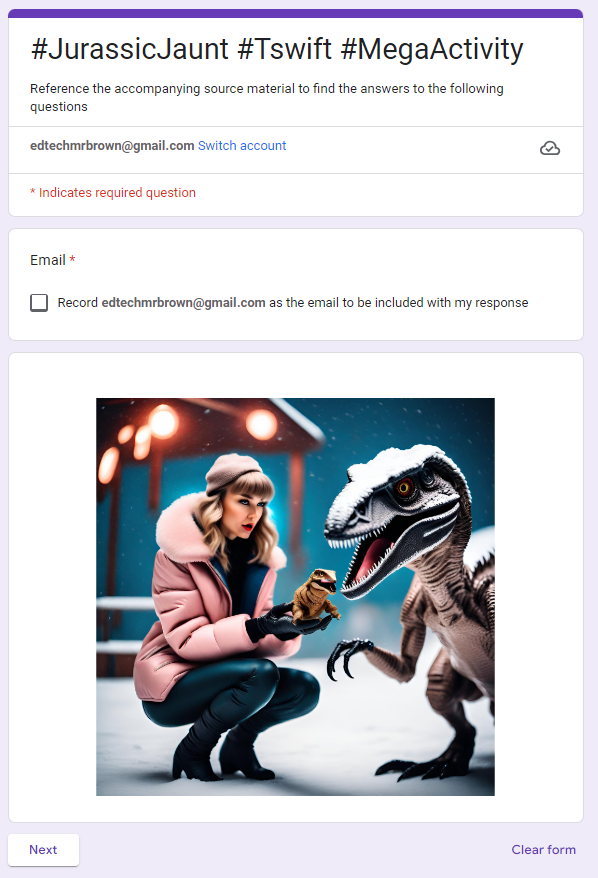
Click the image above to download your own copy of the Google Form that you can assign in Google Classroom.

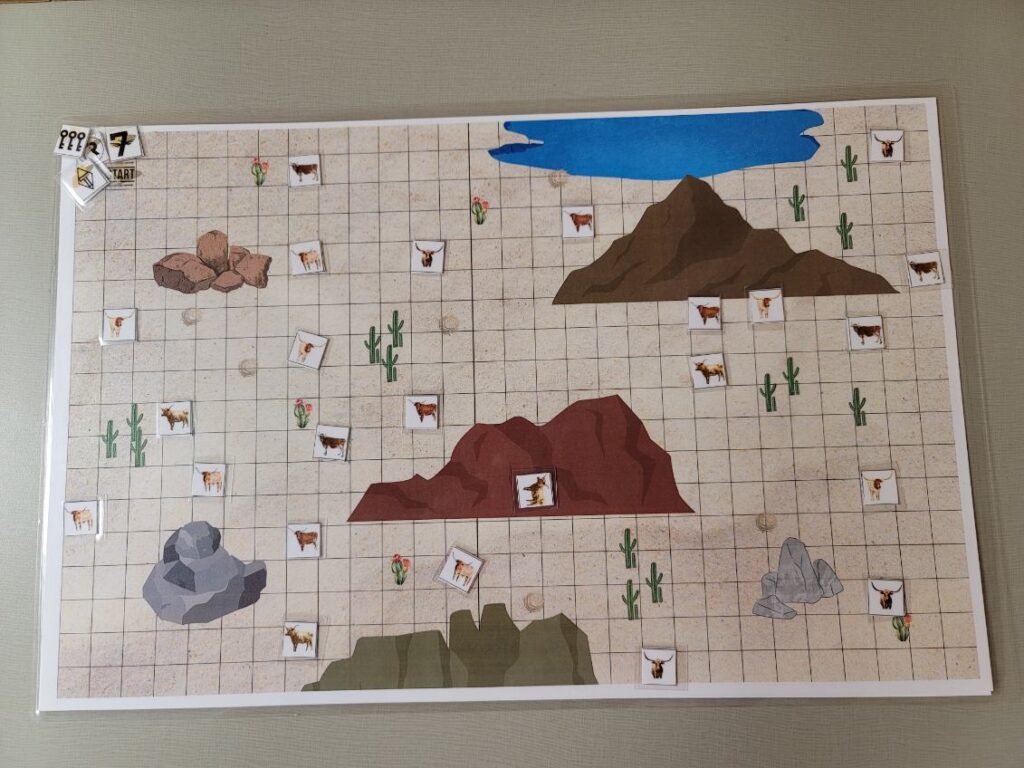
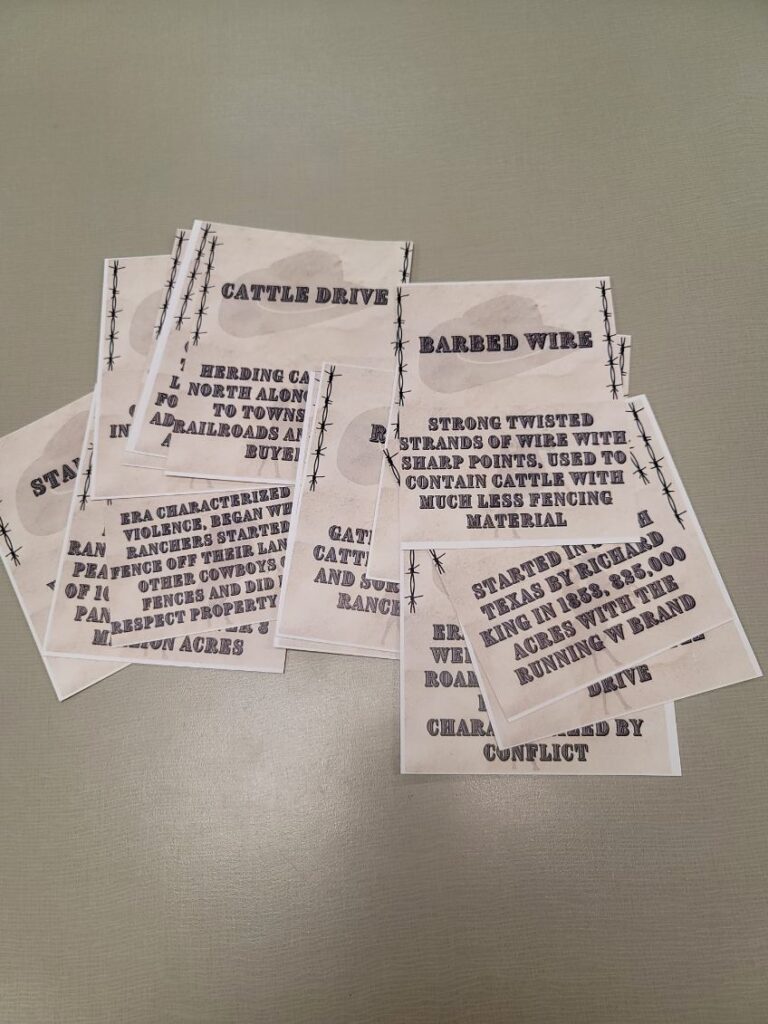
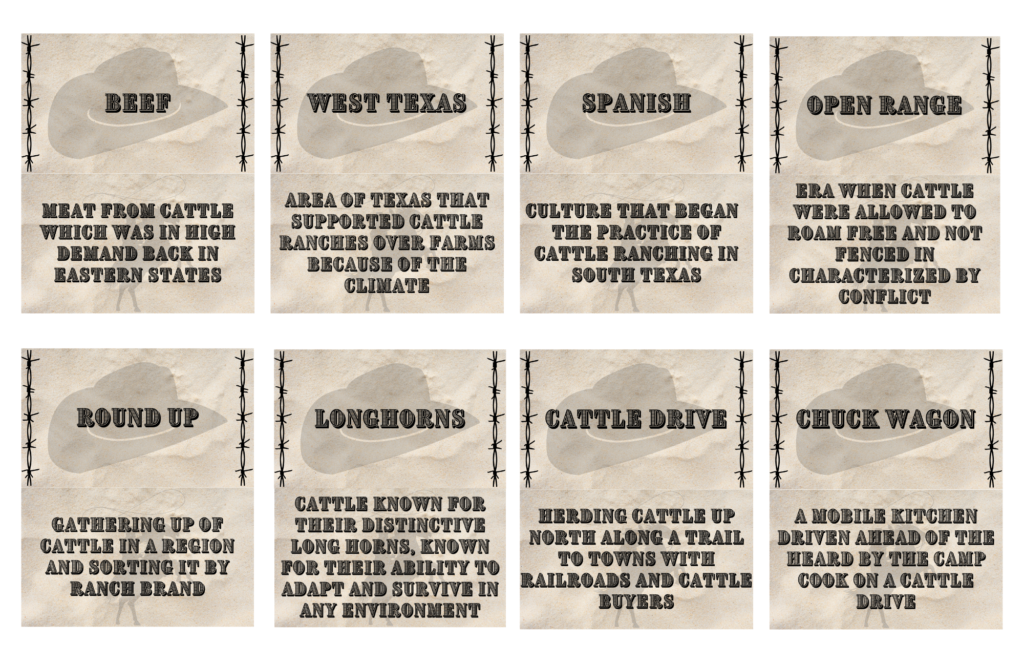
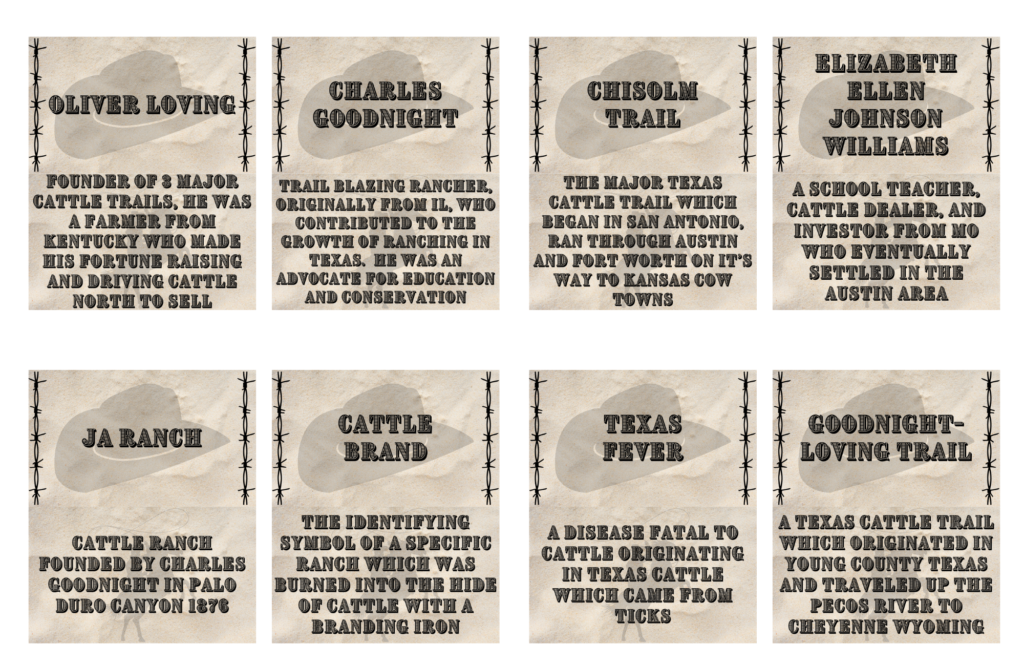
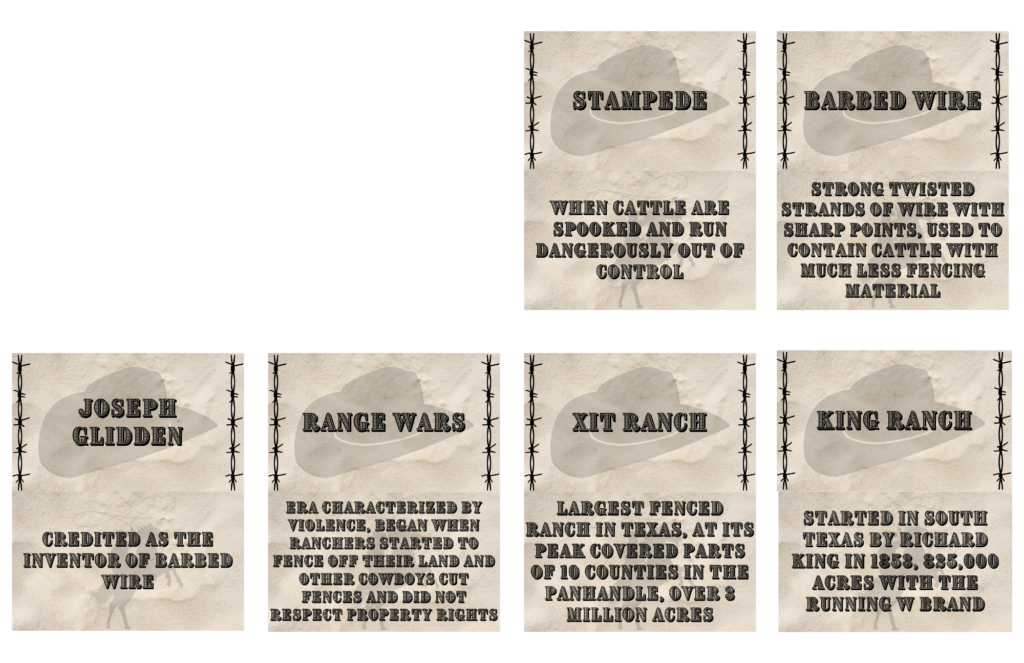
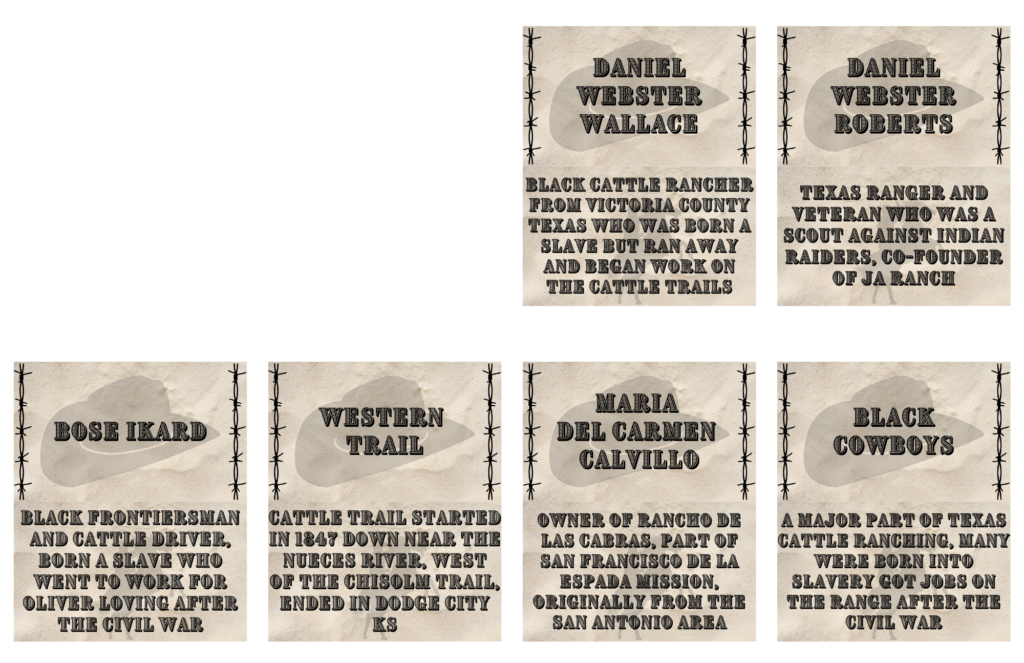
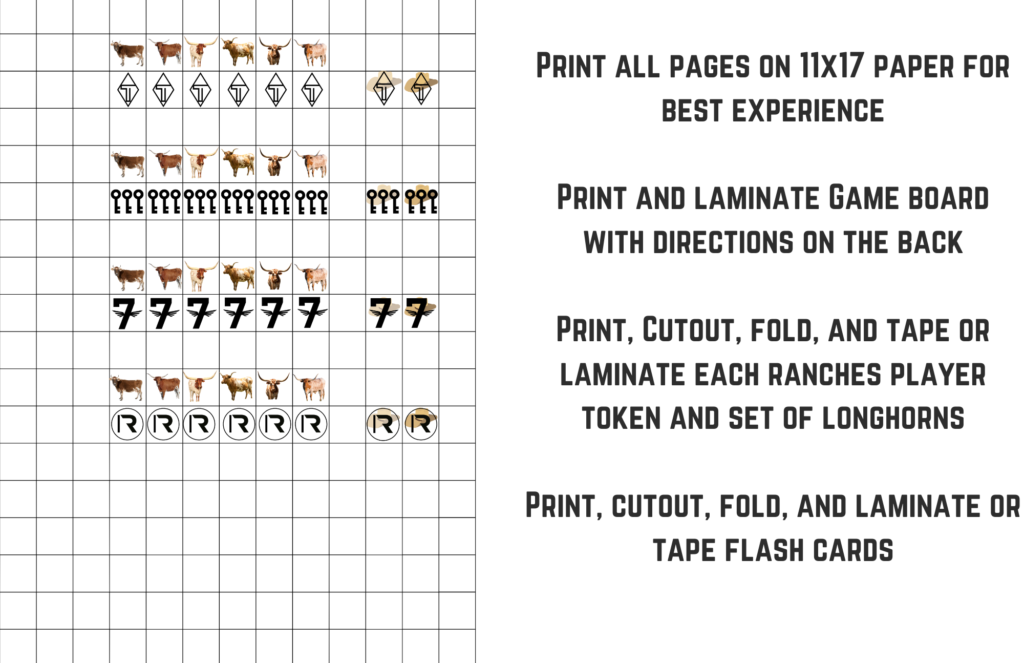
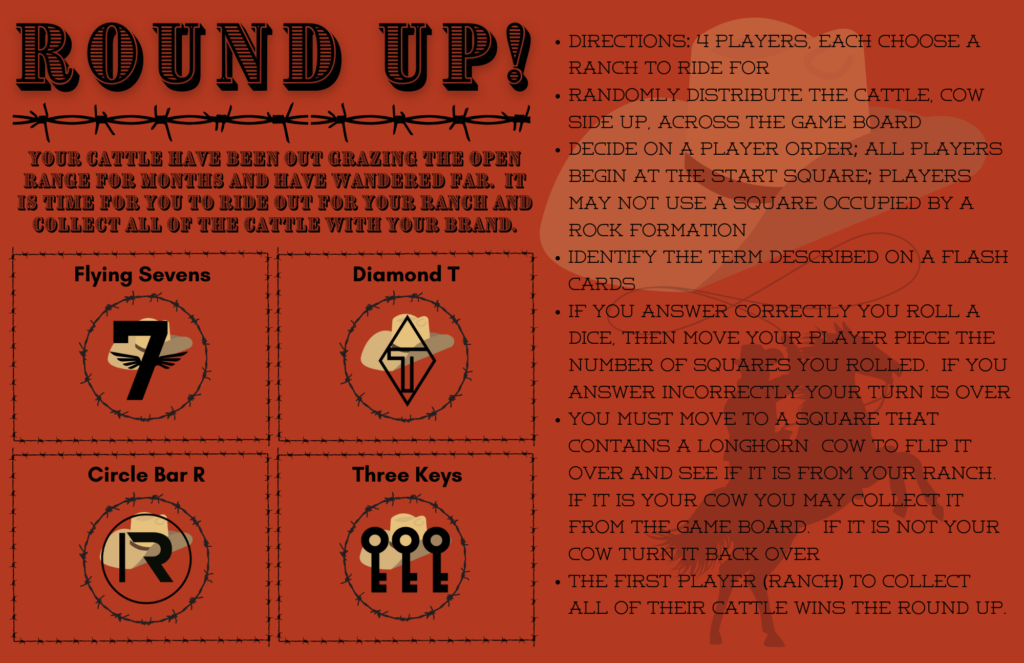
Here is a DIY digital file of a Texas Cattle review board game. Print it out on 11×17 paper or even better cardstock. Cut out an assemble the game pieces. Then cut out the 28 question flash cards. I recommend then running it all through a laminator to make it last a little longer.
7.6B Identify significant individuals, events, and issues, including the development of the cattle industry from its Spanish beginnings and the cowboy way of life.
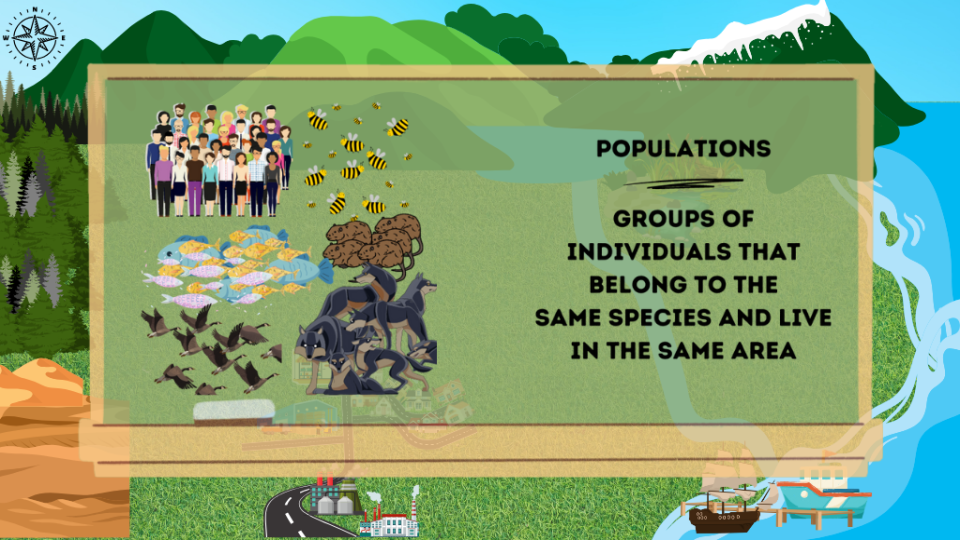
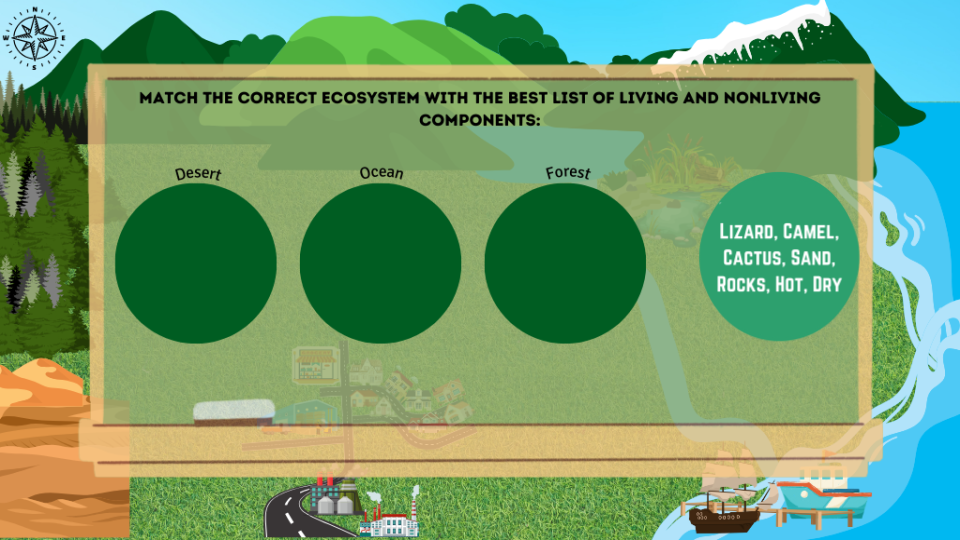
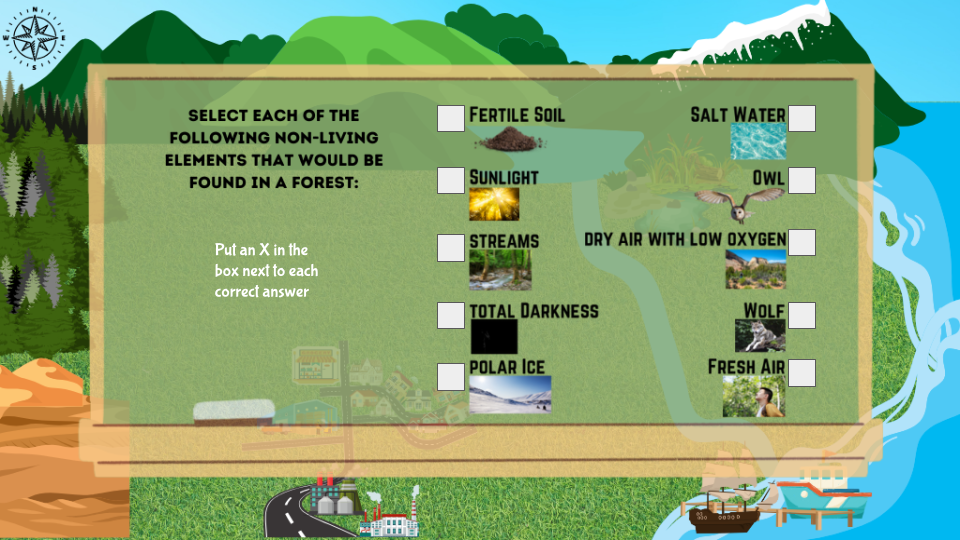
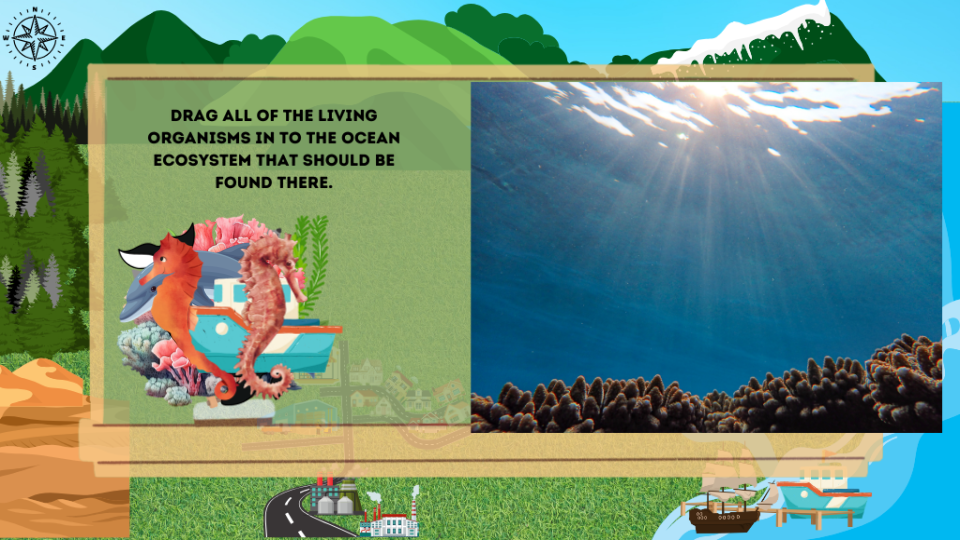
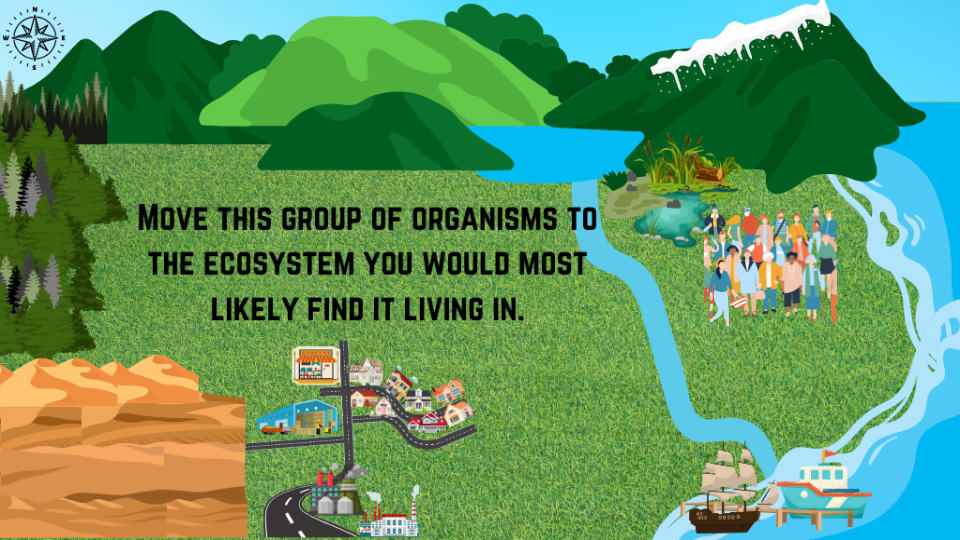
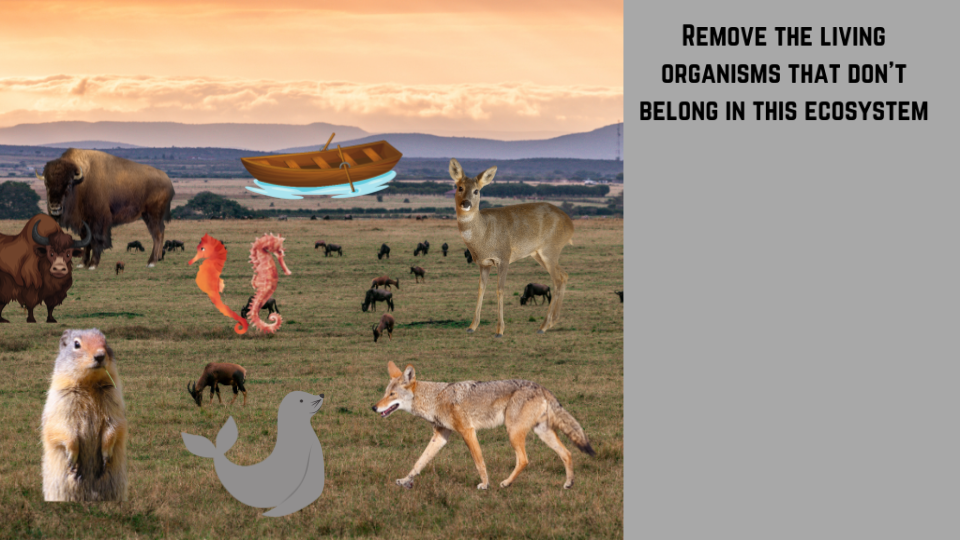
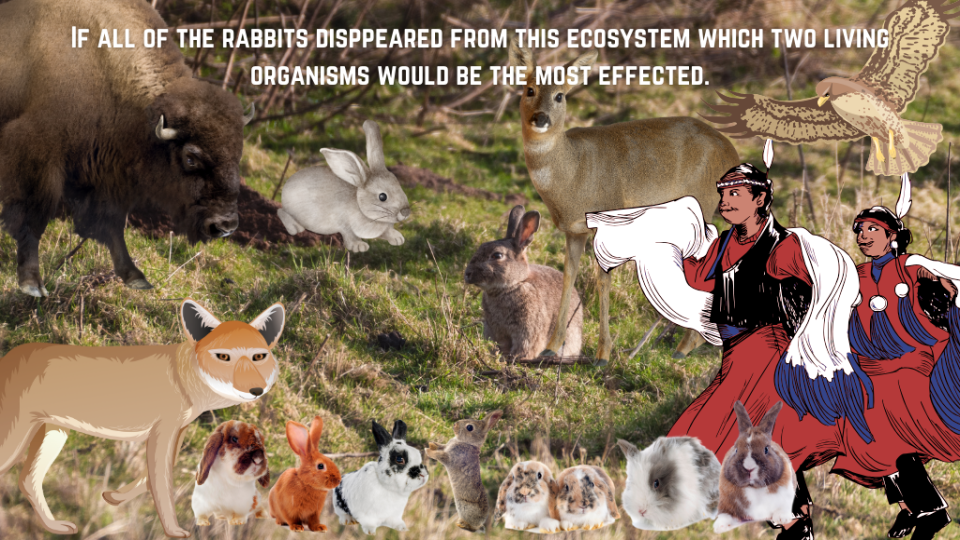
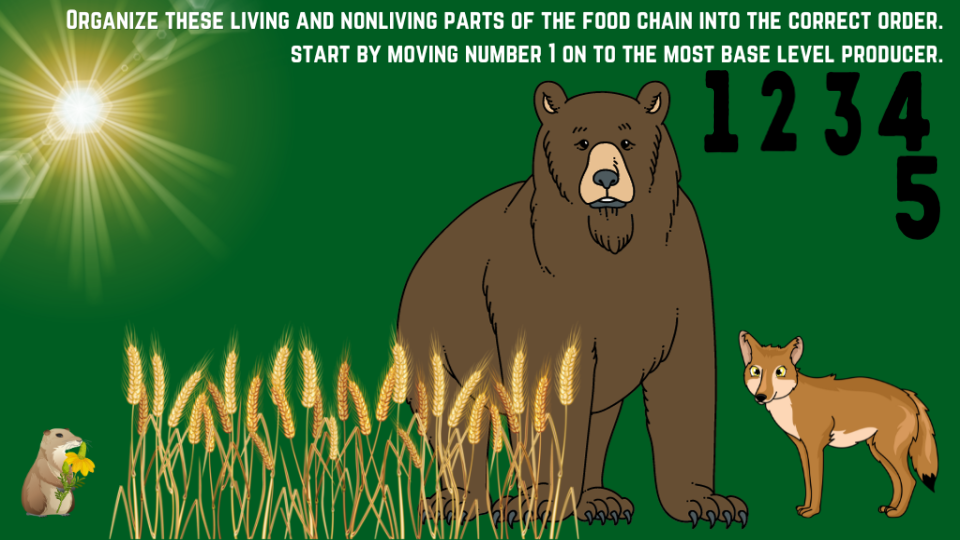
Here is an Interactive Google Slides activity for reviewing concepts and vocabulary related to TEK 3.9A (observe and describe the physical characteristics of environments and how they support populations and communities within an ecosystem). There are a whopping 39 slides to this activity with a variety of tasks including: class discussion, drag and drop, Check boxes, short answer, etc. This activity was designed to be a whole group teacher lead activity. It would be extra fantastic on a SMART board. Below are a few example slides.
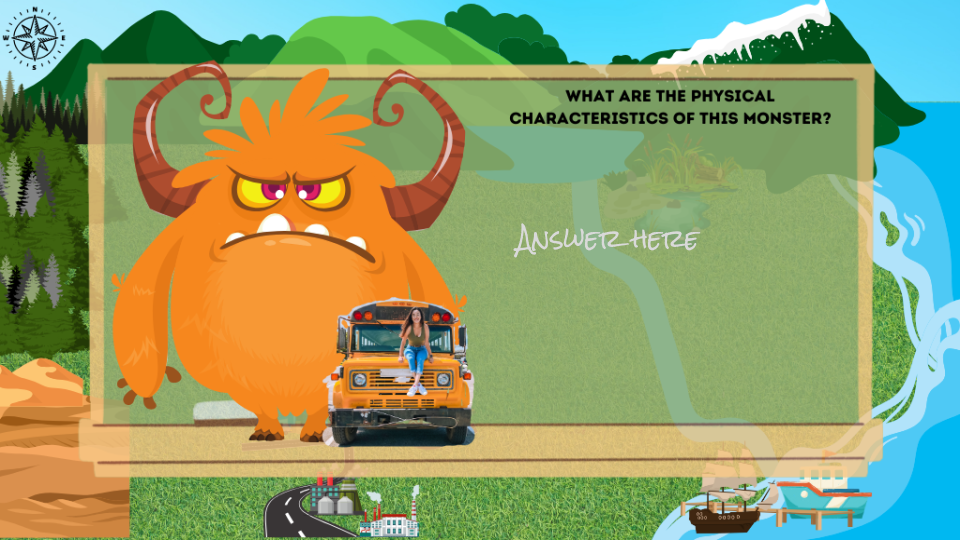
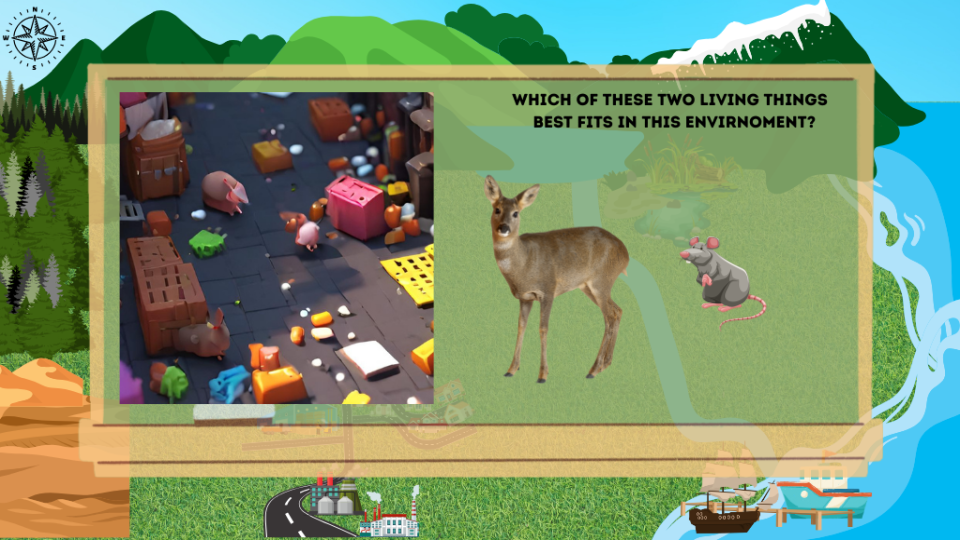
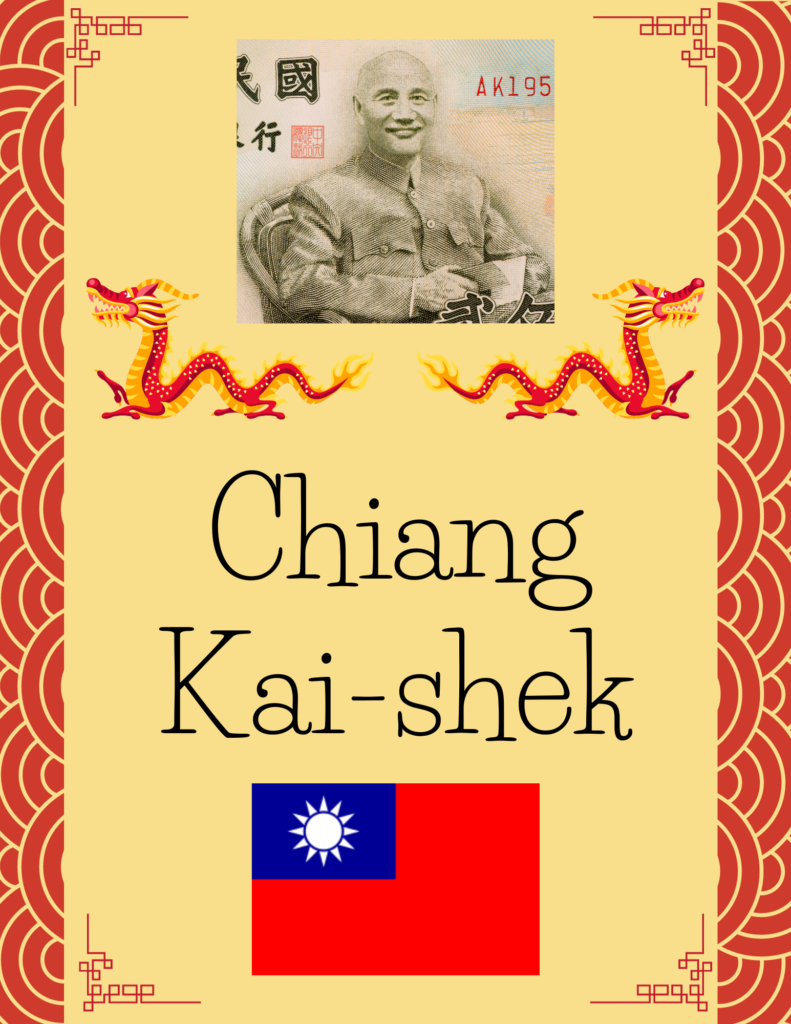
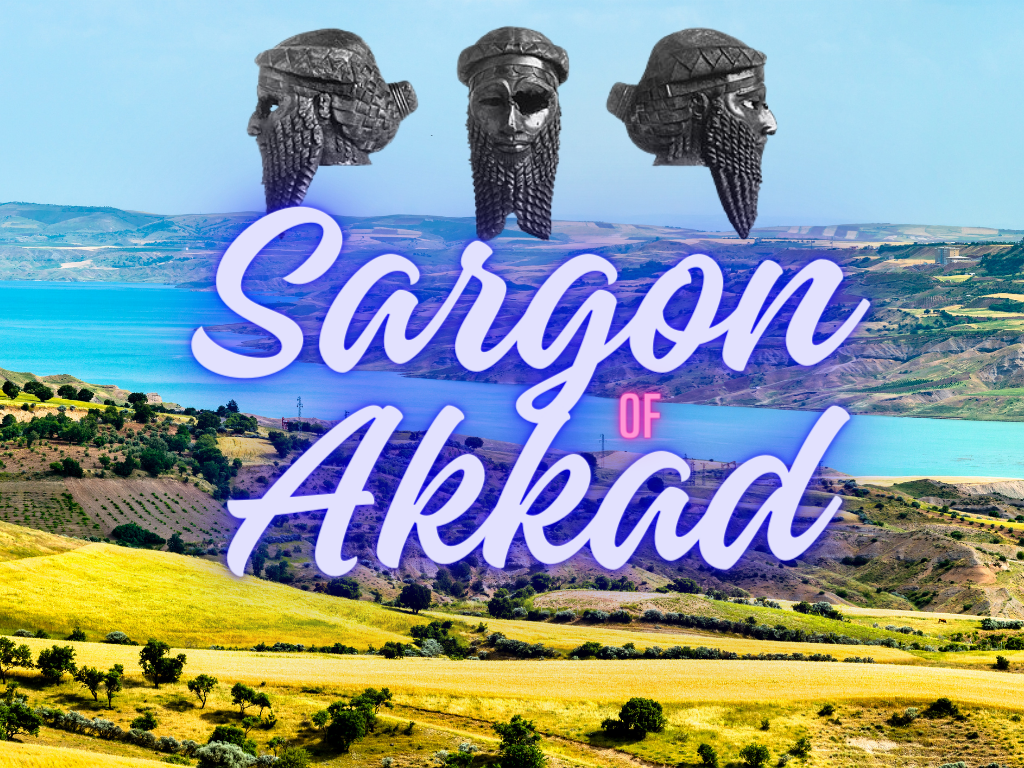
Here are 3 activities that have students read about some super cool cross curricular topics then answer vocabulary questions based on what they read. These activities all cover important people from history including impactful leaders and Innovators from several different cultural backgrounds. These activities are on Google Slides and designed to be posted in Google Classroom or teacher led in front of class. Students will use text boxes, and line or shape tools to answer the questions. Oh and I through in a bonus 4th activity over inferencing and revising and editing because that is always a need as well I know.

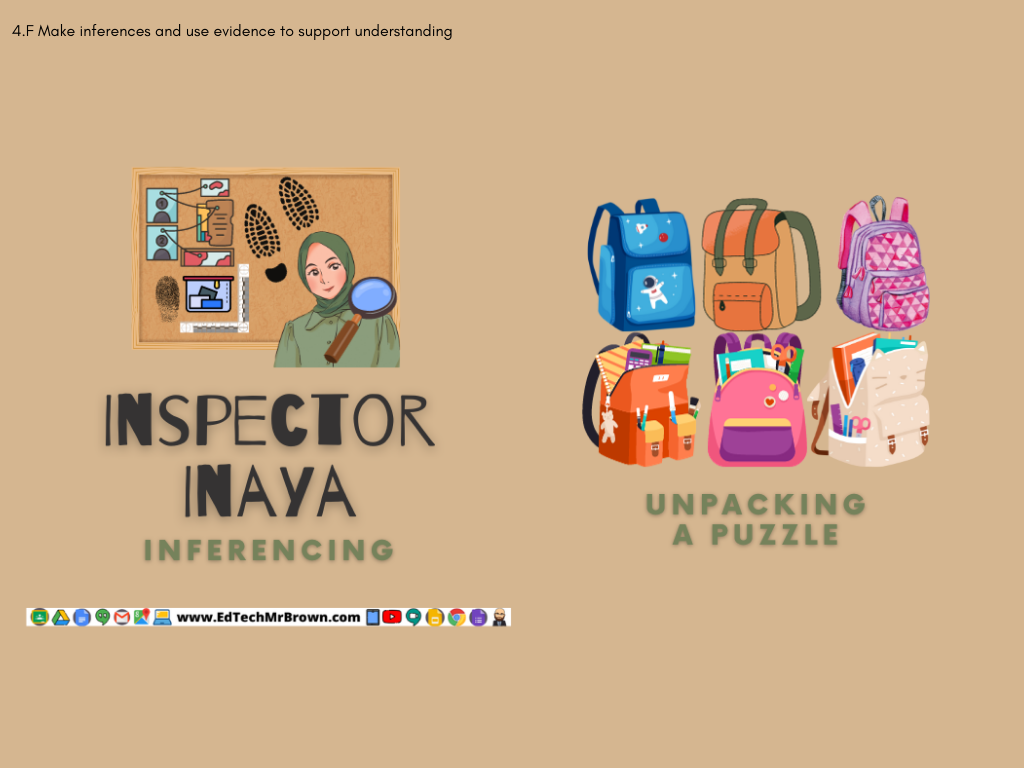
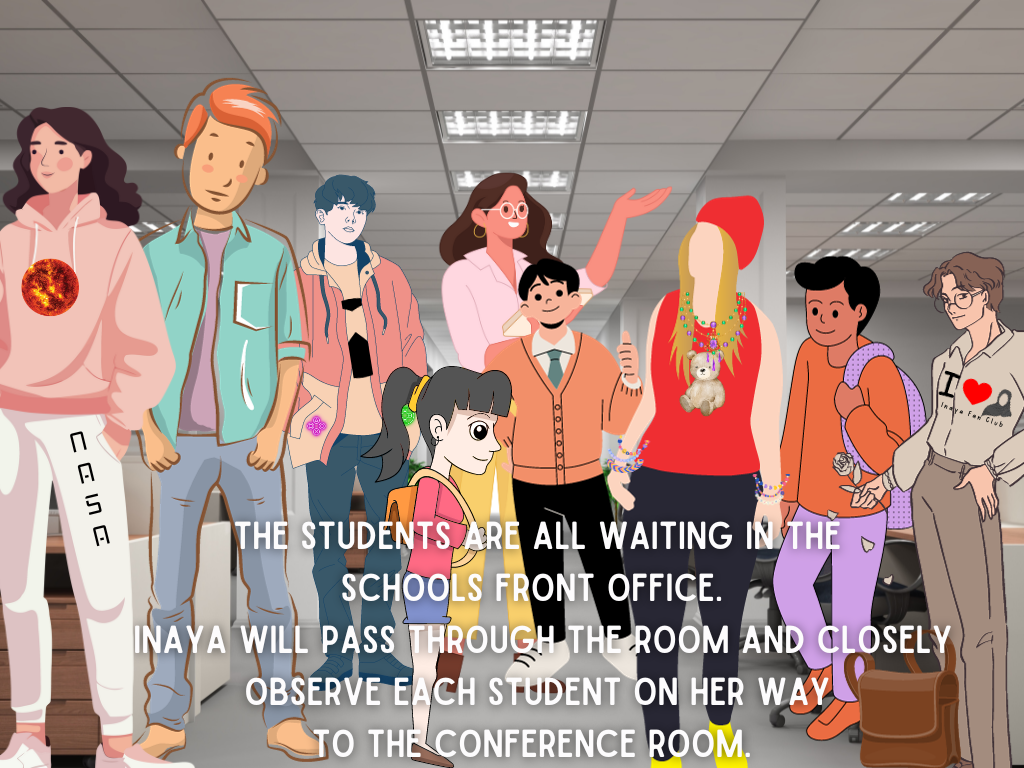
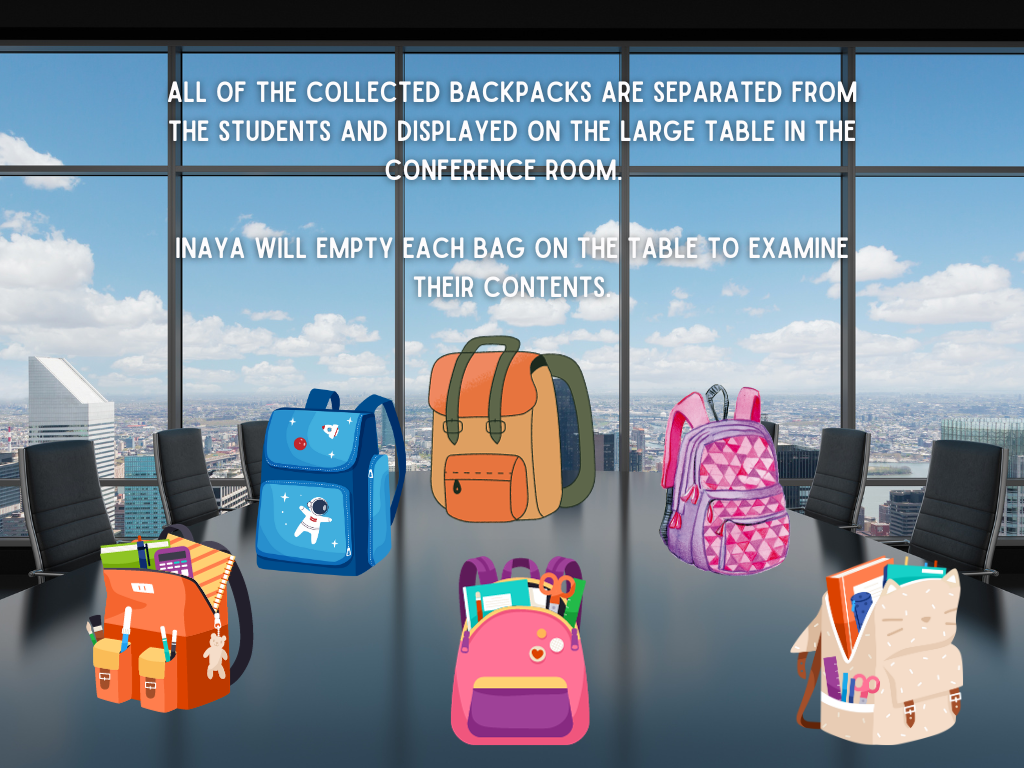
Inspector Inaya is back to use her skills of observation and inferencing. Below are just a few screen shots from the activity. Click the download button check it all out.
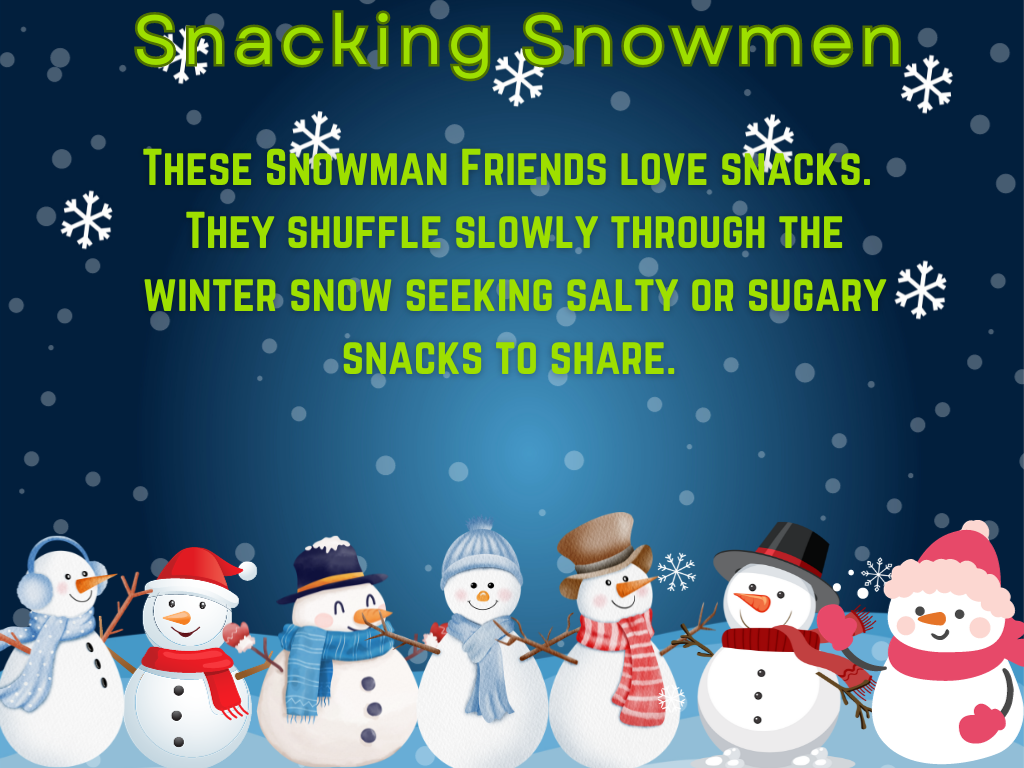
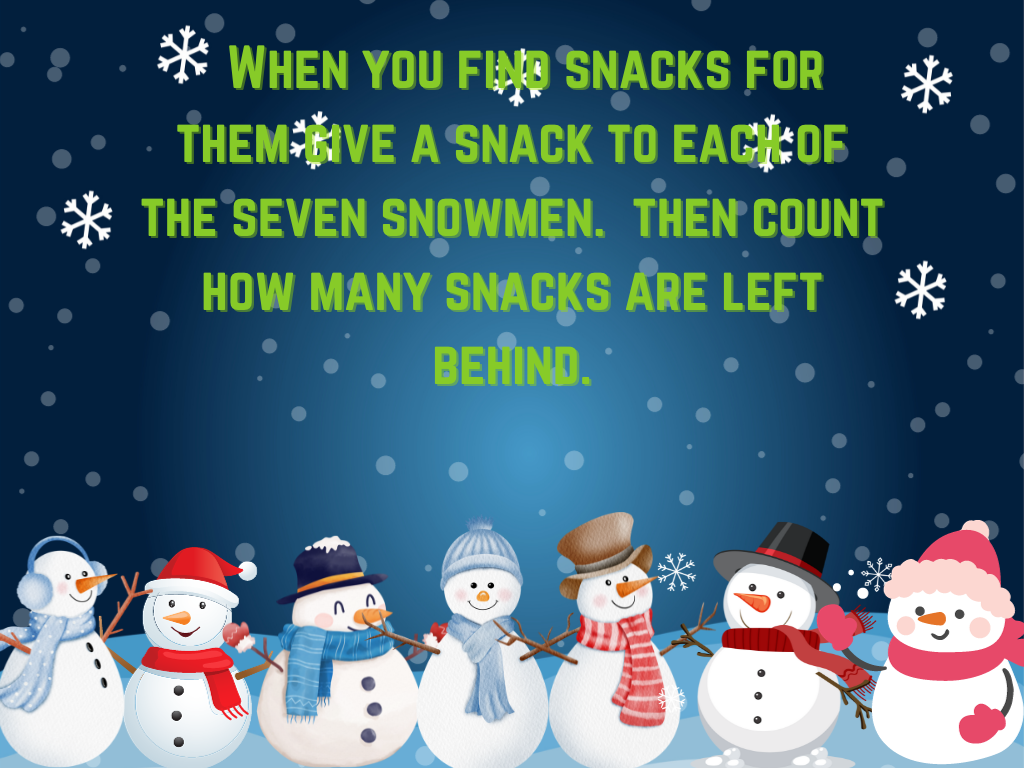
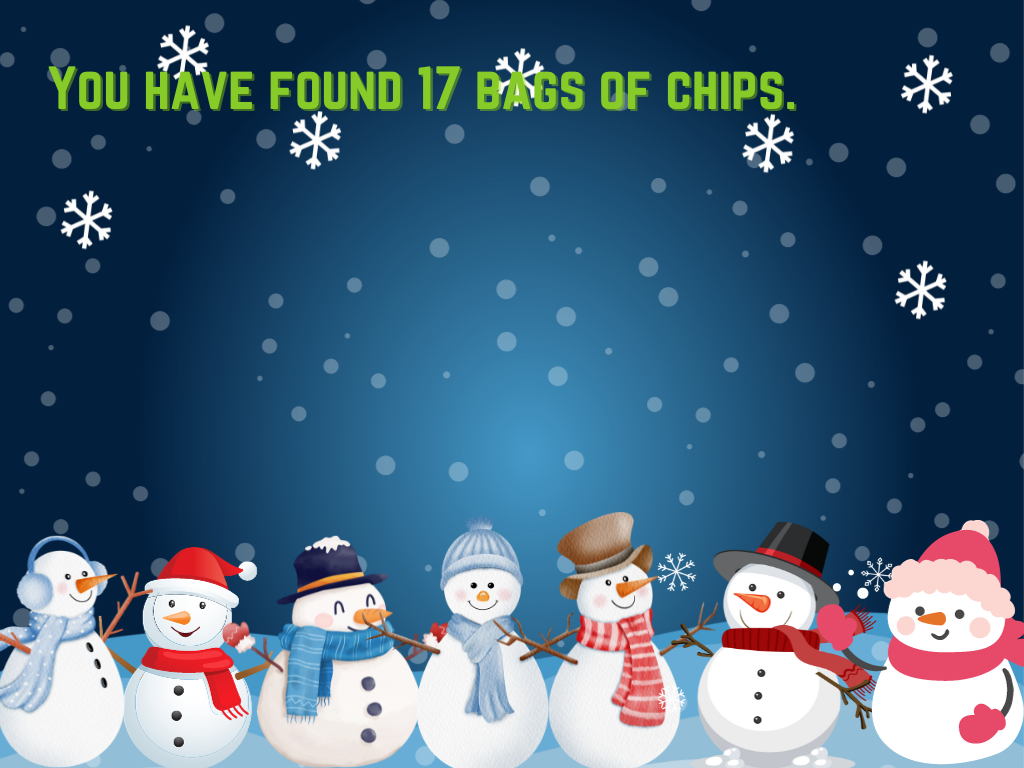
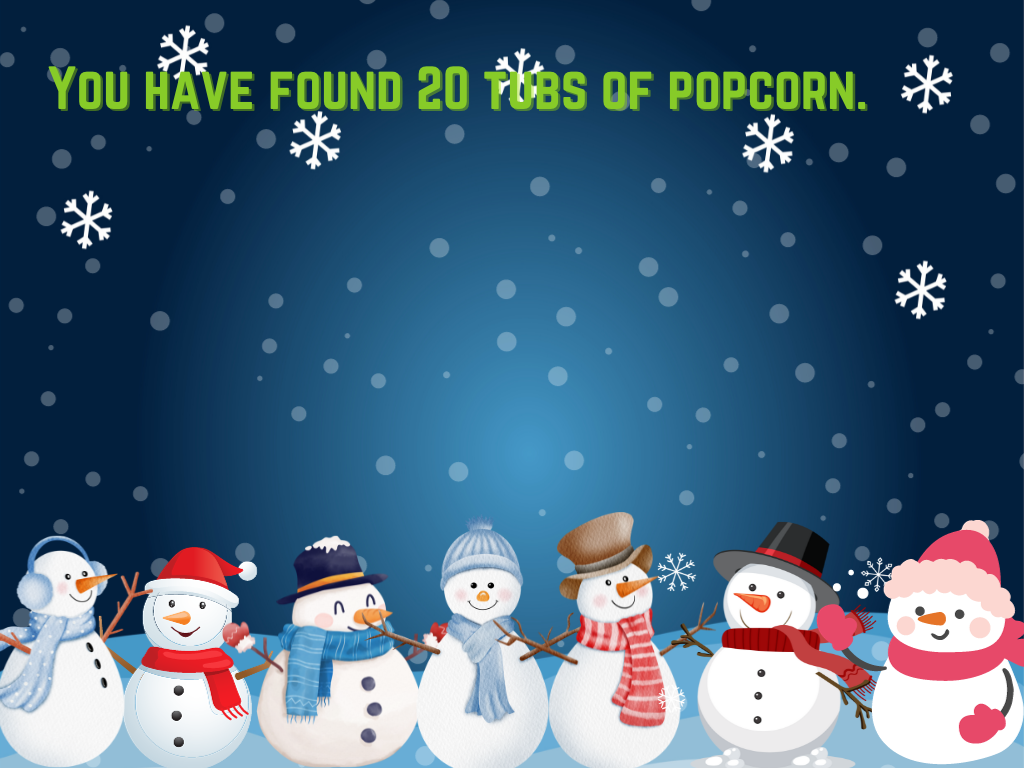
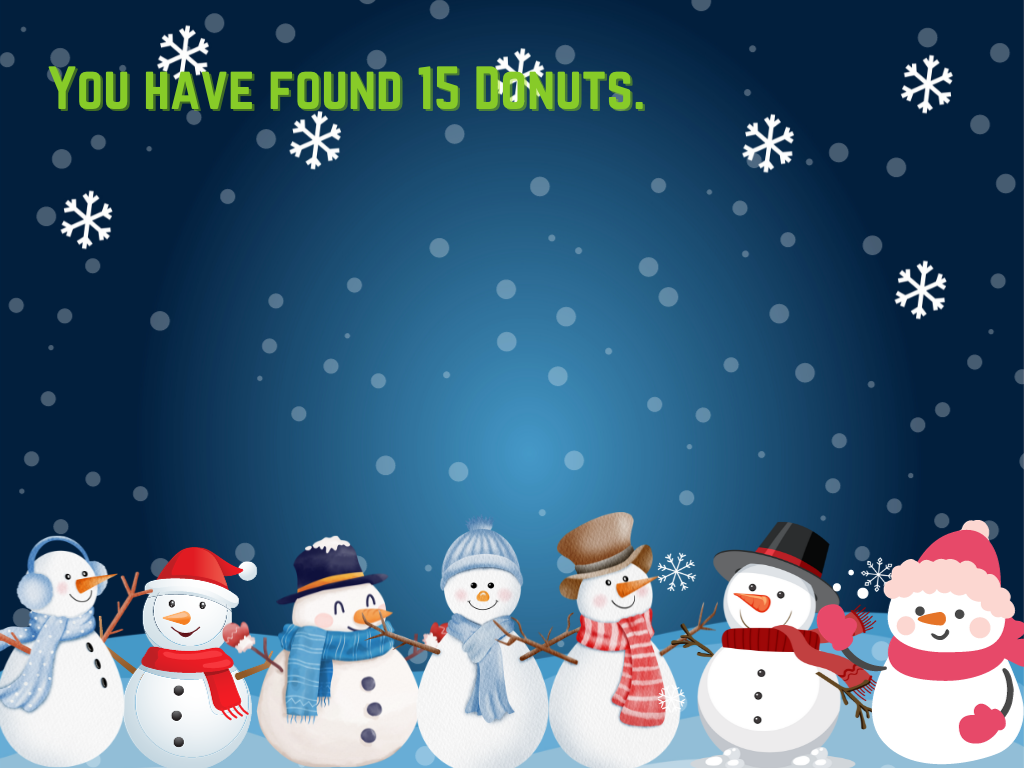
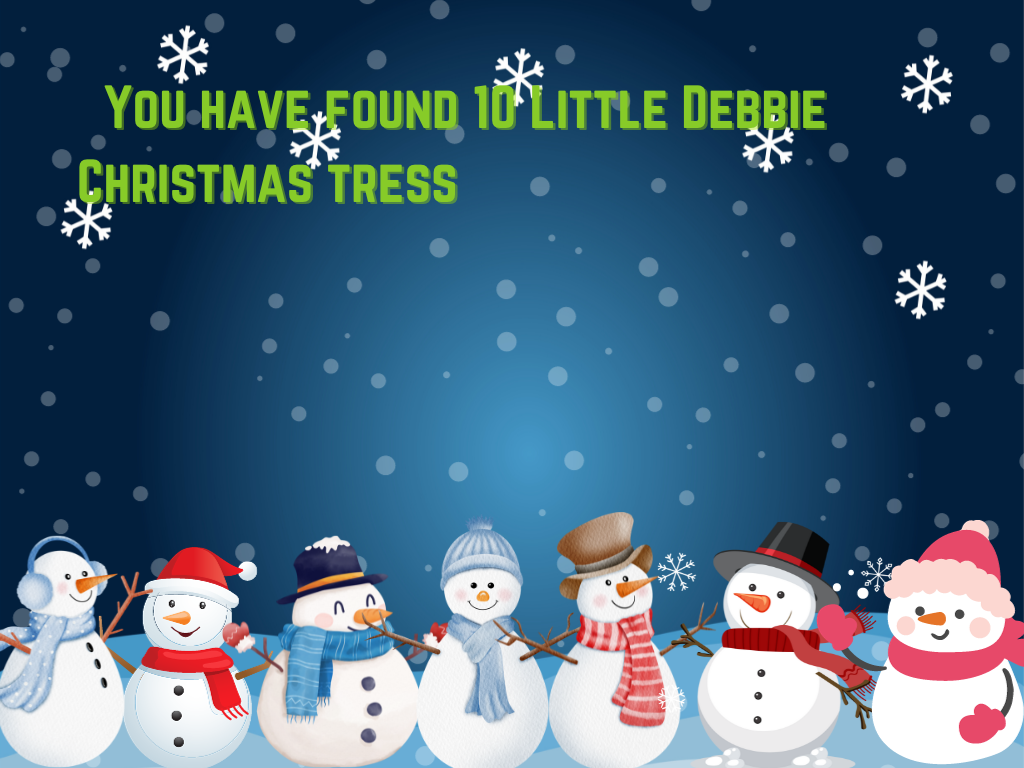
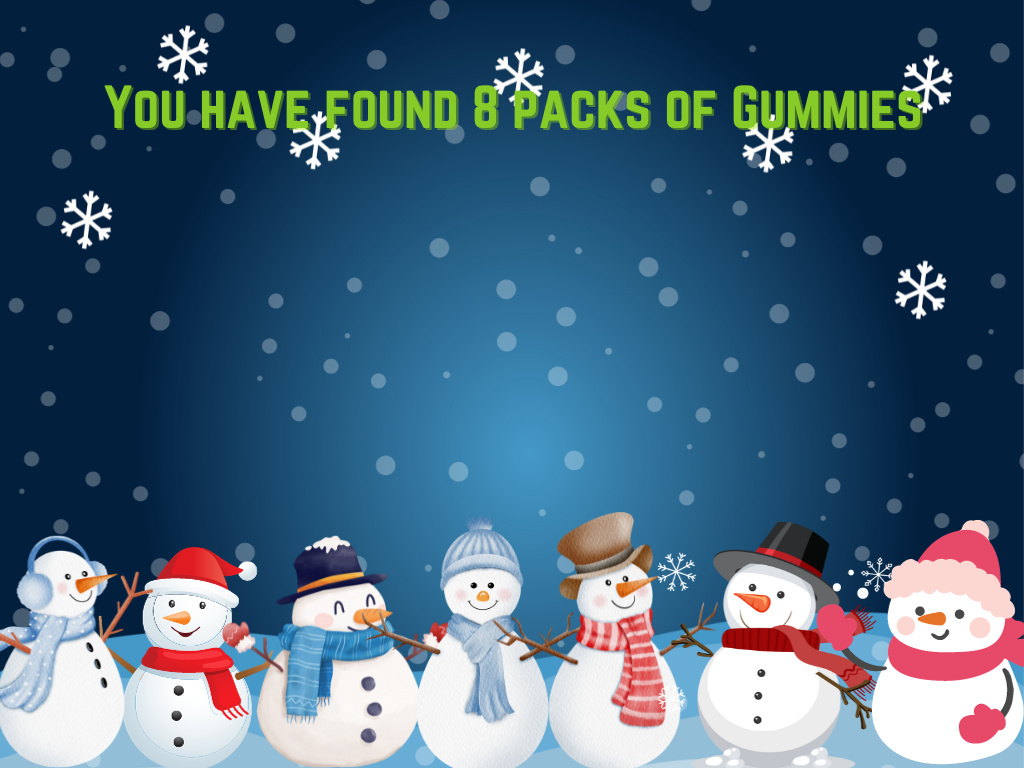
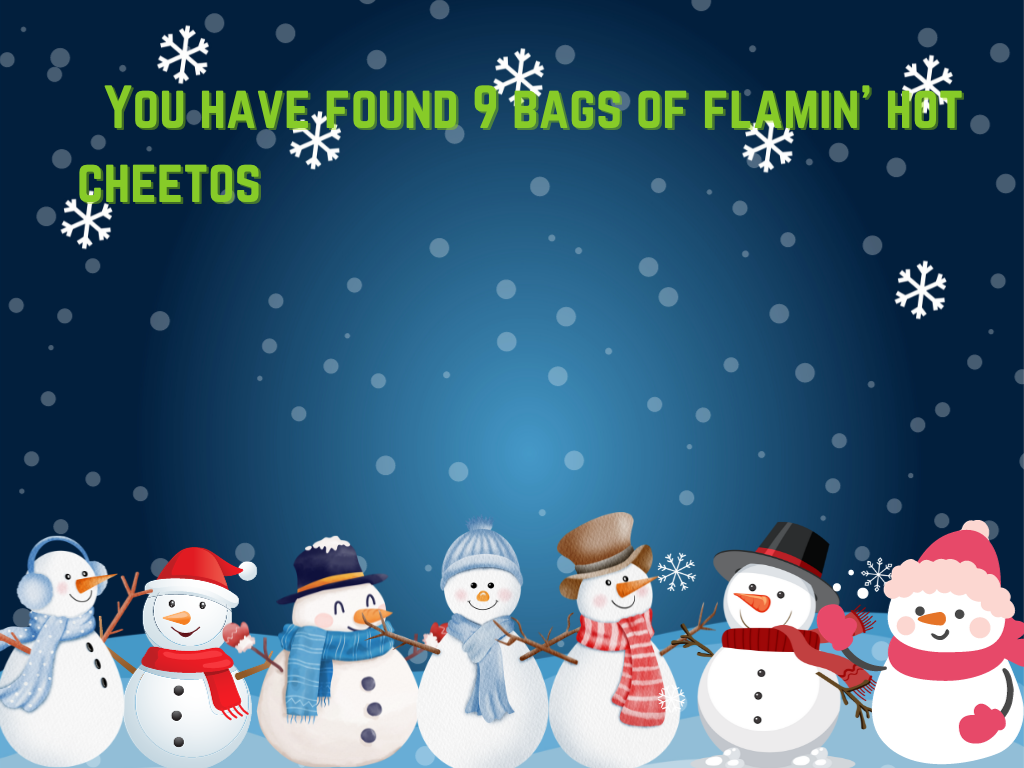
Here is a 2nd grade math activity that has students practice their subtraction skills. In this activity which can be done on a SMART board or on individual Chromebooks, students pass out snacks to a pack of seven hungry snowmen. They then count the snacks remaining. To advance this activity you could ask your students to do the subtraction problem first, then count the snacks to check their answers.










Can you make me a video of all my class photos for the year and put them to these songs? That is a question I get a lot, especially toward the end of the year. So here is your detailed walk through on how you may easily do this now with Canva.
We will look at how to use Canva to make a video slide show of our class photos. We’ll use templates with animations and transitions. Customize the graphics and text. We will look at how to add music. We will also look at how to design our own photo slide templates instead of using those already in Canva. It’s SUPER easy and you should be able to make a huge video to share with your class or school in about ten minutes. You could also embed videos on to these slides if photos are too 1998 for you. Canva will set the slide time to the length of your imbedded video. Also if you have your own song files you may use those instead of Canva’s songs through the Uploads menu.
Here is a quick step by step guide for assigning group work in Google Classroom. It is really not difficult at all. It is totally worth the effort to get your students engaged in meaningful collaboration. Printable PDF version below as well.
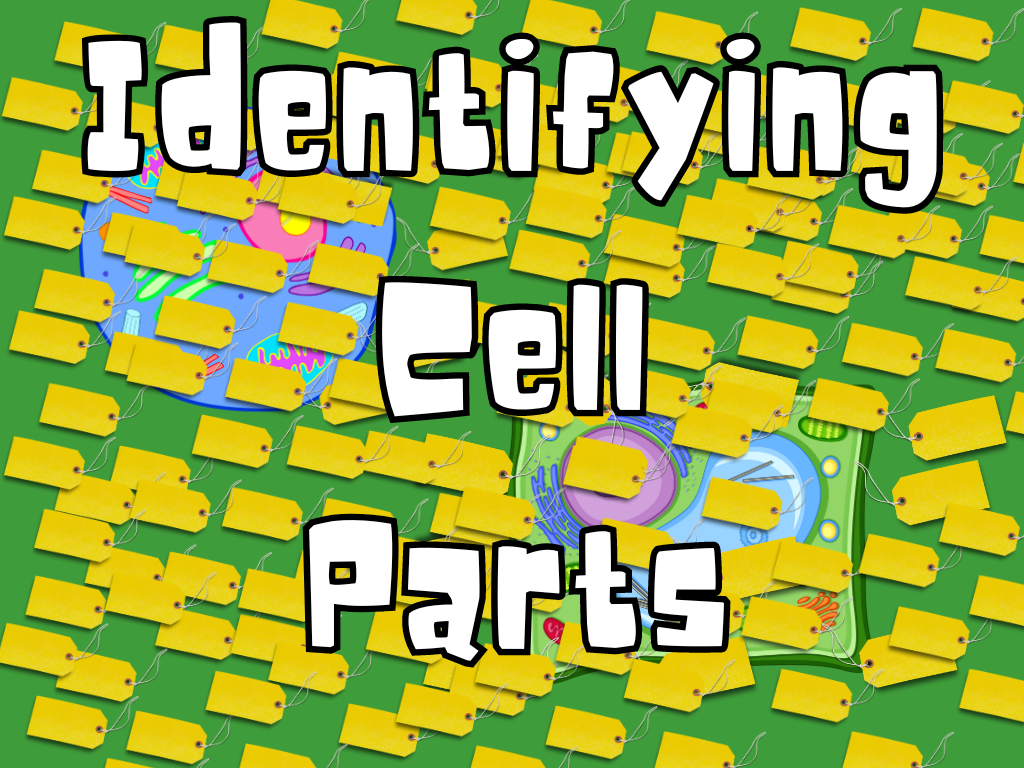
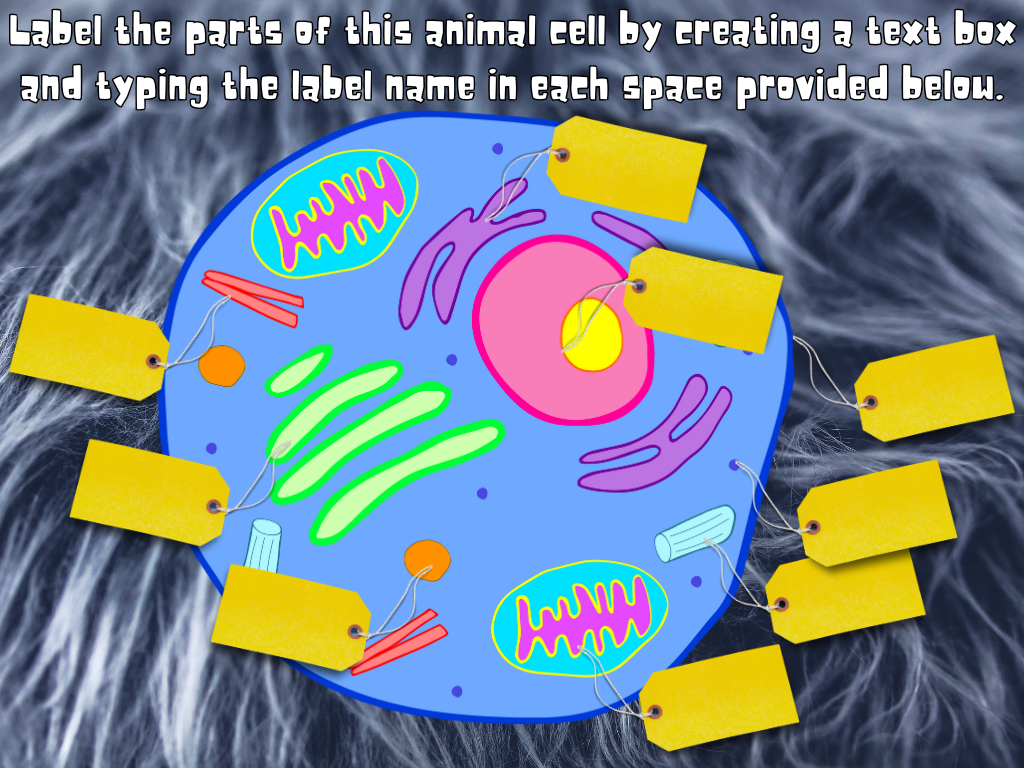
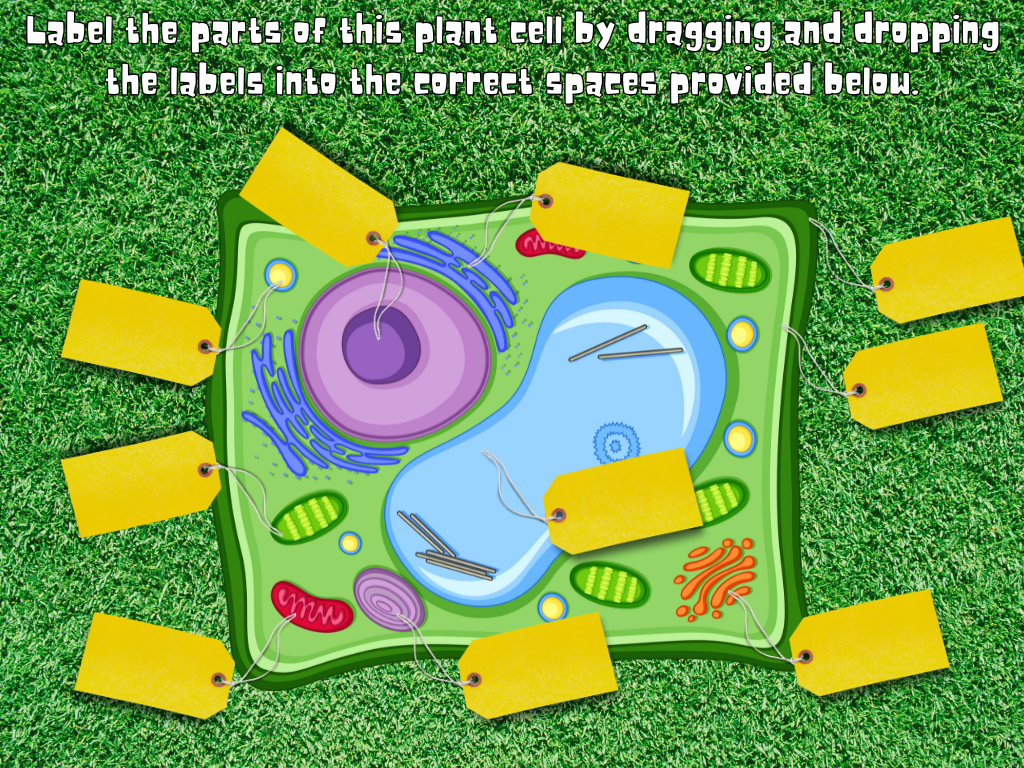
Here is a Google Slides activity, intended to be assigned in Google Classroom, about cell parts. In this activity students are asked to label the parts of both an animal cell and a plant cell. Each cell type has a hard mode where students must know and type the answers. It also has an easy mode in which they can simply drag and drop labels. You may use which ever slides you wish, make a copy of the activity first and delete the slides you don’t want before assigning.
TEKS Math 4.4(H)
solve with fluency one- and two-step problems involving multiplication and division, including interpreting remainders.

Need to get your students practicing a little two step problem solving that include multiplication, division, AND even a little interpreting remainders!?!? Then come on down to Battle Bots Warehouse! Where you get more battle bots for less money and more math practice with less tears!
Multiplication: Students must determine how many battle bots were sold on a particular day then figure out the total sales based on that day’s market price.
Division: Students must determine how many robots need to be ordered to replenish stock in the warehouse. Then they must divide to calculate how many cases of each robot they need to order. There will be a remainder which must round up to the next whole case number.
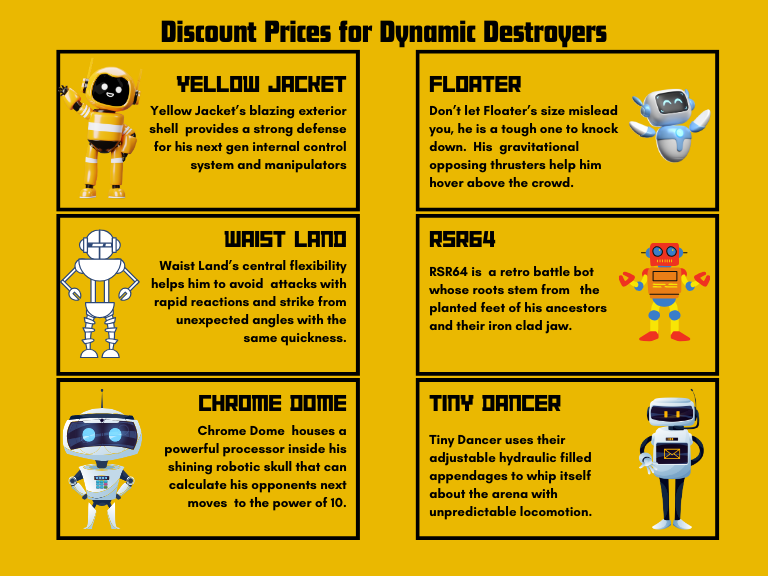


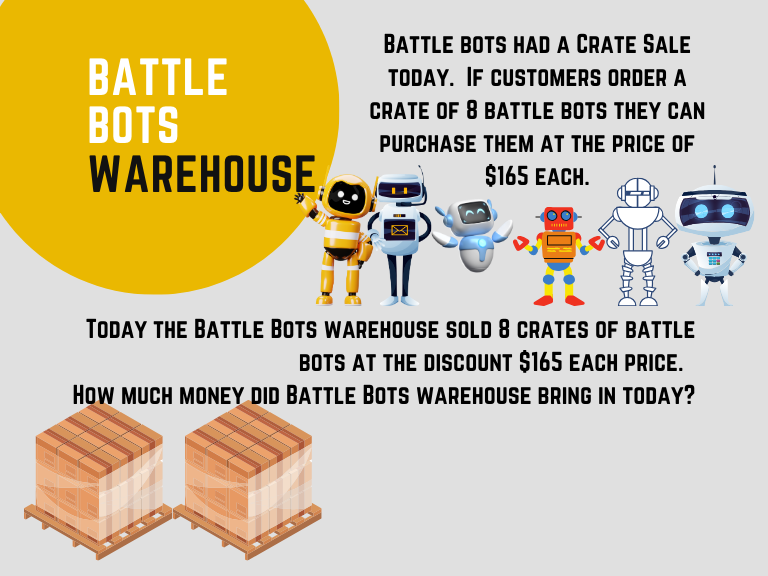
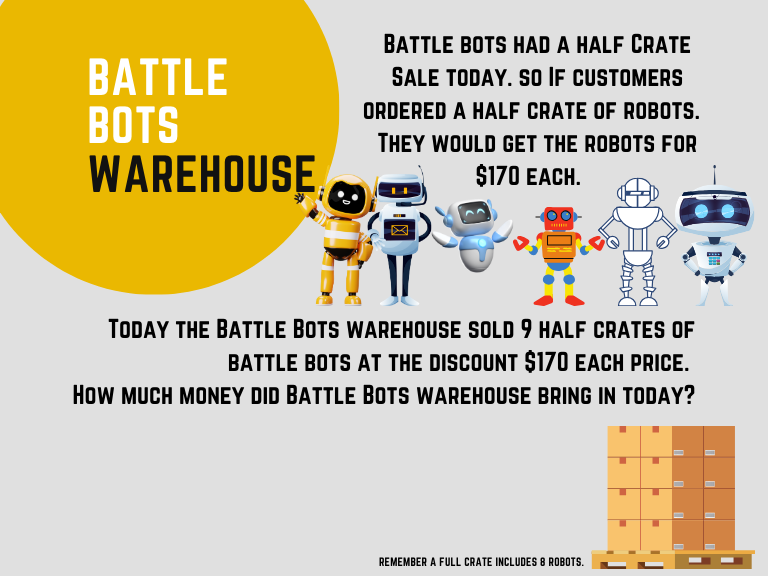

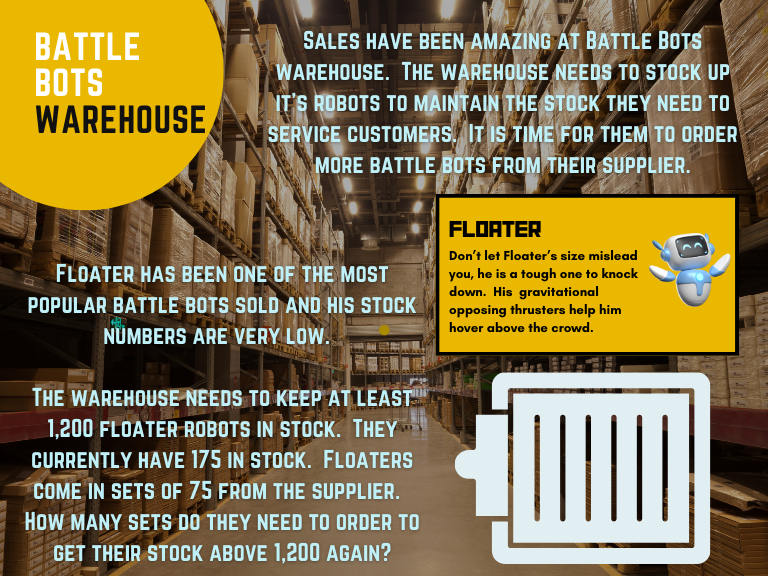
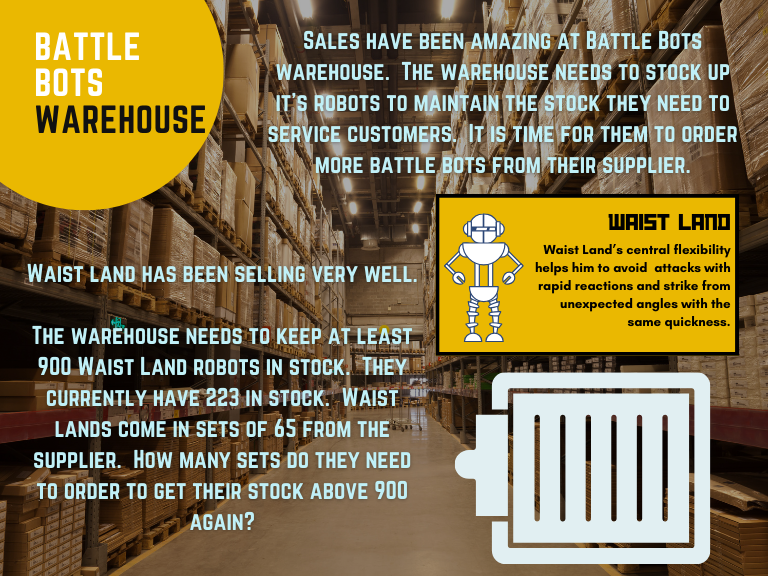
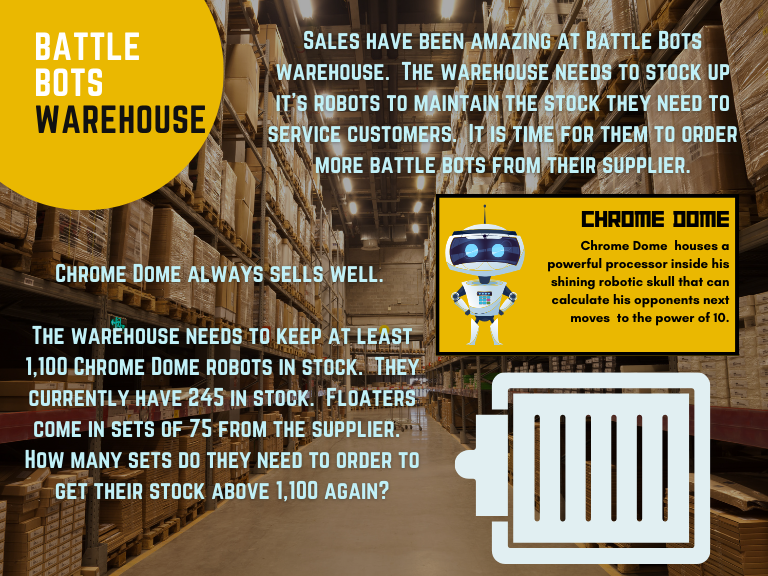

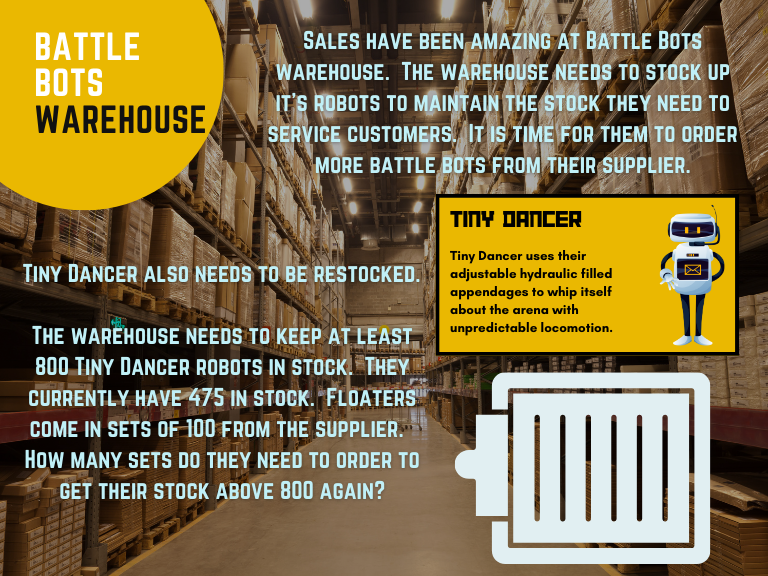
Let’s make an entire battle bots lesson out of this.
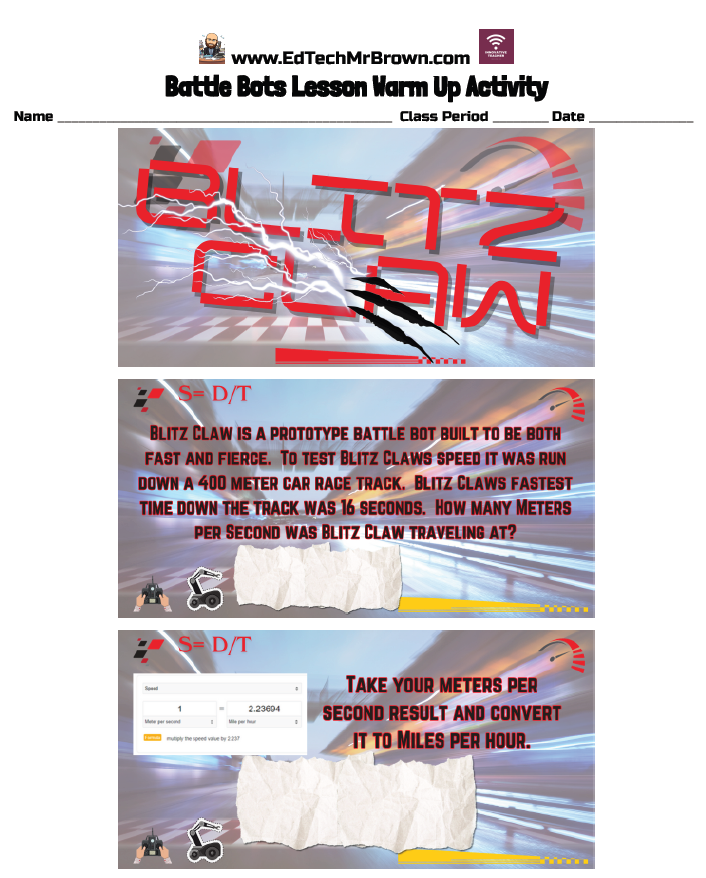
Here is a Warm up activity that has students calculate the speed of Blitz Claw!
Le them be entertained by these gladiators!
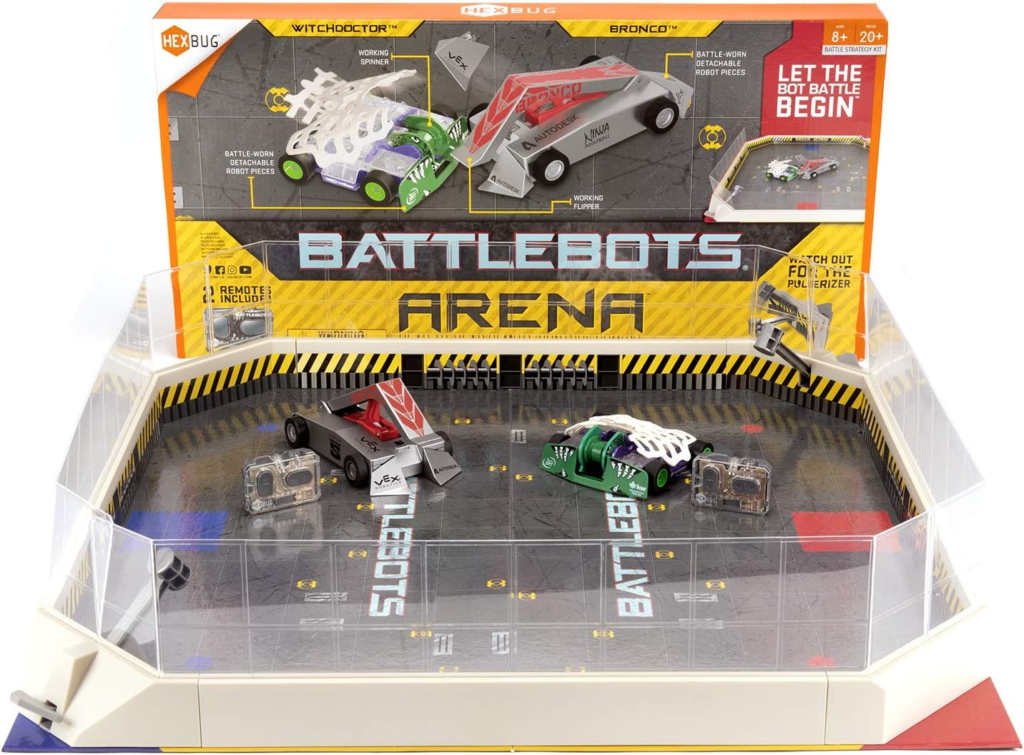
Also, I have some battle bots to bring in to your class for your students to play with after completing the main activity.
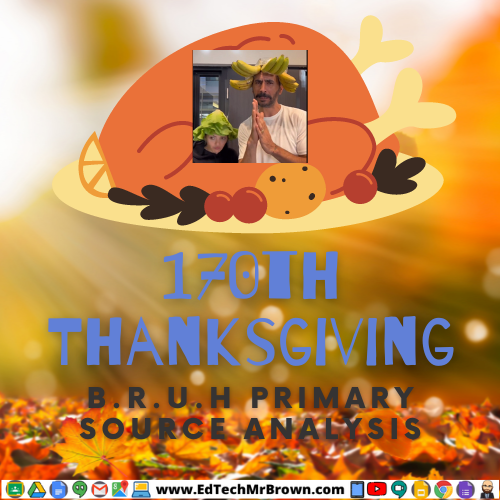

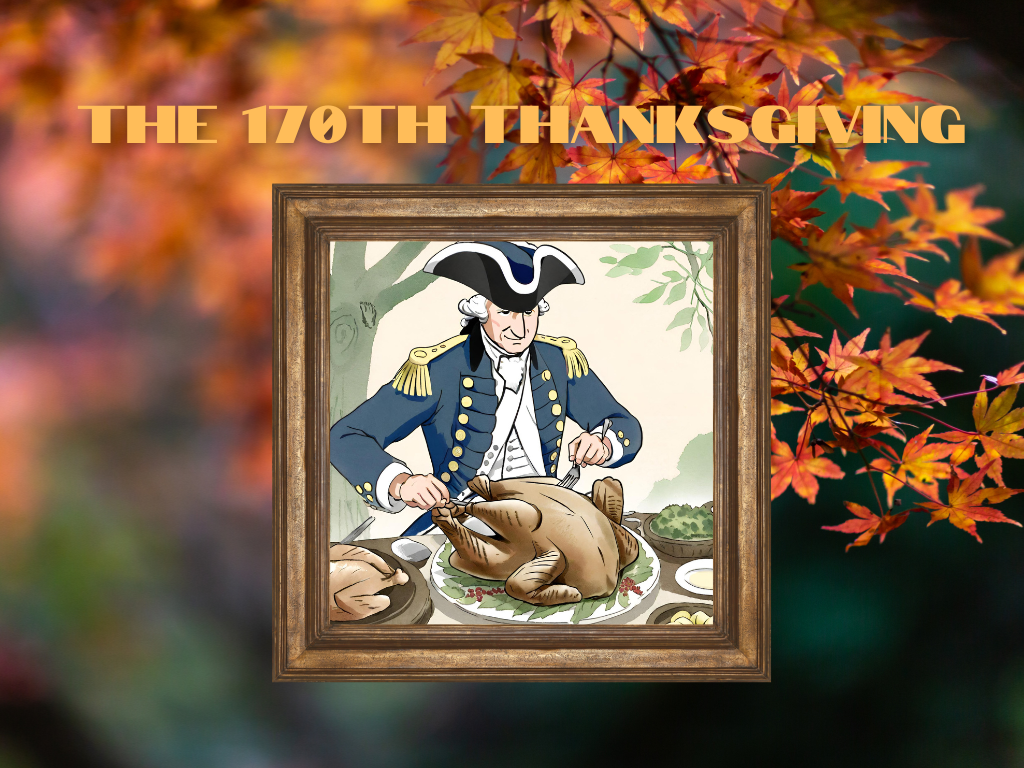
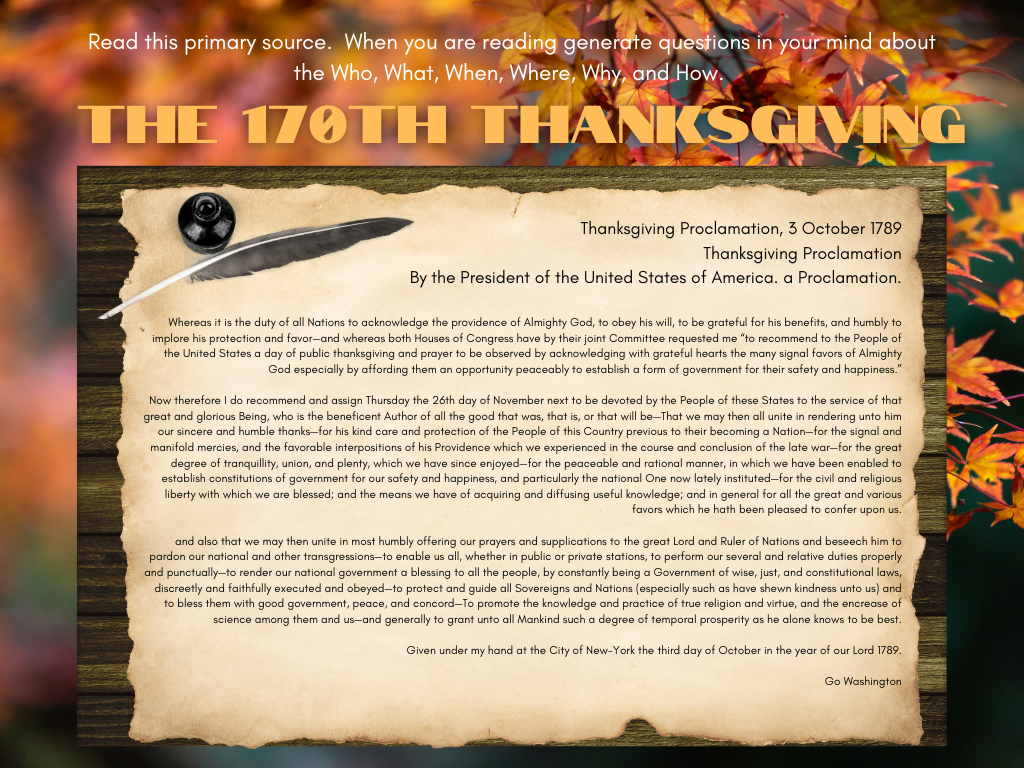
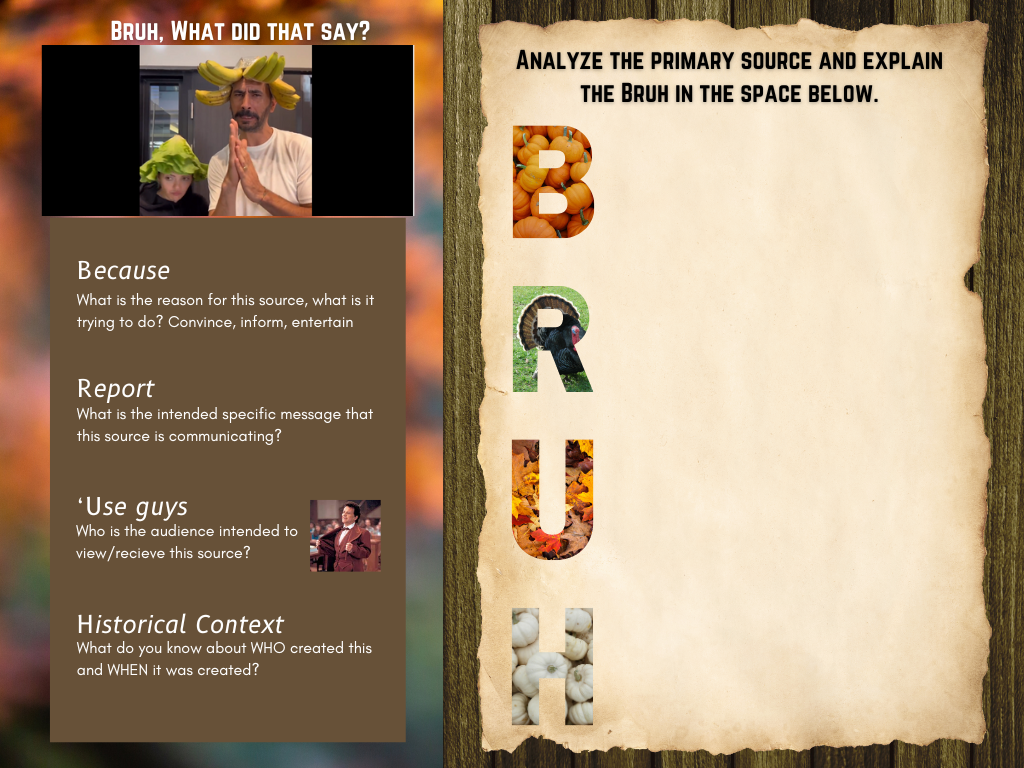
“Bruh, sometimes words be hard.” That’s why we will use my new B.R.U.H. system to analyze this primary source proclamation from George Washington on 3 October 1789. This is a Google Slides activity designed to be assigned in Google Classroom. There are text boxes on the activity for students to type their answers.