Here are 5 custom created printable No-Tech Board Game options for your students. They are designed to be played with Flash Cards that you provide or even better have students make. I made with technology so I count them that way as EdTech. Made in Canva.
It is really so easy you would be silly not to try it. It takes about 1 minute to do. In a later video we will cover creating custom assessments, how to share assessments with your team, and how to assign assessments.
Have your students add a moving mouth and voice to an image of a person or even any object with a tool like Blabberize or Chatterpix. Students can create a fun project like that to demonstrate what they have learned.
This example is supposed to be fun and engaging but imagine it is Sojourner Truth talking about her work toward the abolition of slavery. Jack London explaining his short story “To Build A Fire”. One of the Engineers who designed the Golden Gate Bridge teaching how it’s suspension span system works. Or even Ada Lovelace sharing how she saw the future of basic machine computation growing into algorithms. Please invite me to your class to help your students develop some awesome projects like these.
This is badge #96 Talking Pics for our Innovation Badge Chart.
Teachers, Students, and Classes are all rostered and ready to go in Progress Learning, which we knew last year as, Education Galaxy. Teachers and students should access Progress Learning through ClassLink.
Grades K-1 Please make sure your students have the pre-test turned on in the settings tab for each class. We will start that soon. In the meantime let’s have them start practicing on their Study Plan.
Let’s get started with Liftoff and the Liftoff diagnostics in grades 2-5.
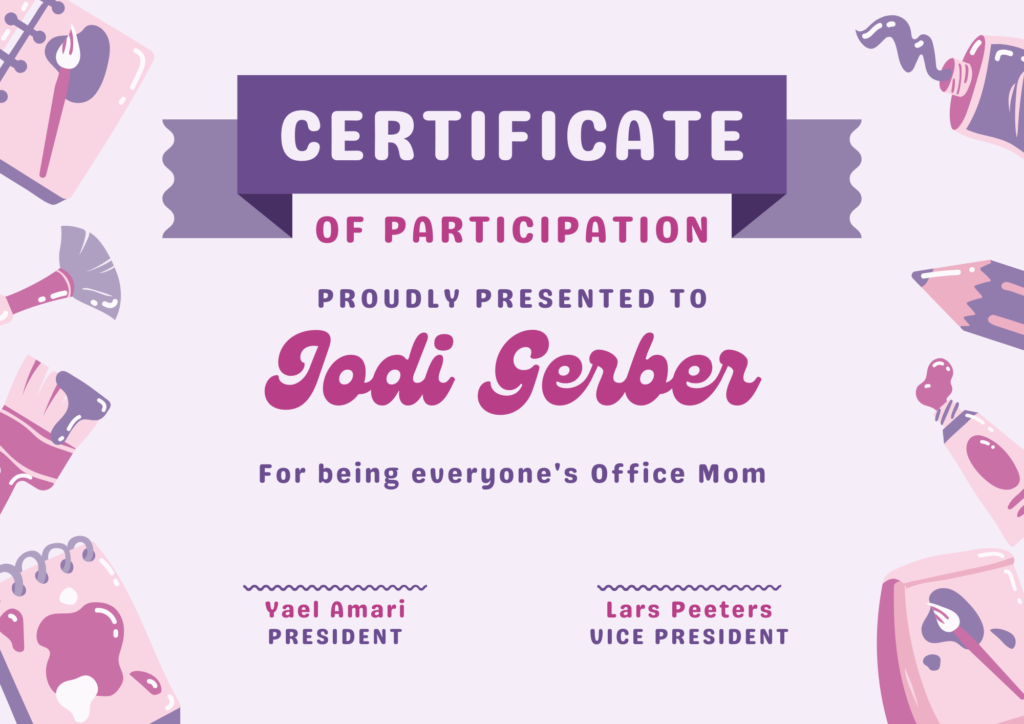
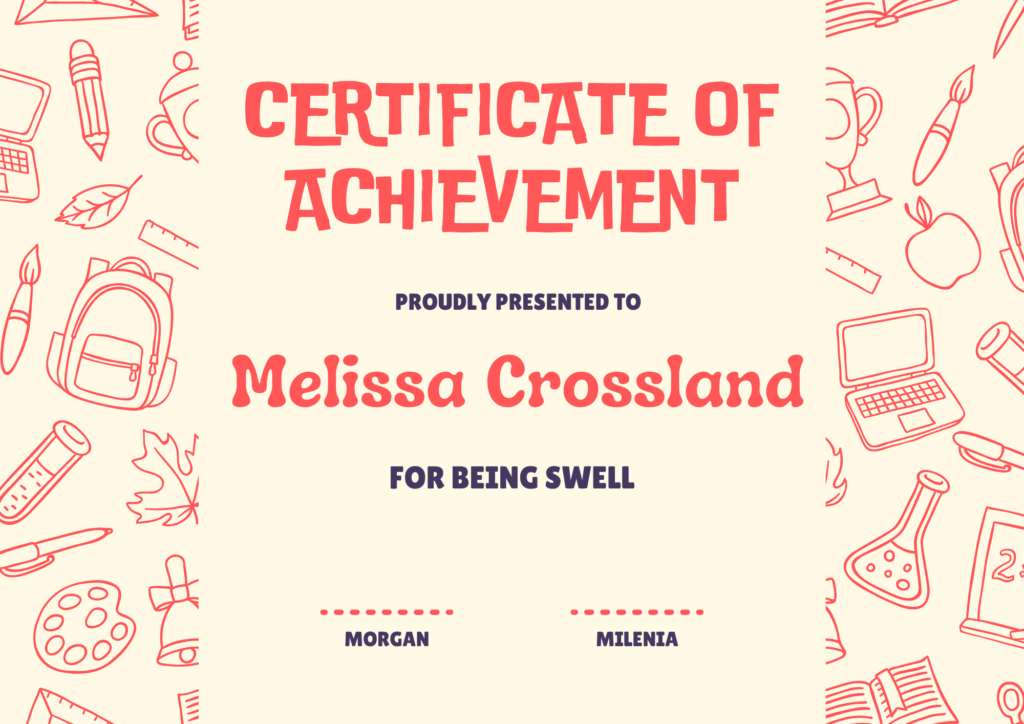
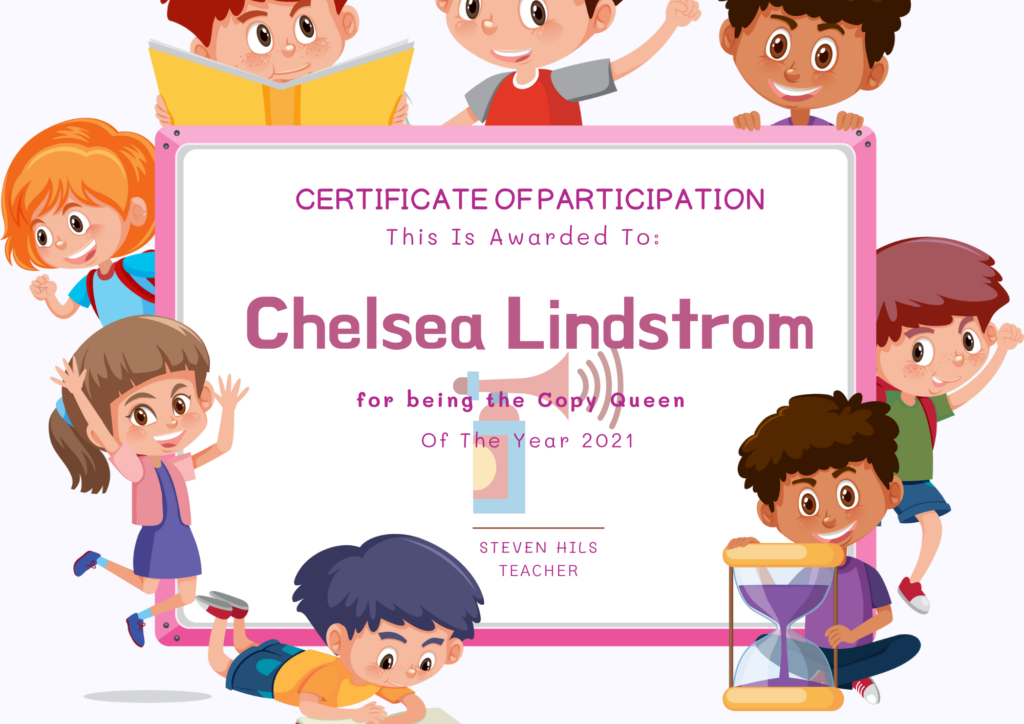
Ok, they aren’t literally countless because the computer counts them for us. However there are nearly EIGHT THOUSAND templates for certificates on Canva.com. In an effort to narrow that down to a more usable amount I searched “School Certificates” and got 1,200+ results. So use Canva.com to make some fun and captivating awards for your students.
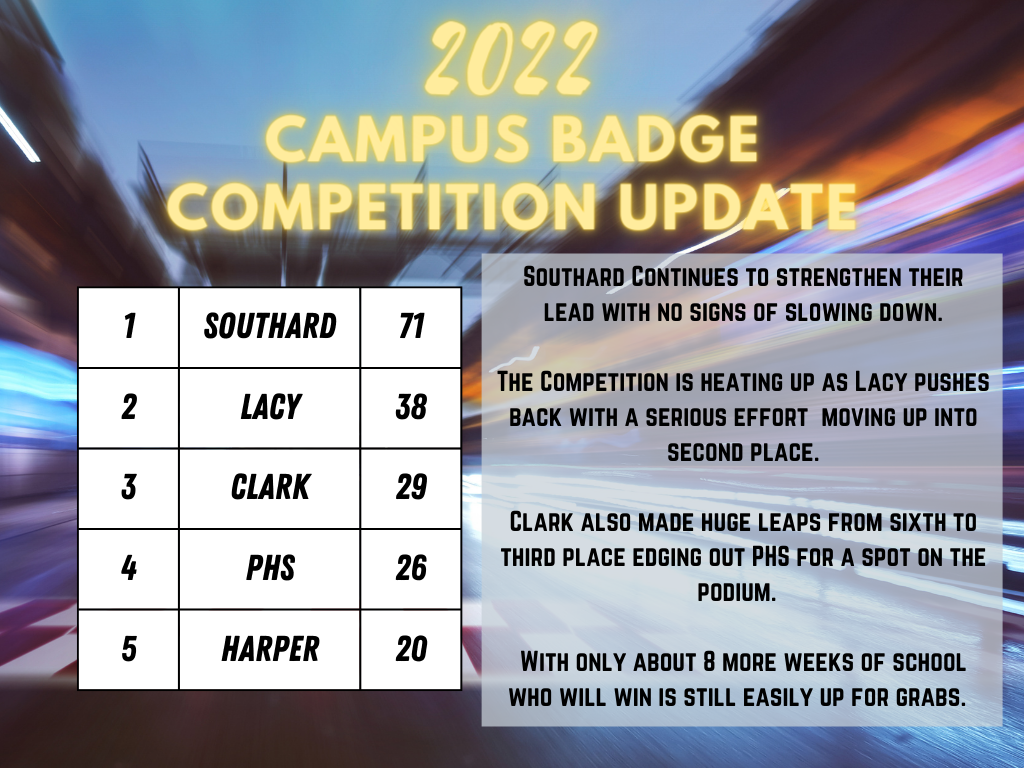
There are 3 new badges on the badge page as a result of recommendations from wonderful teachers like you! Check them out and apply for the ones you have used. The badge competition is heating up. Stay tuned for an update on that.
Here is a new tool for creating digital assignments. It is similar to Class kick or TeacherMade. Now you have another option to create interactive assignments for your students to complete on their Chromebooks. In the first two minutes you will learn what Wizer.me does. Keep watching for a more in depth look at how to create activities with the platform.
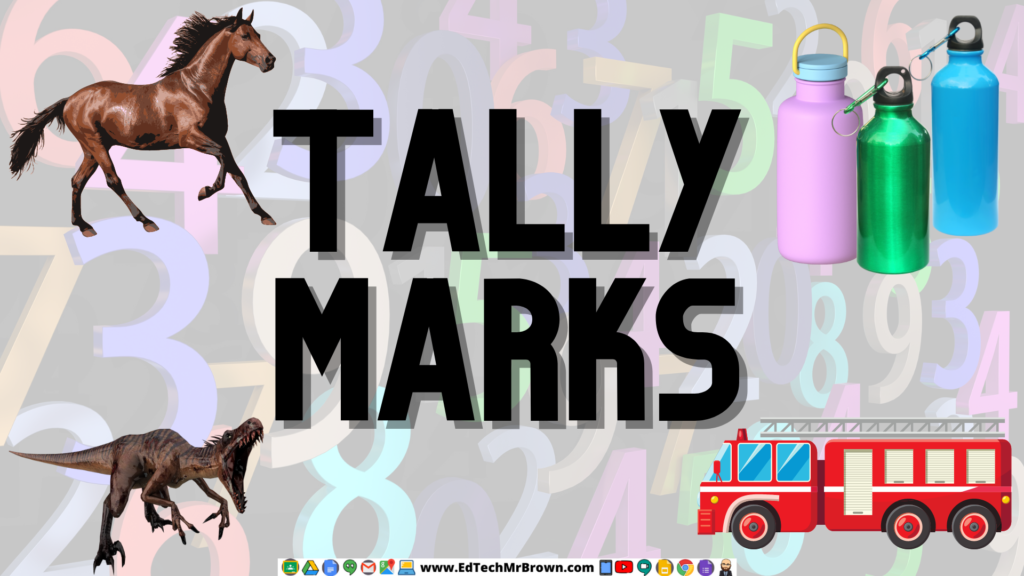
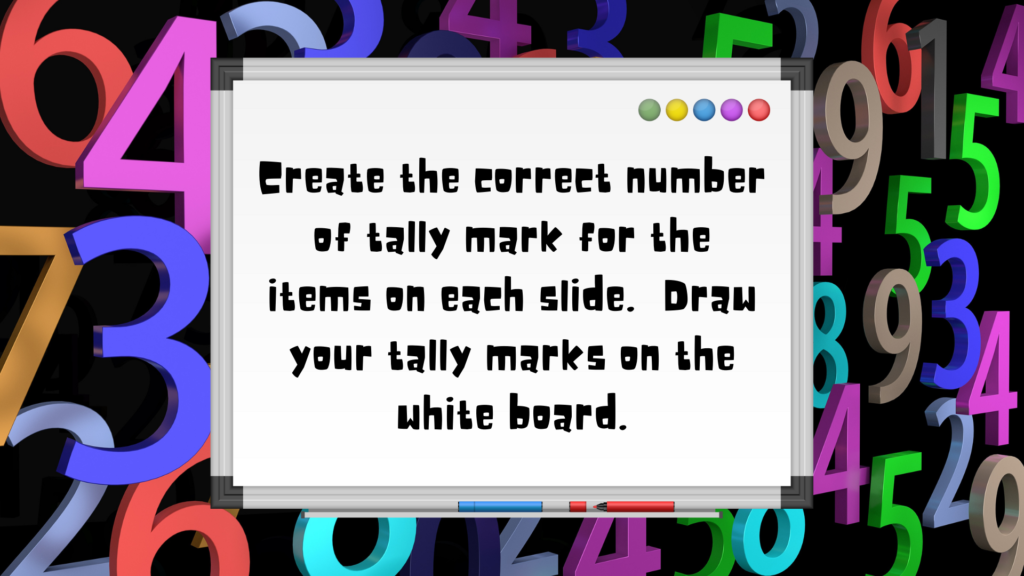
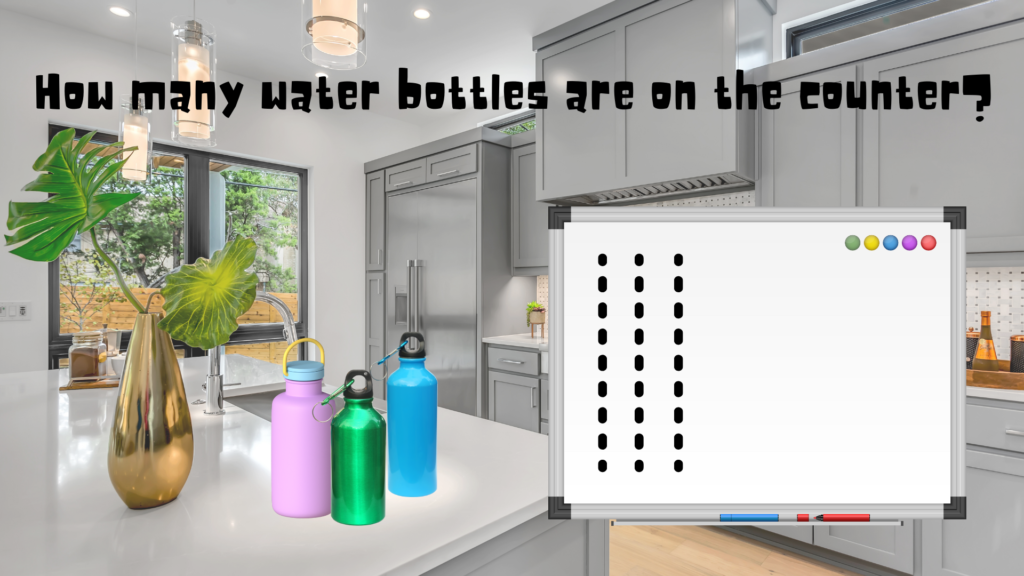
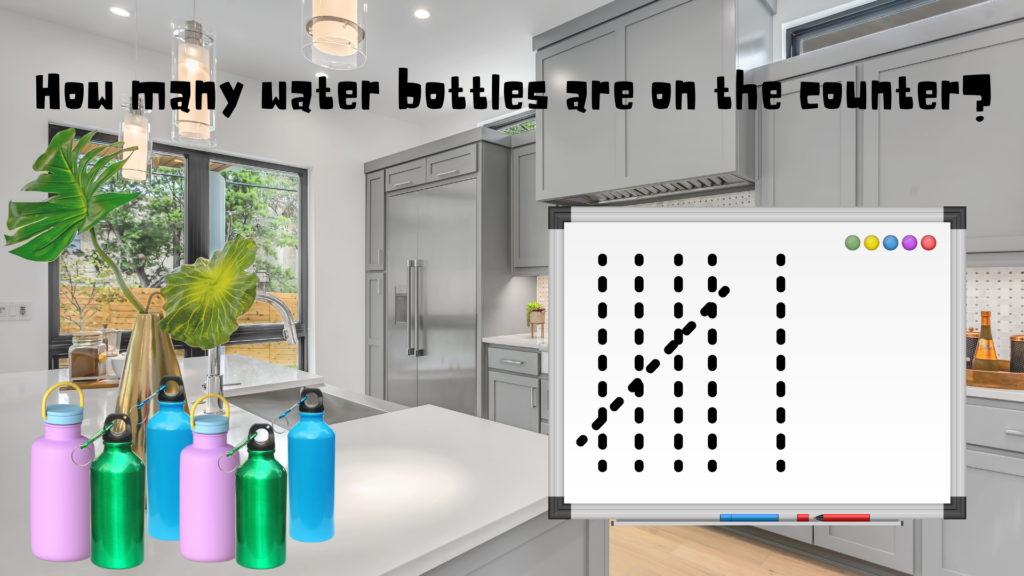
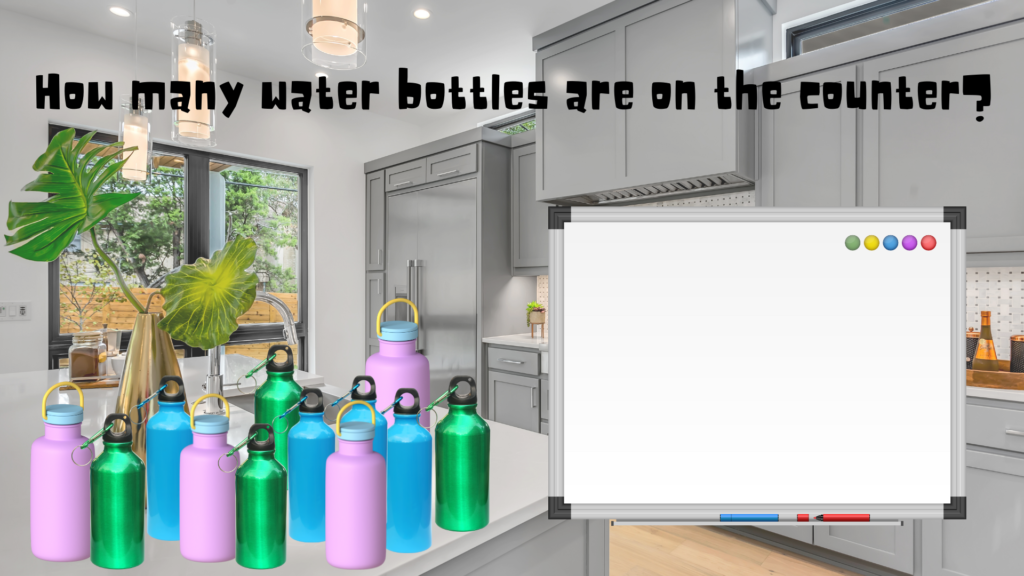
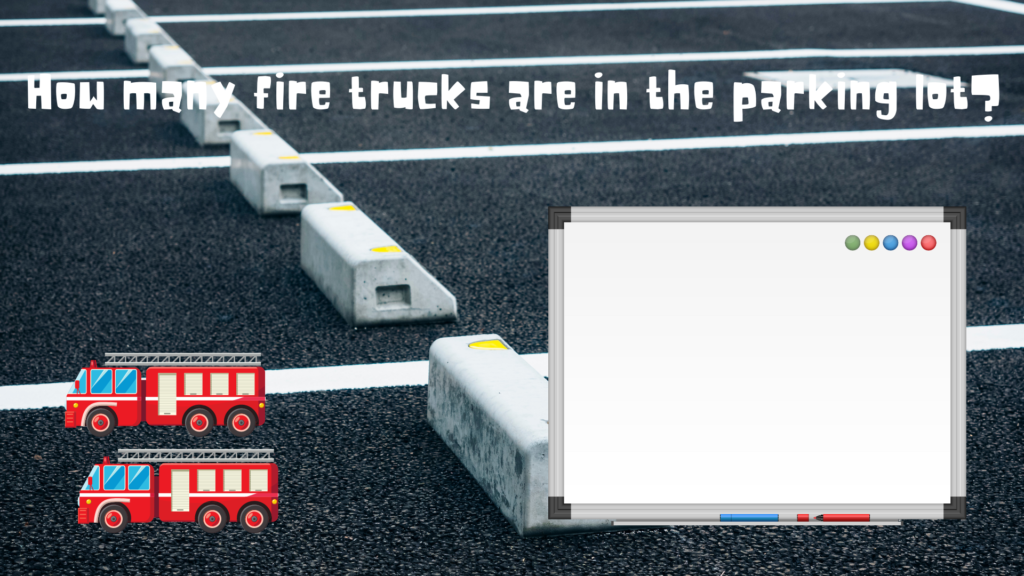
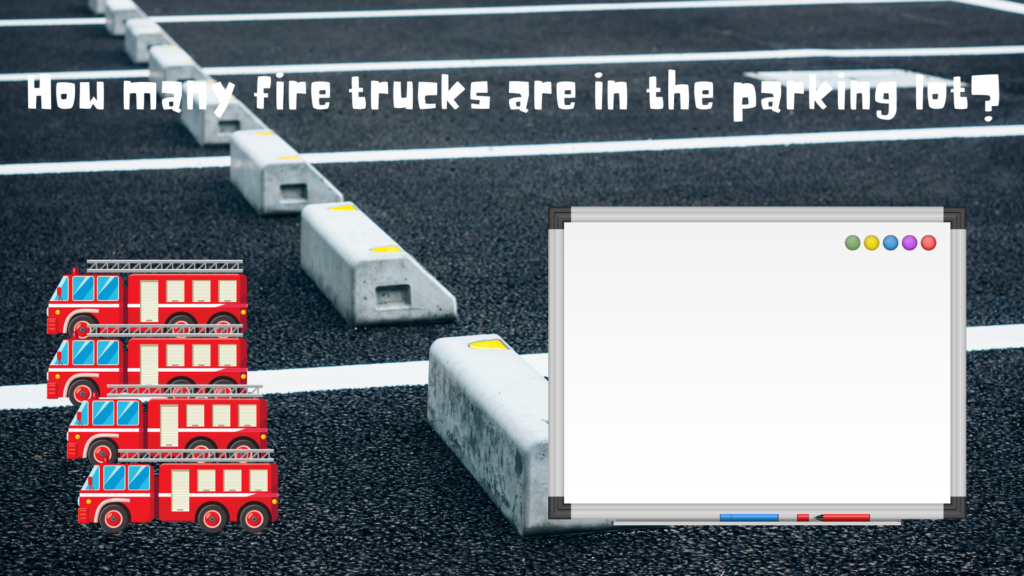
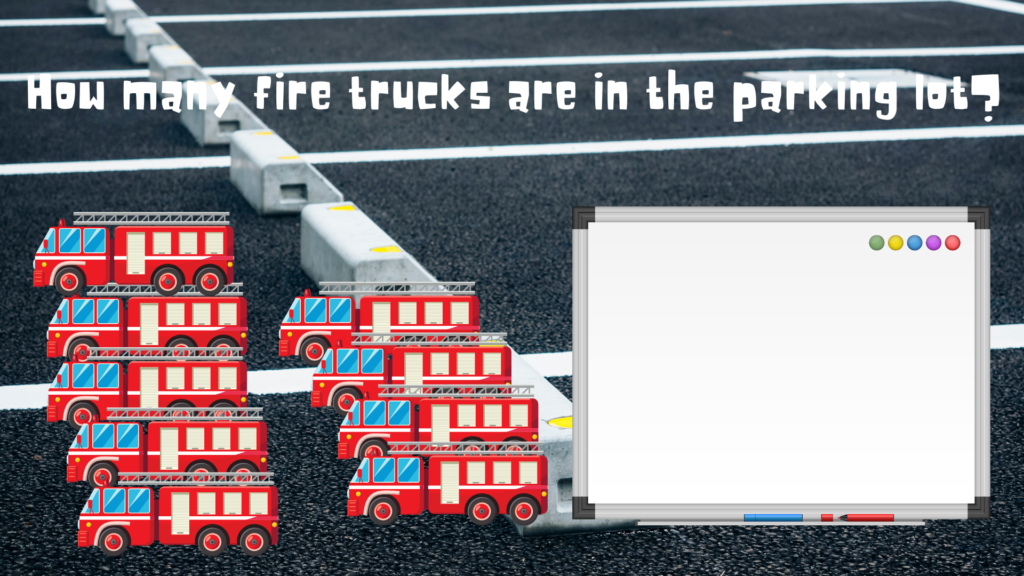
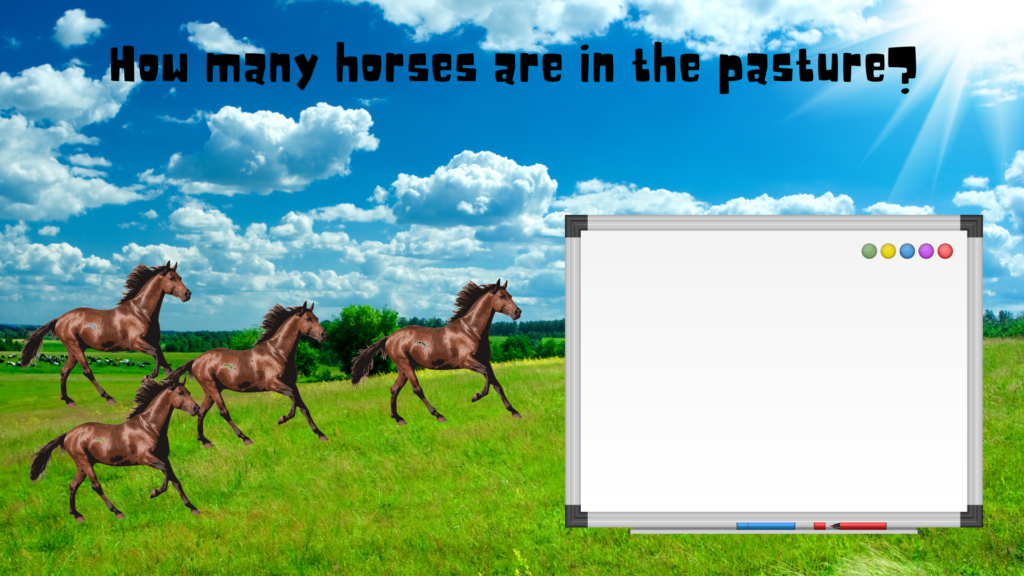
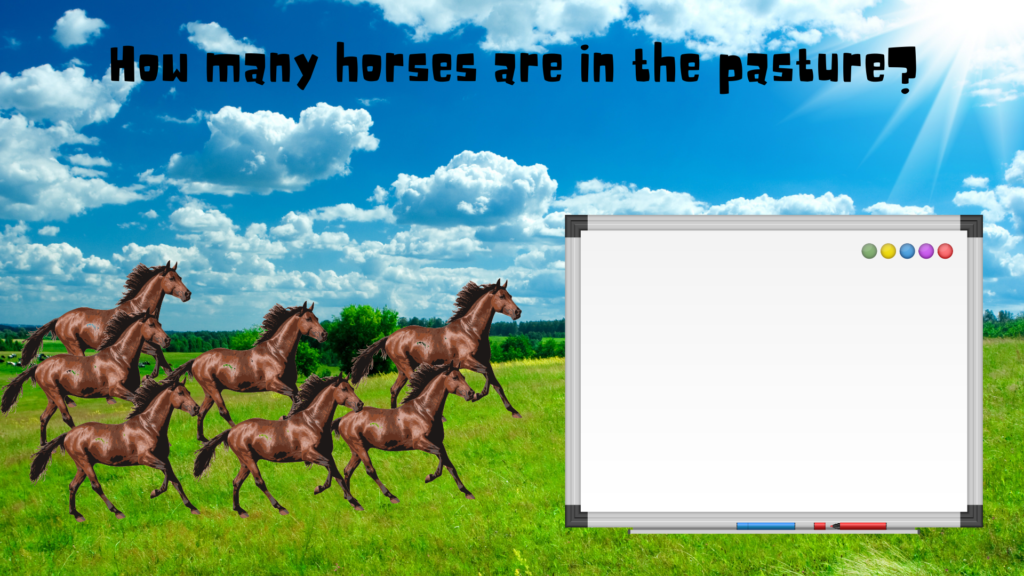
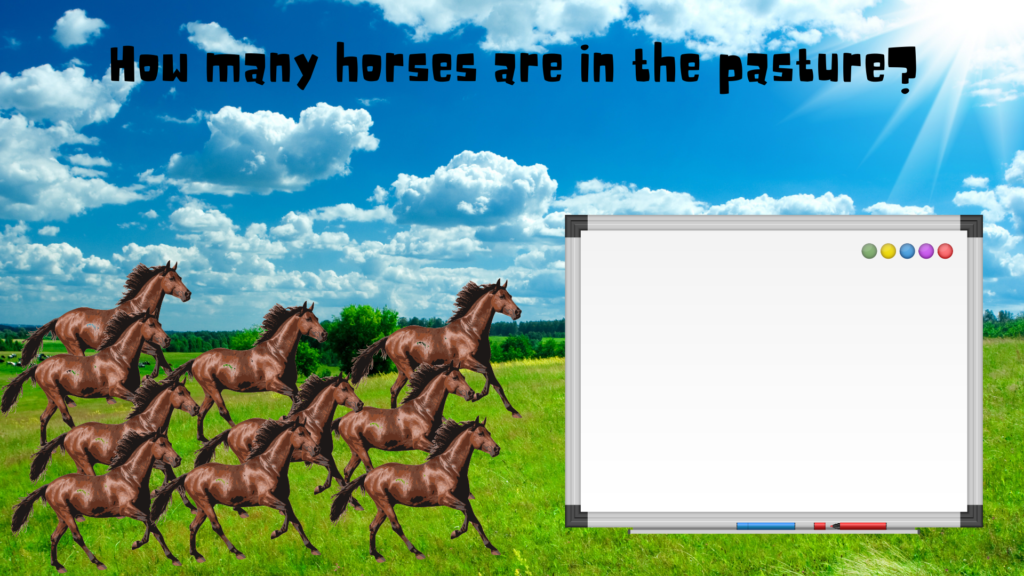
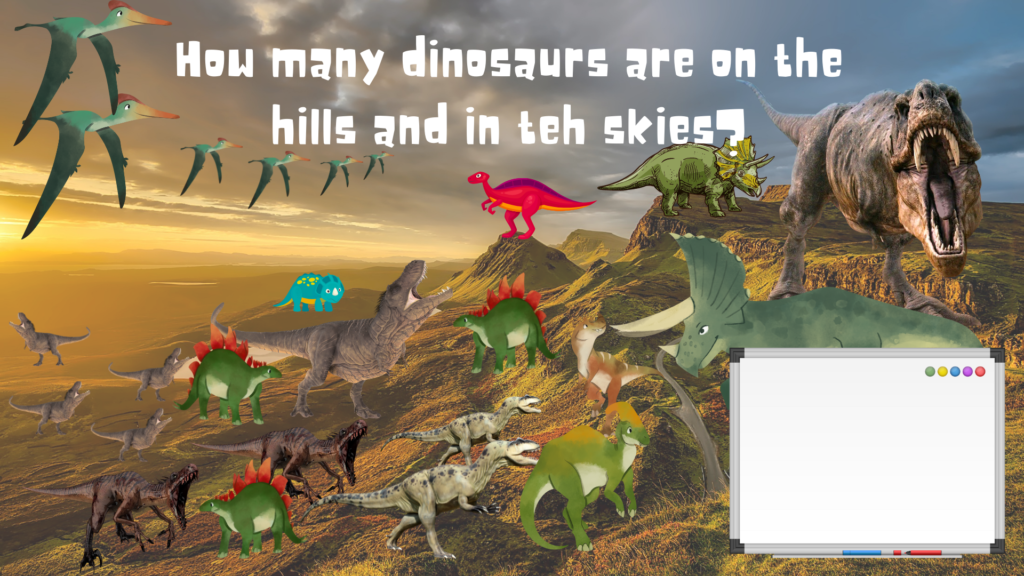
Here is an activity that asks students to count the number of items on a slide then to make tally marks for that number on the white board. This is designed for younger students. The first couple slides guide them through it then it becomes progressively more difficult as the activity proceeds. This activity was made in Google Slides. It is best when presented on a SMART board but will work fine on a plain old white board as well if you aren’t that lucky. There are 13 slides and 10 individual tallying activities.
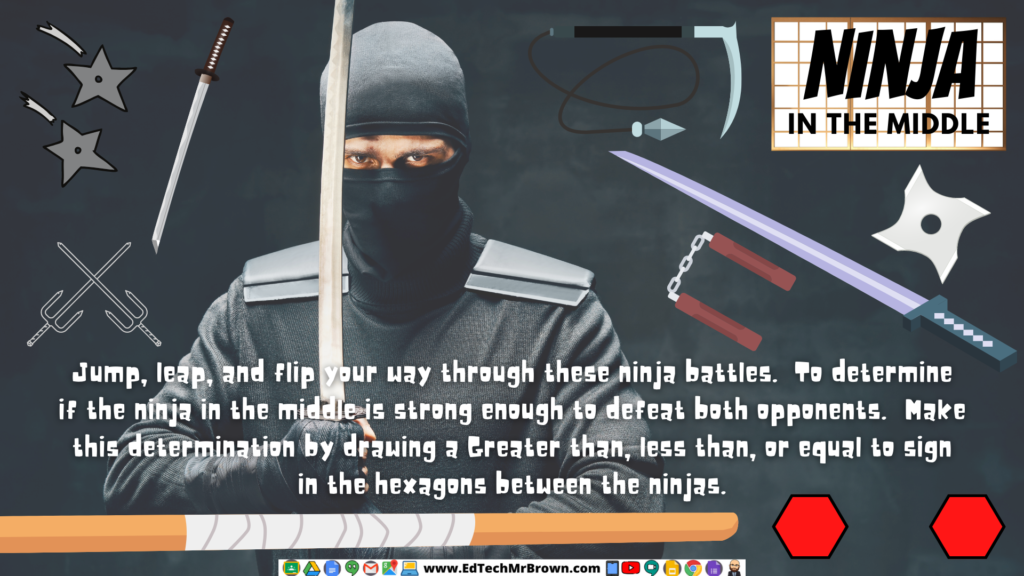
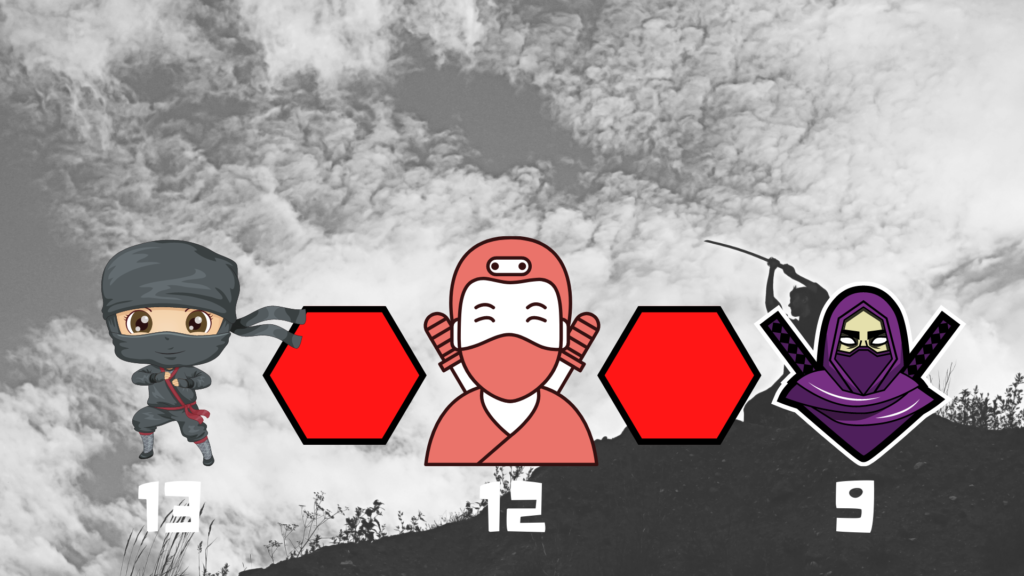
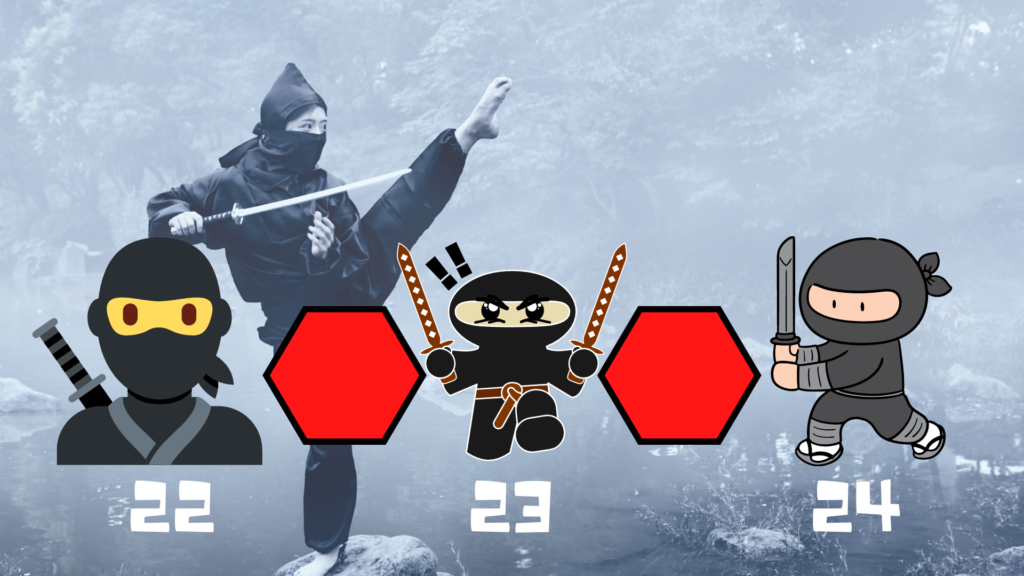
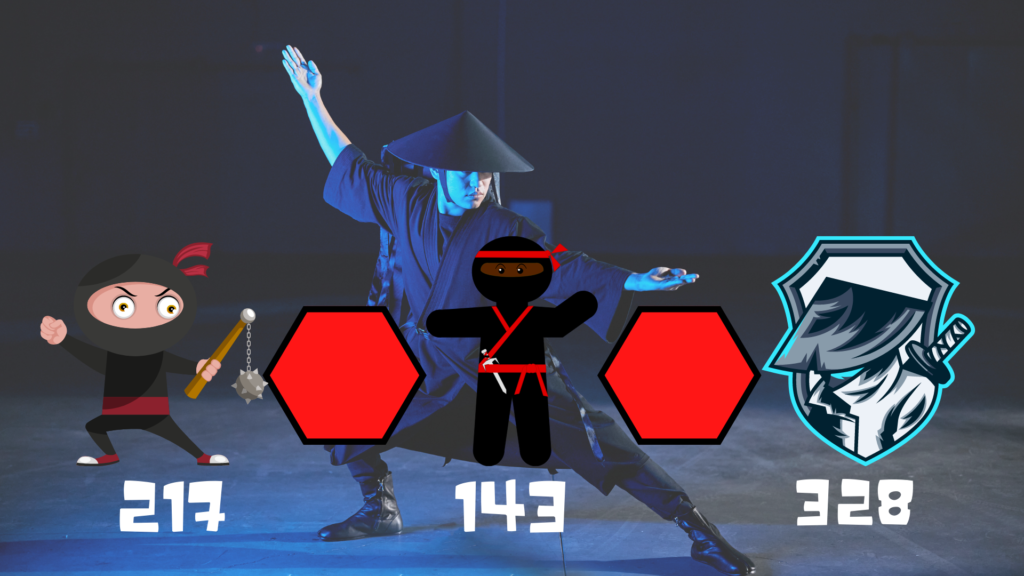
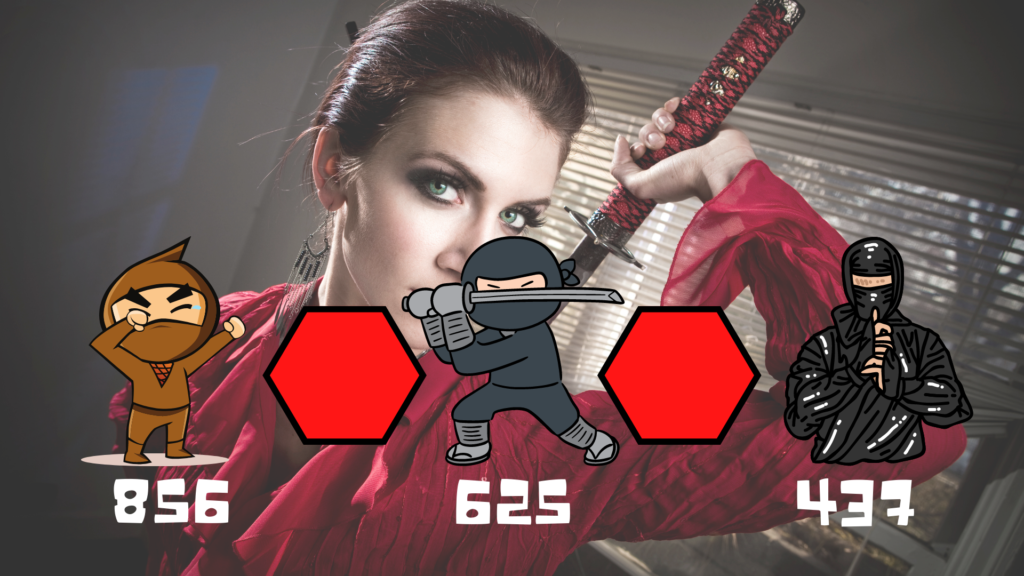
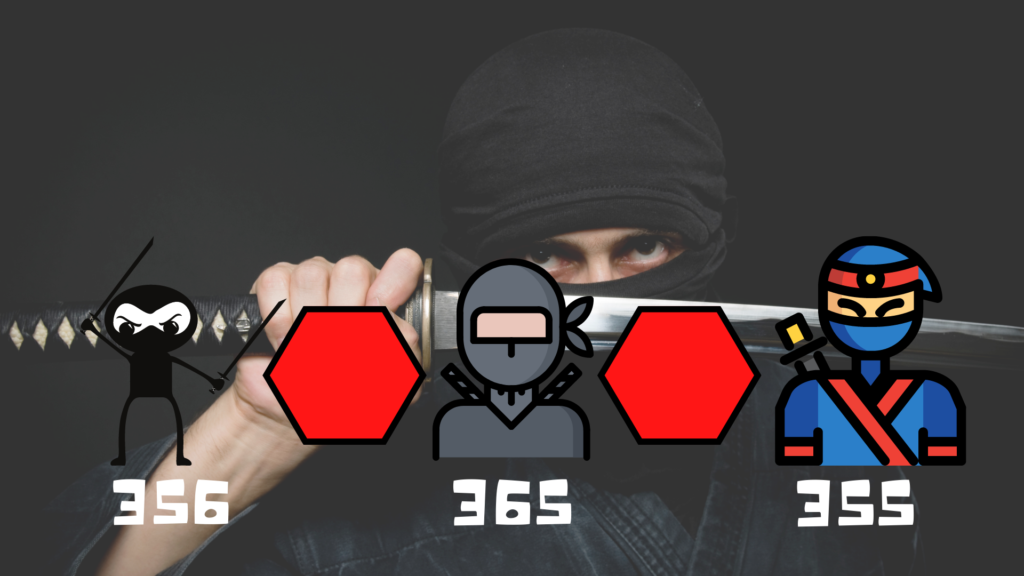
Here is a very engaging math activity that will have students compare three numbers in a greater than less than 3 way template. The three numbers are pitted against each other in a Ninjutsu battle. There are 20 battles to work through that increase in difficulty as you proceed. This is designed to be completed on a SMART board but you could just as easily do this as a teacher led group activity, or even with a whiteboard marker and eraser.